Year Review
Look back on your year month by month, plan the next one, and get your year in numbers on one page.
Tell Claude or ChatGPT how each month went. It keeps your words in your own Notion, helps you name themes and goals for next year, and makes one HTML file that shows your year: months reviewed, scores, tasks done, goals reached and next year's themes. It works for any year, including a year that is only partly over.
Tested by Prototion in Claude and ChatGPT
- Notion template
- Claude Skill
- ChatGPT project files
- Offline HTML report
- Setup guide
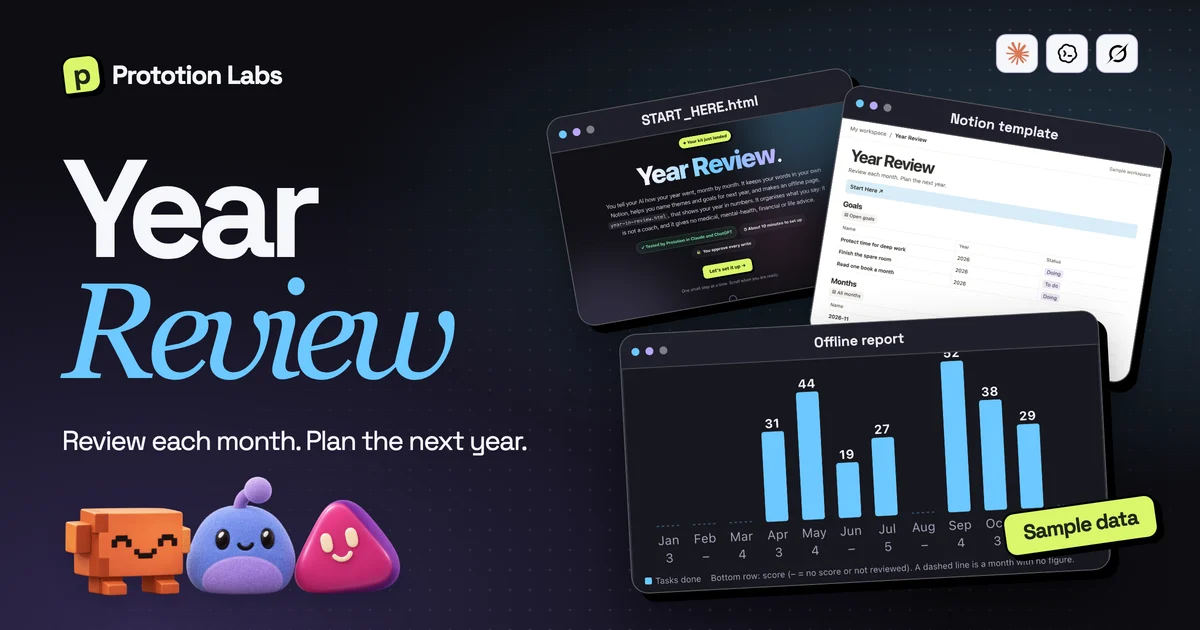
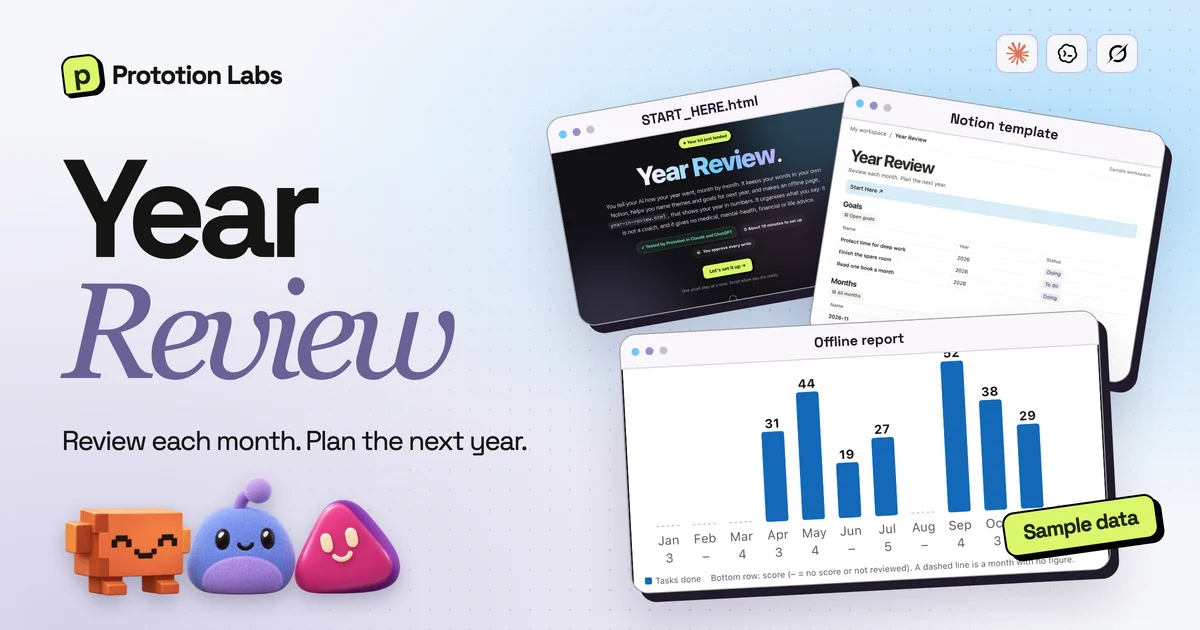
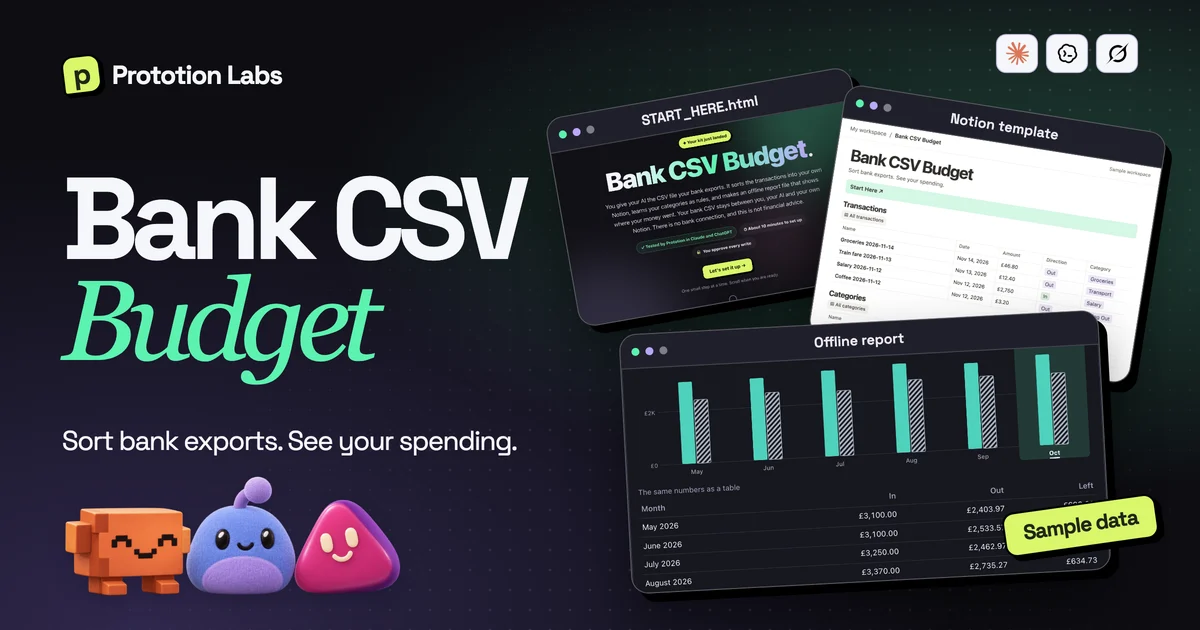
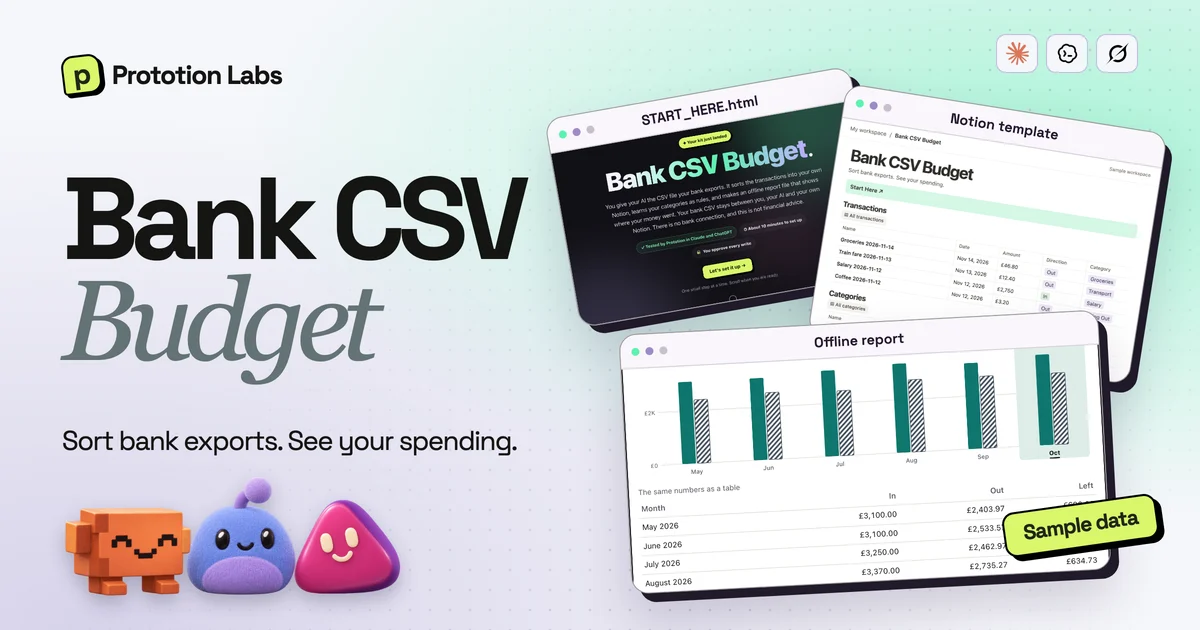
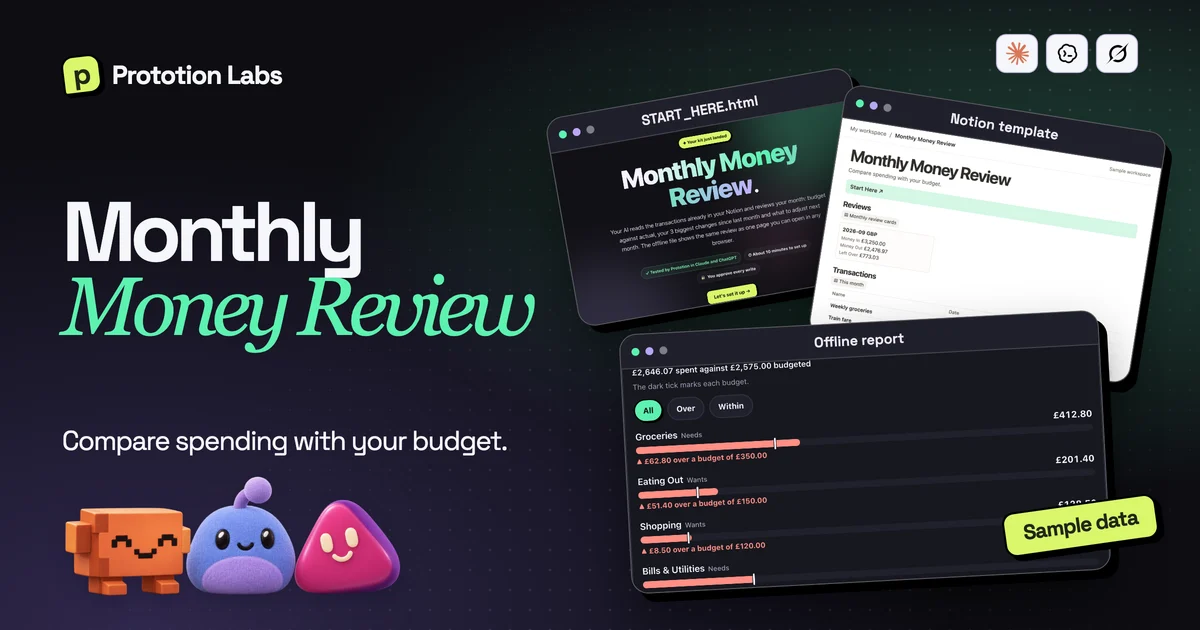
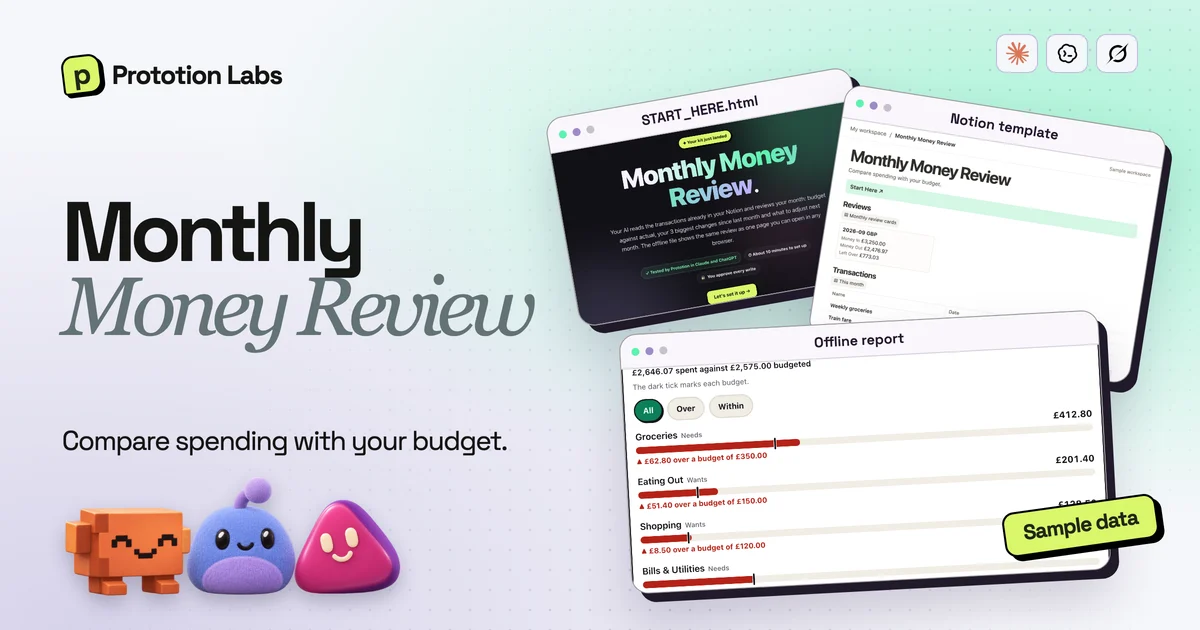
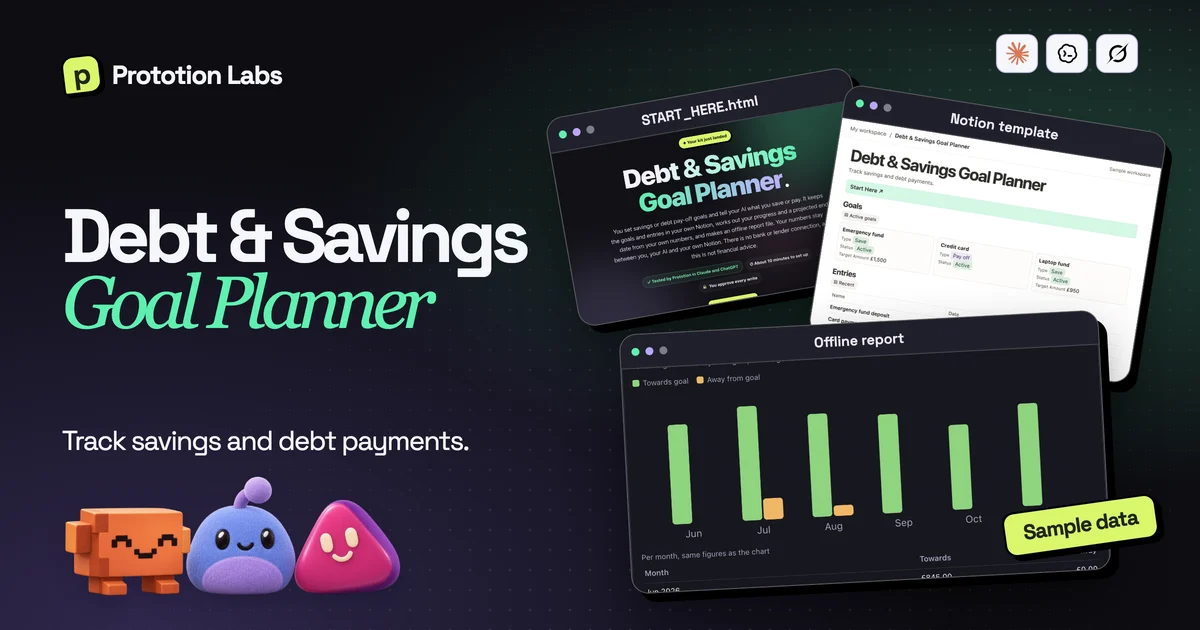
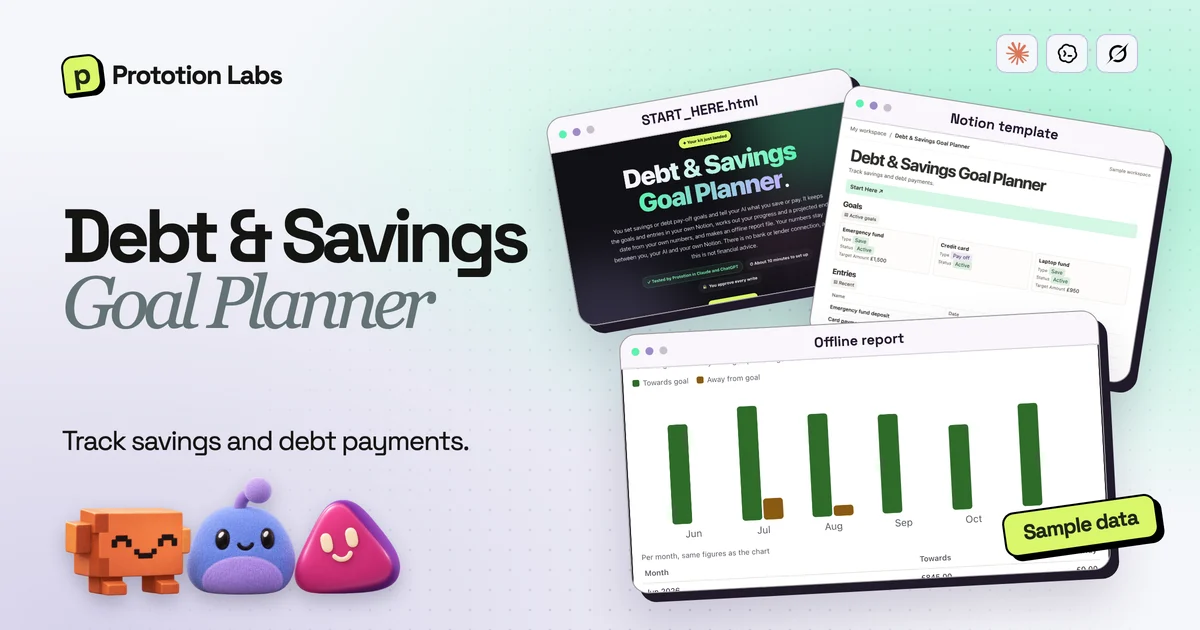
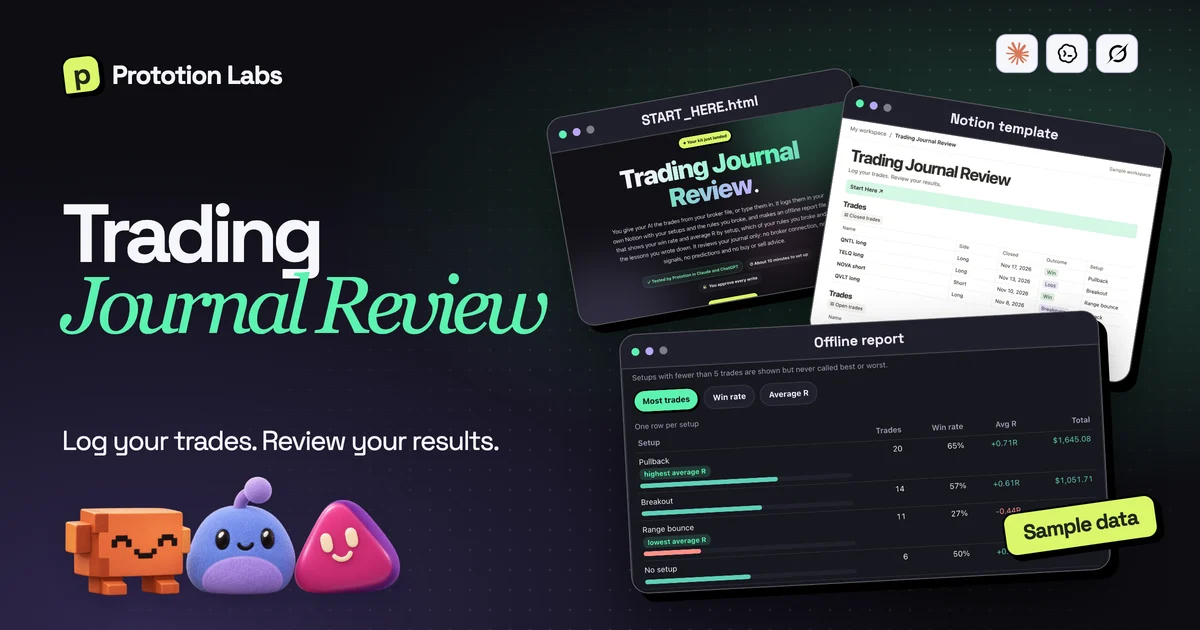
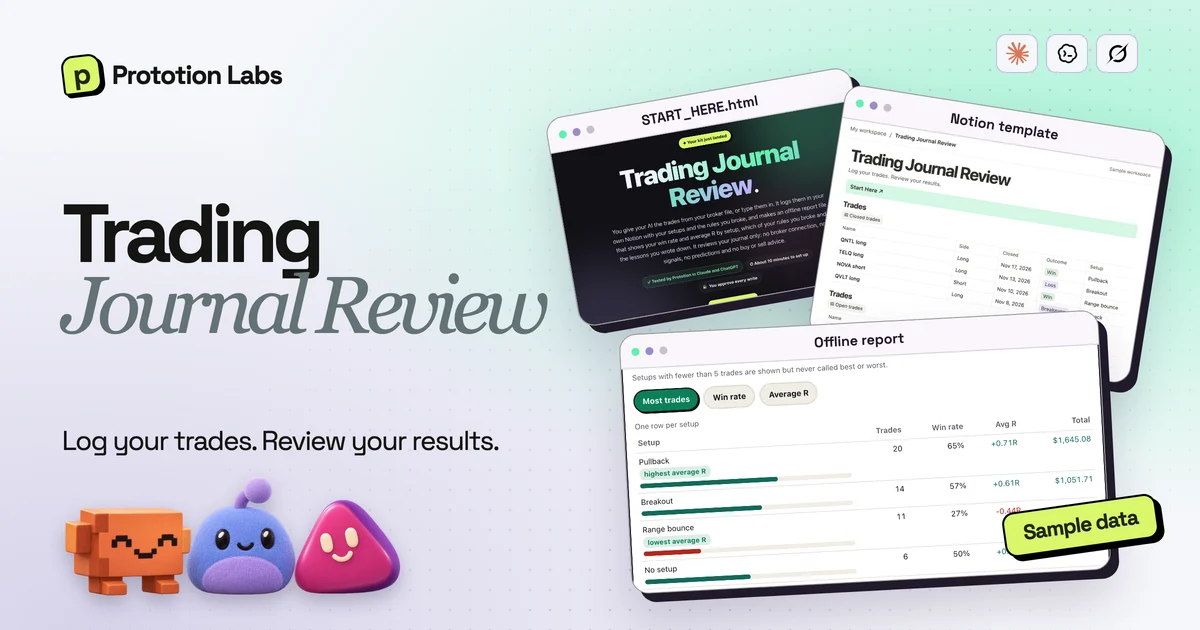
What you will actually see.
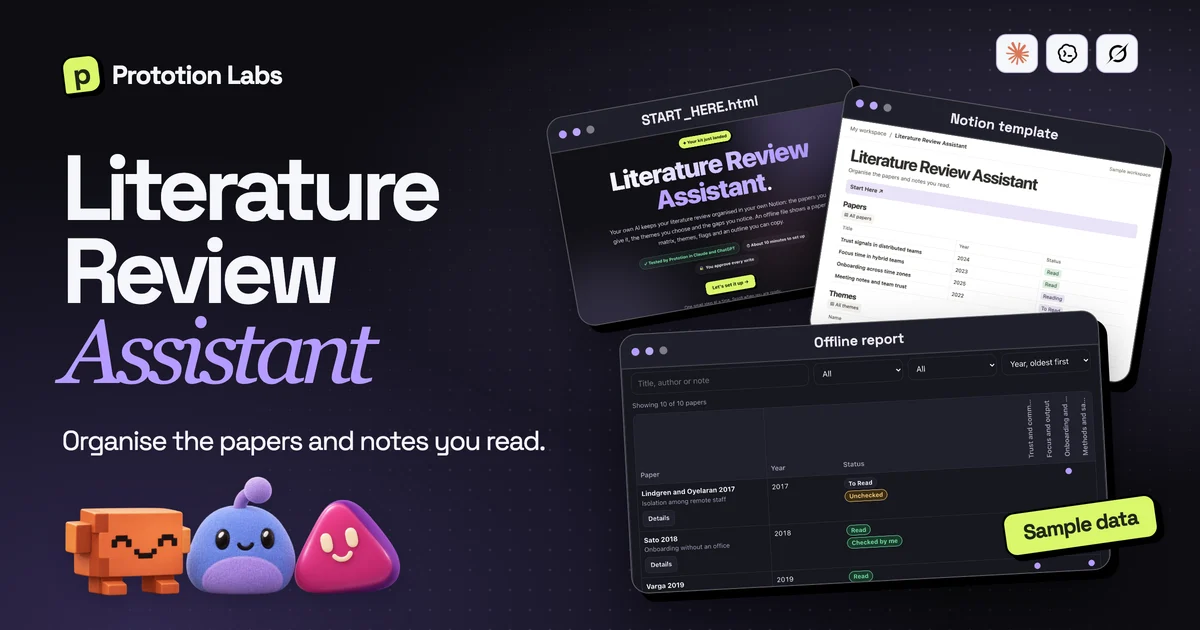
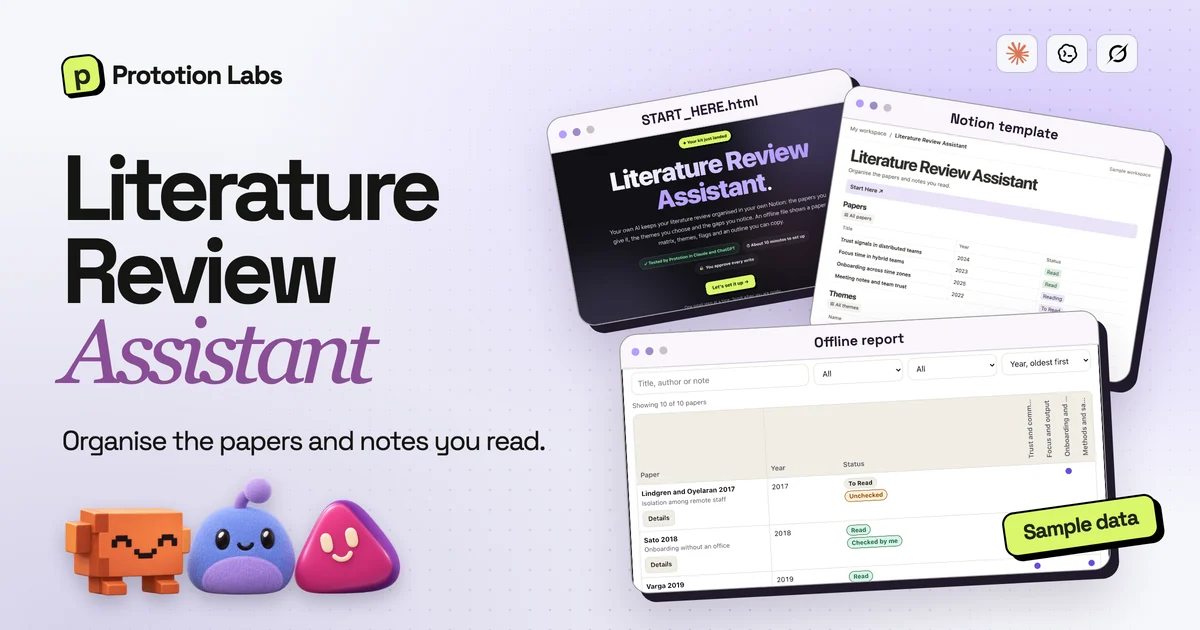
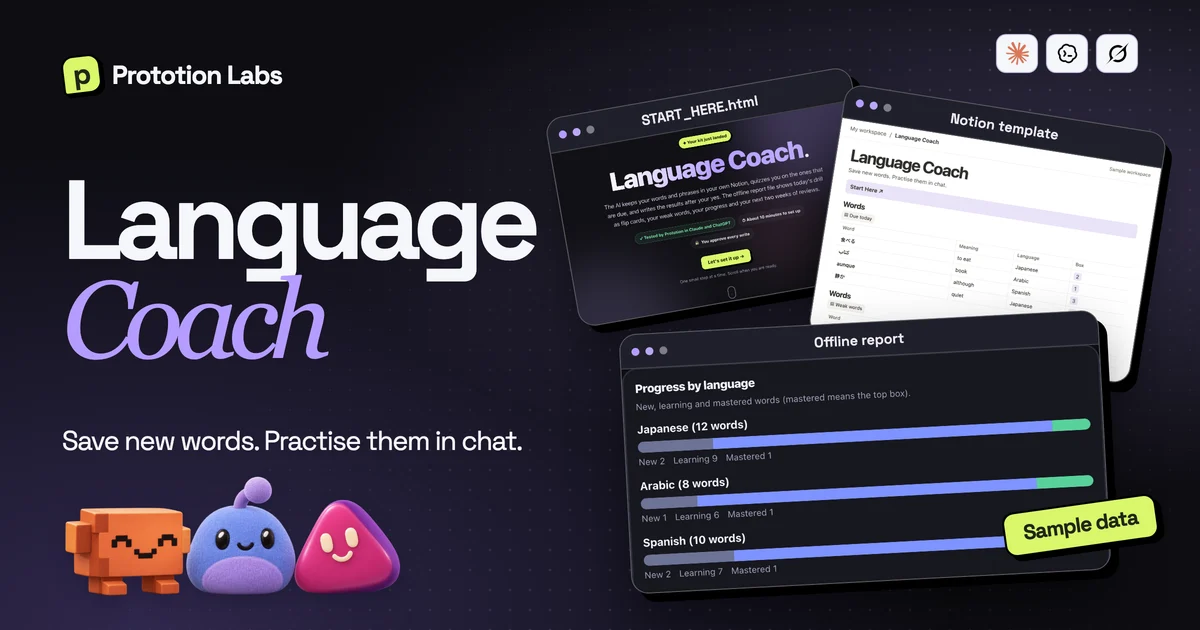
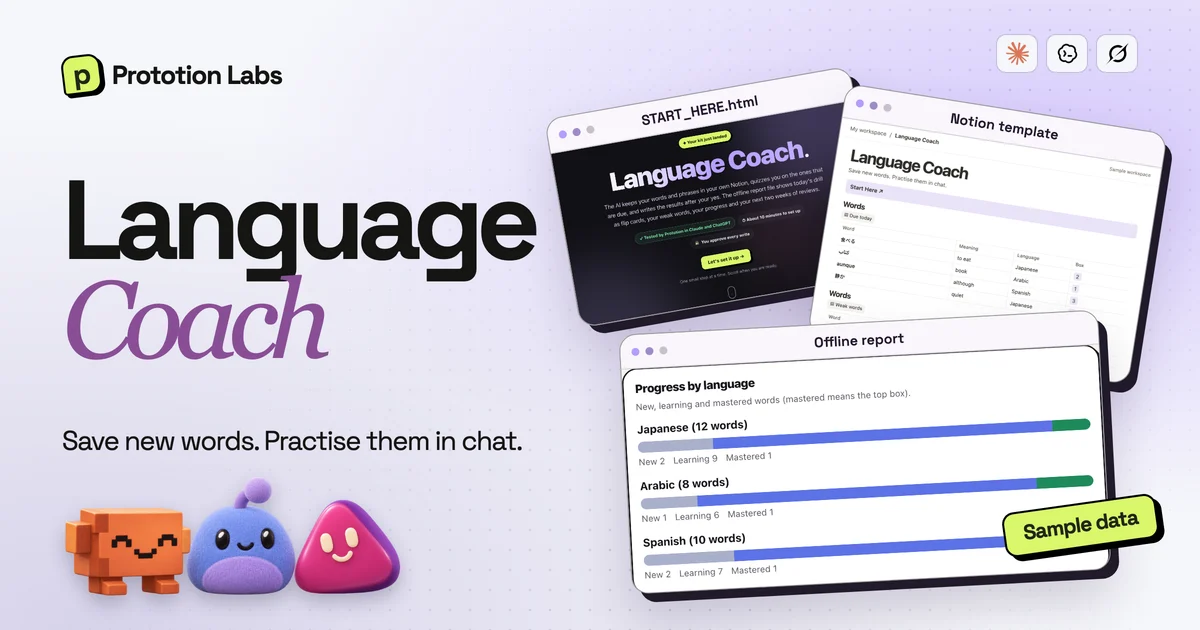
Screens from the kit's sample report and template layout, with invented sample data.
Built for one job. Done the same way every time.
- 01
Your words, not the AI's
For each month your AI asks what went well, what did not happen, where most of it went, and a score from 1 to 5 (or skip). It writes those answers as short lines in your own words. It never invents a win, a slip or a score. Skip a month and it stays empty.
- 02
You approve before anything is saved
It shows one table, you say yes, then it writes. A yes covers only the table you were shown, and it reads each row back afterwards. It never deletes anything.
- 03
Plan next year without being coached
At the wrap-up it shows your year as facts, then asks for up to 3 themes and up to 5 goals for next year, in your words. It does not suggest goals or tell you what to do. A goal is marked Done or Dropped only when you say so.
- 04
A Notion you own
You duplicate one page into your own Notion: Months, Years and Goals. Months and Goals use the same property names as the Weekly Review kit, so you can run both.
- 05
A year page you can open offline
Ask for "numbers". Your AI makes one HTML file: months reviewed, year score, tasks done (only if you pointed it at a task list), goals reached, a month-by-month chart with a text table, where the months went, your wins, what slipped, and next year's themes and goals. It loads nothing from the internet and changes nothing in Notion.
- 06
Use the AI you already have
The workflow is the product, and it is the same on each AI. You use your own plan.
From download to your first report.
- 01
Copy the Notion template
Duplicate the Year Review page into your own Notion and check it with the checklist.
- 02
Set up your AI
Follow the Claude steps or the ChatGPT steps. Connect your Notion, and keep write actions on approval where you can.
- 03
Say "walk"
Go through the months that have started, one at a time or several at once. Check the table, say yes.
- 04
Say "wrap", then "numbers"
Pick the year's top wins, themes and goals for next year, say yes, then ask for the year page.
One ZIP, ready to go.
One ZIP, Year Review Kit v1.0, with these files:
START_HERE.html: open this first. Setup in three steps, how a year review works, and the honest limits.Notion/:TEMPLATE_LINK.md(the link to duplicate) andDUPLICATION_CHECKLIST.md.Claude/:CLAUDE_SETUP.md,FIRST_CHAT_MESSAGE.mdandyear-review-operator.zip, the skill you upload to Claude.ChatGPT/:QUICK_START.md,PROJECT_INSTRUCTIONS.md(you paste it into a project),YEAR_REVIEW_CONTEXT.mdandreport.html(the two files you add),FIRST_CHAT_MESSAGE.md.Agents/: early setup notes for Claude Duet, OpenAI dot and Grok Bot, not yet tested by Prototion.Report/:report.html(the template) andsample/year-in-review.html, a sample with invented data that you can open now.Support/TROUBLESHOOTING.md: fixes for common problems.
Accounts you probably have.
- A Notion account. A free one is fine for the template itself.
- Claude or ChatGPT.
- Claude: any plan, including Free. Turn on code execution and file creation, and connect Notion.
- ChatGPT: any plan that has Projects. The Free plan allows 5 project files and the kit uses 2. Connect the Notion app.
- A web browser, to open the year page.
- Claude Duet, OpenAI dot and Grok Bot need paid plans, and some need a waitlist or a certain country. They are early notes only, not yet tested by Prototion.
Privacy
- Your wins, goals and notes go to the AI you choose, under that AI's own terms, and to your own Notion. They do not go to Prototion.
- Pages you point the AI at (a task list, a Weekly Review) are read, never written. It copies counts and short lines you keep, not whole pages.
- It never writes passwords, card numbers or similar secrets.
- The year page is offline: it loads nothing from the internet and sends nothing anywhere.
What it cannot do.
- It sees only what is in your Notion and what you tell it. It cannot see your calendar, email or photos, and nothing happens by itself: you ask for the review.
- Wins, slipped items, themes, goals and scores are your own words. It organises them and does not judge them.
- The numbers are only as complete as the Notion pages they come from. A task count exists only if you pointed it at a task list; skipped months stay empty.
- A month or year row is a snapshot at review time. Later changes do not update it.
- Claude can save the year page for you. Other AIs may only print its code, and then you save it yourself.
- This is a planning aid. It is not coaching, and not medical, mental-health, financial or life advice.
Who it is not for.
- You want a coach, a pep talk or advice on what to change in your life. This records and organises what you say.
- You want automatic tracking or reminders. It works only while you chat with it.
- You want it to decide your goals or score your year. Those are yours.
- You do not want to use Claude or ChatGPT, or Notion.
Year Review: FAQ
Has Prototion tested this?
Tested by Prototion in Claude and ChatGPT. The Claude Duet, OpenAI dot and Grok Bot notes are early and not yet tested by Prototion.
Which plans do I need?
Claude: any plan, including Free. You must be able to turn on code execution and file creation and connect Notion. ChatGPT: any plan that has Projects. The Free plan allows 5 project files and the kit uses 2. You also need a Notion account. Claude Duet, OpenAI dot and Grok Bot need paid plans, and some need a waitlist or a certain country.
Which year does it review?
Any year. It suggests one from today's date: the year that just ended if it is before April, the current year from October, and it asks in between. You can always name the year yourself. Nothing in the kit is tied to a particular year.
My year is not over. Can I still use it?
Yes. The walk offers only months that have started. The current month is offered last as "the month so far". Months that have not started show as "Not started" on the year page, not as zeros.
Does it give advice or coaching?
No. It records and organises what you tell it. It gives no medical, mental-health, financial or life advice, and it does not suggest your goals. If you ask for ideas, it only points back at your own wins, slipped items and unfinished goals.
Does the AI save things without asking?
It asks first. It shows a table and waits for your yes. A yes covers only the table in that message. In Claude you can also set the Notion write tools to "Needs approval", so it asks twice.
Can it delete or change my rows?
It never deletes anything. It does not change a goal's name or note. To remove a goal it sets its status to Dropped, after your yes. If you want a row gone, delete it in Notion yourself.
Where do my words go?
To the AI you choose, under that AI's own terms, and to your own Notion once you approve. Not to Prototion. The year page is offline: it loads nothing from the internet and sends nothing anywhere.
What is "Tasks done" on the year page?
The sum of the Done Count of your reviewed months. A month has one only if you pointed the AI at a task list in Notion when you reviewed it. Otherwise the page says "Not counted".
Can I use it with the Weekly Review kit?
Yes. Months and Goals use the same property names as the Weekly Review kit's Weeks and Tasks, and you can point the walk at your Weekly Review to jog your memory. The two kits share no databases and neither needs the other.
What are SKIP and CHECK?
SKIP means a goal with the same name and year is already in Goals, so it is not written again. CHECK means a goal looks like the same thing in other words; it is saved only if you say it is new.
What if my AI cannot save the year page?
Some AIs only print it as code. Save it as a plain-text file named `year-in-review.html` and open it in your browser. If that is not possible, ask for the year as a short table in the chat.
Why is a month shown as "Not reviewed"?
You skipped it, or its row's Month Start is not inside that year. A month with no row is never shown as zero.
Year Review. Yours in your Notion.
Year Review Kit by Prototion Labs. For Notion. This is not made by or endorsed by Notion, Anthropic or OpenAI.
Pairs well with.
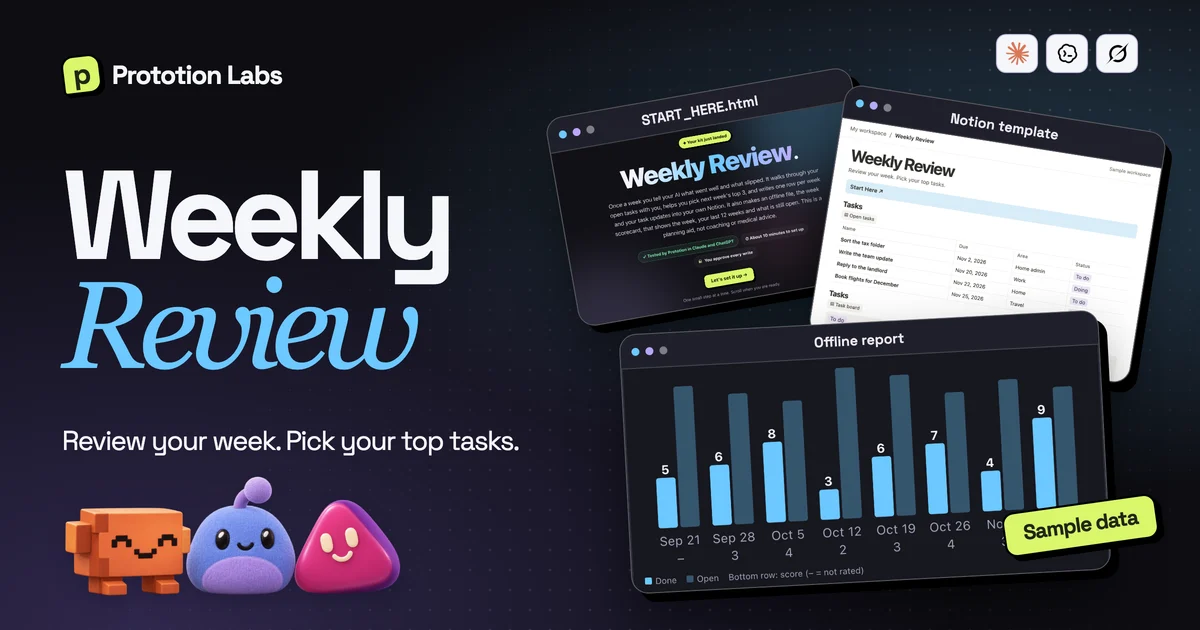
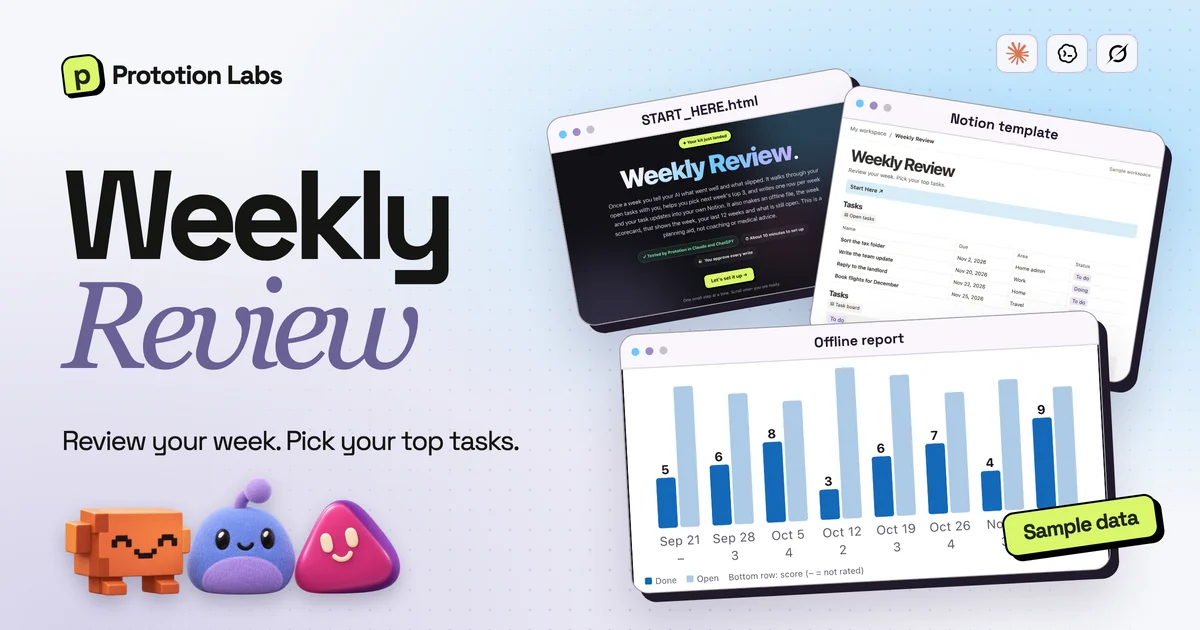 Weekly ReviewSay "review". Your AI walks you through your week, plans your top 3, and writes it into your own Notion after your yes.
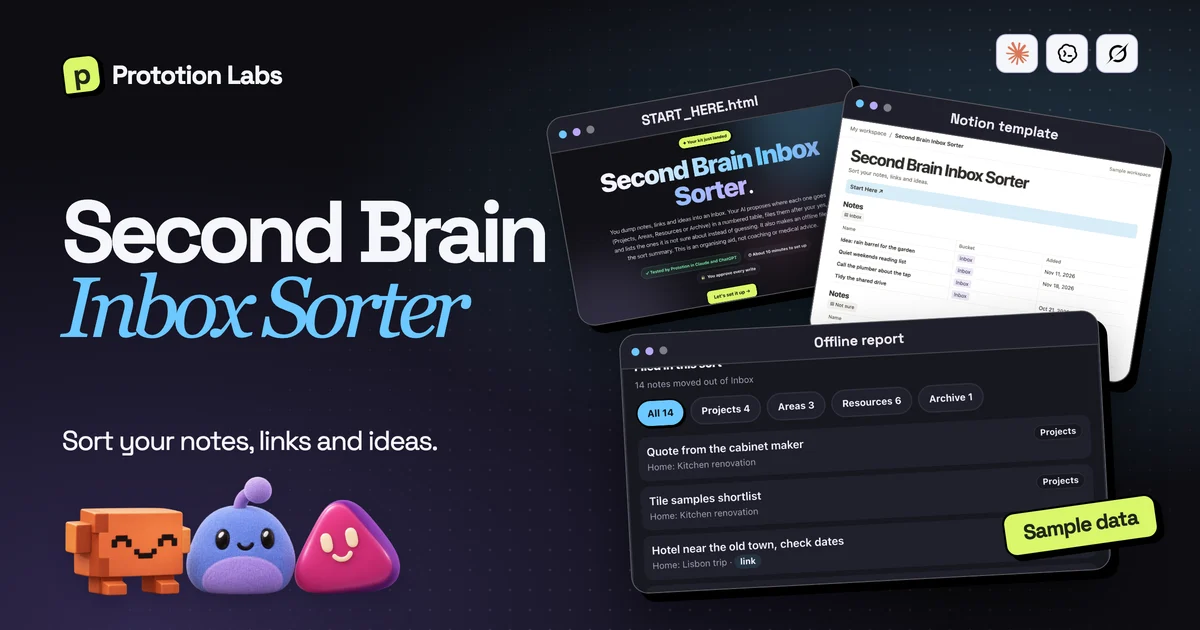
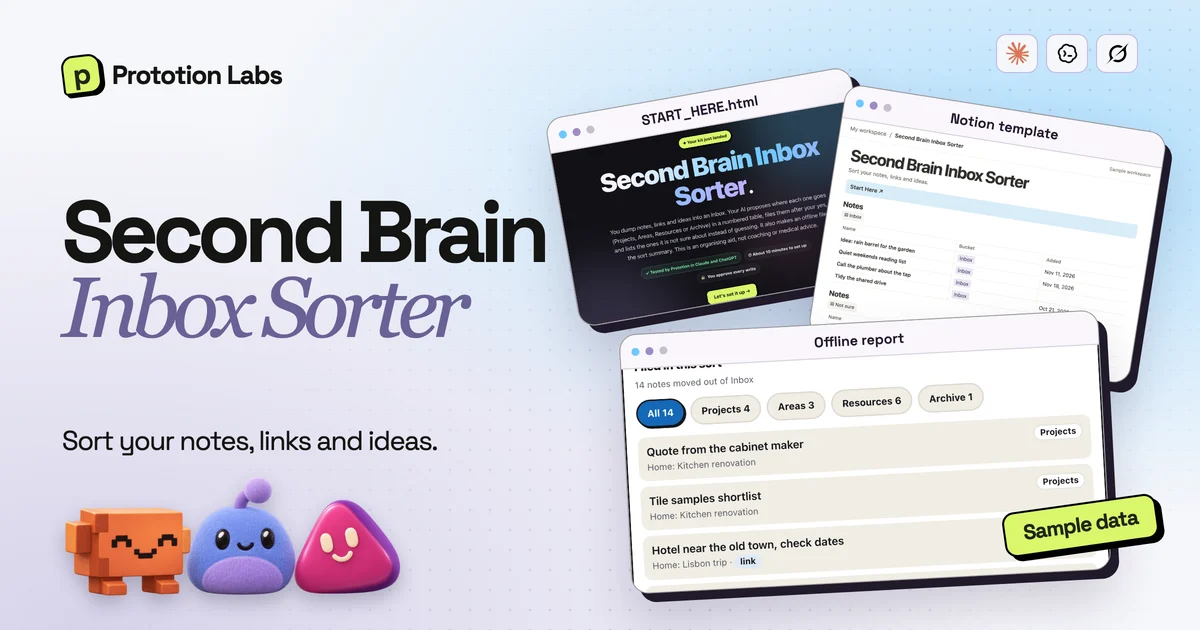 Second Brain Inbox SorterSay "sort". Your AI proposes where each note, link and idea goes, and files them in your own Notion after your yes.
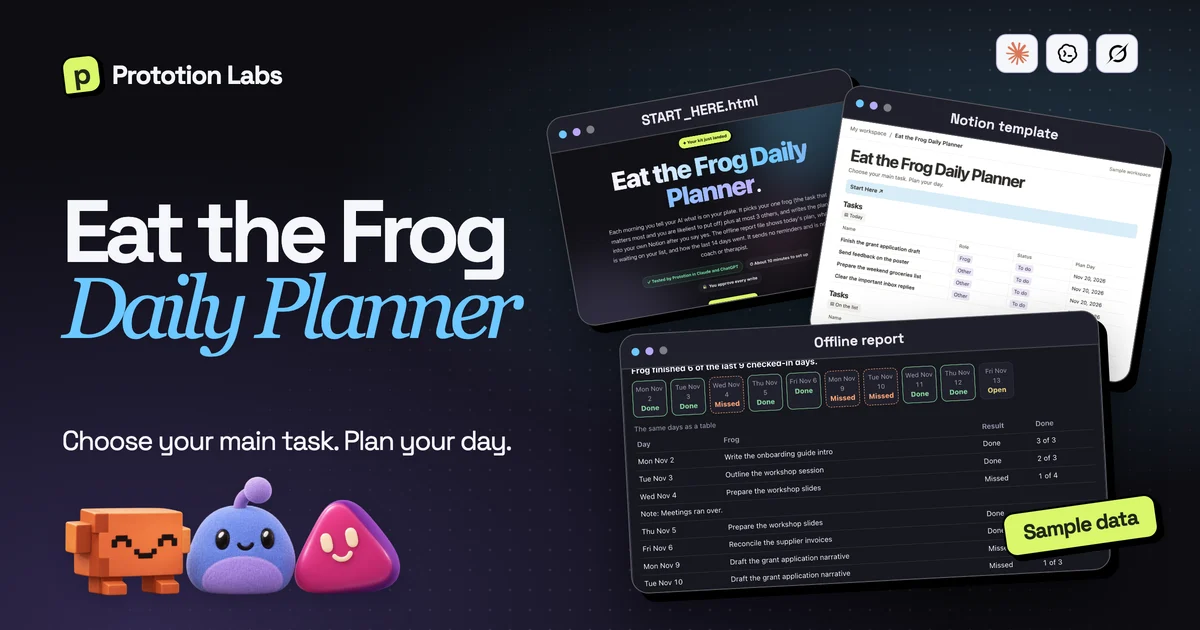
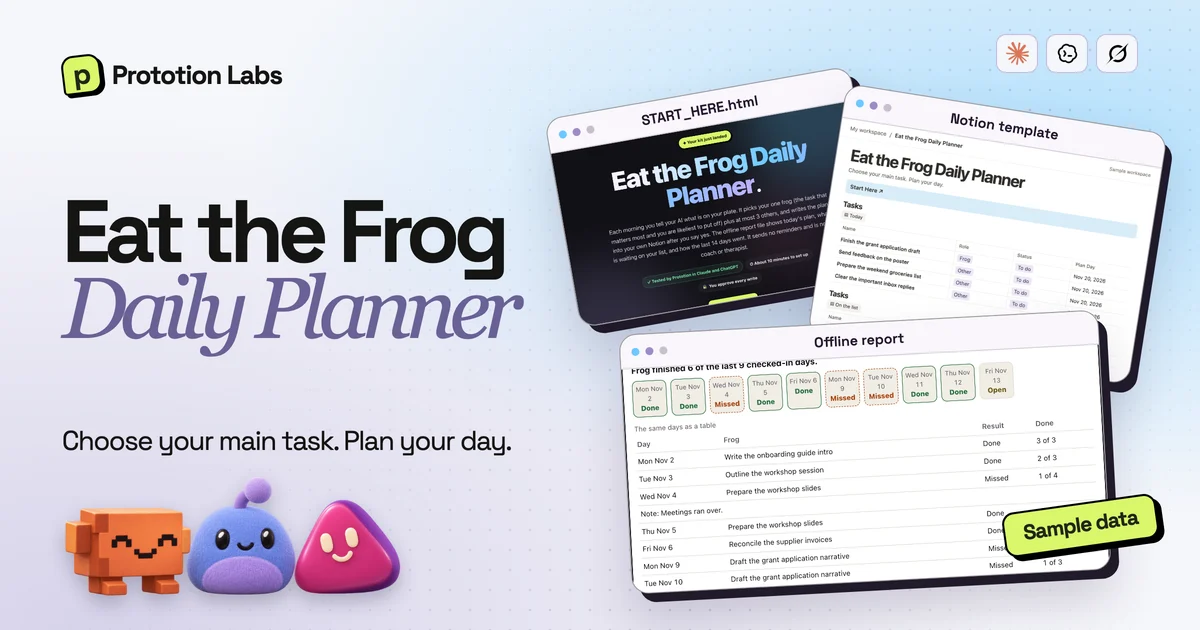 Eat the Frog Daily PlannerTell your AI what is on your plate. It picks your one frog and plans the day in your own Notion.
Every kit. One download.
All 16 workflow kits in one ZIP: study, money, planning and habits. Each one has its own Notion template, Claude Skill, ChatGPT files and offline report. $99 instead of $334 one by one.