Trading Journal Review
Give your AI your trades. It logs them in your own Notion and shows you what your own record says.
Give Claude or ChatGPT the trades from your broker file, or type them in. It shows you every trade, with its result, setup and any rule you broke, before anything is saved. You approve, it writes them to Notion. Then you ask for a review and get one HTML file: win rate and average R by setup, the rules you broke, results over time and the lessons in your own notes. It is a journal reviewer: no signals, no predictions, no buy or sell advice.
Tested by Prototion in Claude and ChatGPT
- Notion template
- Claude Skill
- ChatGPT project files
- Offline HTML report
- Setup guide
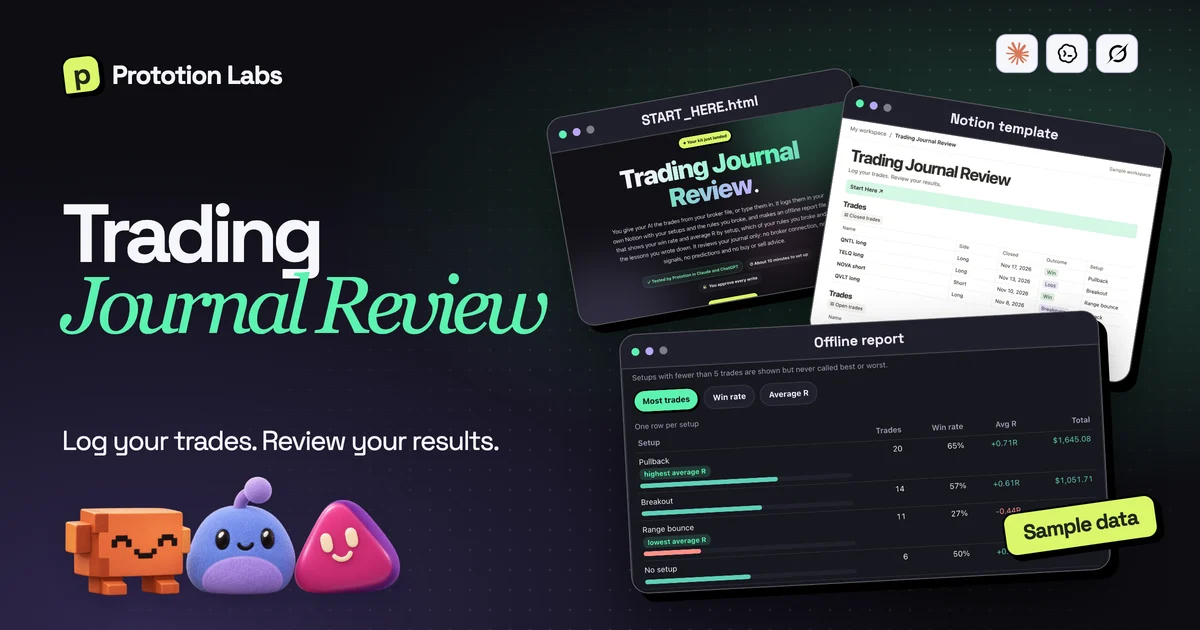
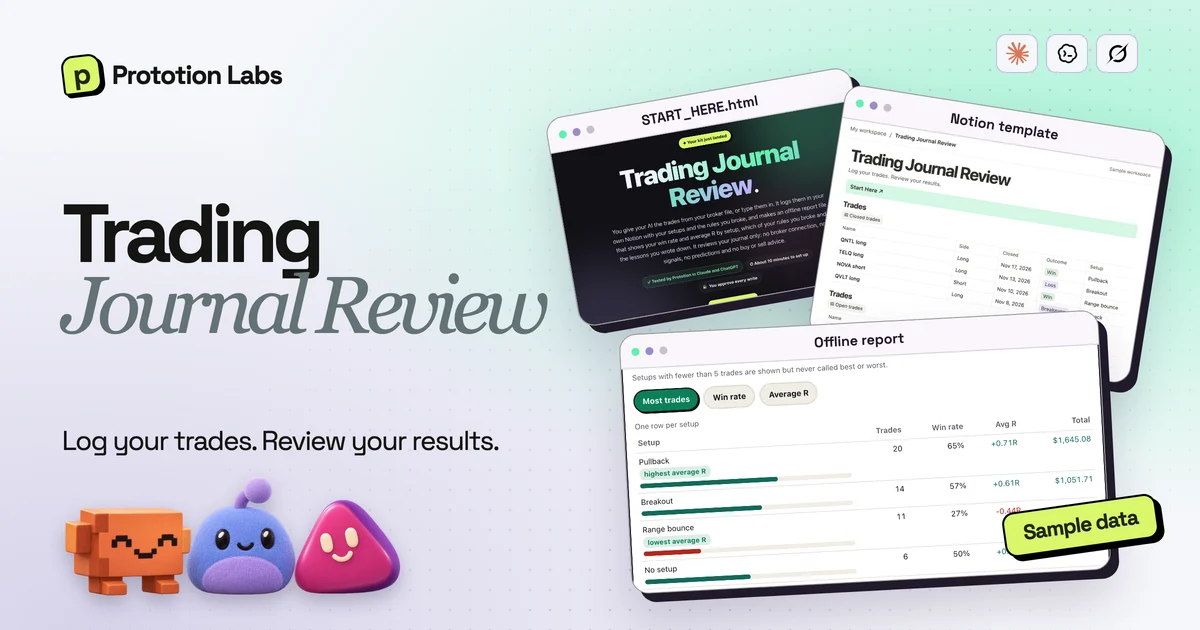
What you will actually see.
Screens from the kit's sample report and template layout, with invented sample data.
Built for one job. Done the same way every time.
- 01
You approve before anything is saved
Your AI first shows which columns it read from your file, with the first 3 rows, so you can check the dates. Then it shows one numbered table of the trades it will write. Nothing goes into Notion until you say yes. You can change a row by number ("3 is a Pullback") or drop it.
- 02
Setup, risk and broken rules are yours
Your AI asks you for each trade's setup, the money you risked and any of your own rules you broke. It does not work them out from prices, and it leaves blank anything you do not give. Results it calculates from prices are labelled "before fees". For options, futures and other contracts with a multiplier it asks you for the result.
- 03
Logging twice does not double up
Every trade gets a key from the account, symbol, side, opening day, entry price and size. A trade already in Notion is skipped. An open trade that your file now closes is filled in, not added twice. A trade that looks like one you hold but was worded differently is marked CHECK, and is saved only if you say it is new.
- 04
Your journal lives in your Notion
You duplicate one page into your own Notion: Trades, Setups and Rules. Sort, filter and fix any row yourself. No new app to sign up for.
- 05
A review you can open offline
Ask for "review". Your AI makes one HTML file: closed trades, win rate, average R, total result, results by setup, rule breaks, a running-total line, the trades with no setup and the lessons it found in your own notes, with how many trades each rests on. A setup with fewer than 5 trades is shown but flagged and never called best or worst. It loads nothing from the internet and changes nothing in Notion.
- 06
Use the AI you already have
The workflow is the product, and it is the same on each AI. You use your own plan.
From download to your first report.
- 01
Copy the Notion template
Duplicate the Trading Journal Review page into your own Notion and check it with the checklist.
- 02
Set up your AI
Follow the Claude steps or the ChatGPT steps. Connect your Notion, and keep write actions on approval where you can.
- 03
Send your trades, approve the table
Attach your broker file or paste the rows (about 100 at most), or type your trades. Tell it each trade's setup, risk and any rule you broke. Check the columns and the proposal table, and say yes.
- 04
Ask for the review
Say "review" for the HTML file. Open it in your browser.
One ZIP, ready to go.
One ZIP, Trading Journal Review Kit v1.0, with these files:
START_HERE.html: open this first. Setup in three steps, how logging and the review work, and the honest limits.Notion/TEMPLATE_LINK.md: the link to the Trading Journal Review template, which you duplicate into your Notion.DUPLICATION_CHECKLIST.md: check your copy is right.
Claude/CLAUDE_SETUP.mdFIRST_CHAT_MESSAGE.mdtrading-review-operator.zip: the skill you upload to Claude.
ChatGPT/QUICK_START.mdPROJECT_INSTRUCTIONS.md: you paste this into a ChatGPT project.TRADING_REVIEW_CONTEXT.mdandreport.html: the two files you add to the project.FIRST_CHAT_MESSAGE.md
Agents/: early setup notes, not yet tested by Prototion.Claude_Duet/DUET_SETUP.mdOpenAI_dot/DOT_BRIEF.md,TRADING_REVIEW_CONTEXT.md,report.htmlGrok_Bot/BOT_SETUP.md,TRADING_REVIEW_CONTEXT.md,report.html
Report/report.html: the report template.sample/trading-review-report.html: a sample report with invented trades, which you can open now.
Support/TROUBLESHOOTING.md: fixes for common problems.
Accounts you probably have.
- A Notion account. A free one is fine for the template itself.
- Claude or ChatGPT.
- Claude: any plan, including Free. You need code execution and file creation turned on, and the Notion connector.
- ChatGPT: any plan that has Projects. The Free plan allows 5 project files and the kit uses 2. You need the Notion app connected.
- A web browser, to open the review.
- Your trades from your broker, as a file or as text. Not every AI app can read an attached file; pasting the rows always works.
- Claude Duet, OpenAI dot and Grok Bot need paid plans, and some need a waitlist or a certain country. They are early notes only, not yet tested by Prototion.
Privacy
- There is no broker connection. You give it the trades yourself and nothing updates by itself.
- Any run of 6 or more digits (such as an account or order number) is masked, like ••6789, before anything is saved to Notion, the report or the chat. Name your accounts in your own words; the kit never asks for an account number.
- Your trades go to the AI you choose, under that AI's own terms, and to your own Notion. They do not go to Prototion.
- The report file is offline: it loads nothing from the internet and sends nothing anywhere.
What it cannot do.
- It gives no signals, predictions or price targets, and no view on what to buy, sell, hold or size. It counts what your own trades show.
- It sees only the trades you give it. It cannot connect to your broker, and it does not update itself: paste new trades and ask it to log them.
- Small samples mislead. A win rate or average R over fewer than 5 trades is shown but flagged, and no setup is called best or worst on so few.
- Past results do not tell you what happens next, and a setup's record may only reflect the market it was traded in.
- Setups, risk and broken rules are only what you tell it. Results calculated from prices are before fees, and contracts with multipliers are never calculated by it.
- The numbers are only as complete as the trades you log. One review is one currency.
- The AI works only while you chat with it. There are no reminders or alerts.
- Claude can save the review file for you. Other AIs may only print its code, and then you save it yourself.
- This is a record of your own trades. It is not financial, investment or tax advice.
Who it is not for.
- You want signals, ideas, or an opinion on whether to take a trade. This only reviews what you already did.
- You want a live link to your broker, or a journal that fills itself.
- You want trades logged without looking at them. You approve the table first, every time.
- You do not want to use Claude or ChatGPT, or Notion.
Trading Journal Review: FAQ
Has Prototion tested this?
Tested by Prototion in Claude and ChatGPT. The Claude Duet, OpenAI dot and Grok Bot notes are early and not yet tested by Prototion.
Does it tell me what to trade?
No. It gives no signals, predictions, price targets or advice on what to buy, sell, hold or size, even if you ask. If you ask "should I take this trade", it only offers to show what your own record says about that setup, with how many trades it rests on.
Which plans do I need?
Claude: any plan, including Free. You must be able to turn on code execution and file creation and connect Notion. ChatGPT: any plan that has Projects. The Free plan allows 5 project files and the kit uses 2. You also need a Notion account. Claude Duet, OpenAI dot and Grok Bot need paid plans, and some need a waitlist or a certain country.
Does it connect to my broker or see prices?
No. You give it the trades yourself, as a file or as text. It has no market data. For new trades, give it a new file and ask it to log them.
Where do my trades go?
To the AI you choose, under that AI's own terms, and to your own Notion once you approve. Not to Prototion. The review file is offline: it loads nothing from the internet and sends nothing anywhere.
What about my account and order numbers?
Name your accounts in your own words ("Main account"). Any run of 6 or more digits is masked, like ••6789, before it is saved to Notion, the review or the chat. If your file has columns with account numbers or order IDs, you do not have to send them: delete those columns first.
Does the AI save things without asking?
It asks first. It shows the columns it read, then a table of every trade, and waits for your yes. In Claude you can also set the Notion write tools to "Needs approval", so it asks twice.
Does it work out my setups and which rules I broke?
No. A trade's setup, the money you risked and the rules you broke are only what you tell it. It leaves them empty if you do not. It may ask ("this risk is above your rule, did you break it?") but writes only your answer.
How does it get the profit or loss?
From the result in your file if there is one, after fees if you give fees. If not, for plain shares or coins it works it out from entry, exit and size and labels it "before fees". For options, futures, FX lots, CFDs and anything with a multiplier it asks you for the result and never calculates it.
What are SKIP, CLOSE and CHECK?
SKIP means the trade is already in Notion, so it is not written again. CLOSE means the trade was open in Notion and your file now closes it: the empty fields are filled in and no second row is made. CHECK means a trade has the same account, symbol, side and opening day as one in Notion but other numbers or words. It is saved only if you say it is new.
Can it delete or change my trades?
It never deletes a trade, setup or rule. It never changes the symbol, side, opening day, entry or size of a trade already in Notion, and never changes a result you gave it. If one of those is wrong, fix it in Notion yourself. It will change a setup, risk or broken rules when you ask, and close an open trade.
What does R mean here?
R is the result divided by the money you said you risked on that trade. It is shown only for trades where you gave a risk figure, and the review always says how many trades the average covers.
Why does it say "too few trades"?
A win rate or average R over fewer than 5 trades says very little. The review shows it, flags it, and never calls such a setup best or worst.
My dates look swapped, day and month.
If every day in your file is 12 or less, 03/04/2026 could be 3 April or 4 March. Your AI should ask. Check the first 3 rows it shows before you say yes, and say "the dates are day first" (or "month first") if they are wrong.
What if my AI cannot read the attached file or cannot save the review?
Not every AI app can read an attached file; open it in a text editor or spreadsheet and paste the rows (about 100 at a time). Some AIs only print the review as code. Save it as a plain-text file named `trading-review-report.html` and open it in your browser.
How many trades can I log at once?
Up to 150 trades per session, oldest first. Paste about 100 rows at a time if you paste text.
Will it remind me or alert me?
No. The AI works only while you chat with it.
Is this financial advice?
No. It is a record of your own trades. It gives no investment, tax or financial advice, and past results do not tell you what happens next.
Trading Journal Review. Yours in your Notion.
Trading Journal Review Kit by Prototion Labs. For Notion. This is not made by or endorsed by Notion, Anthropic or OpenAI.
Pairs well with.
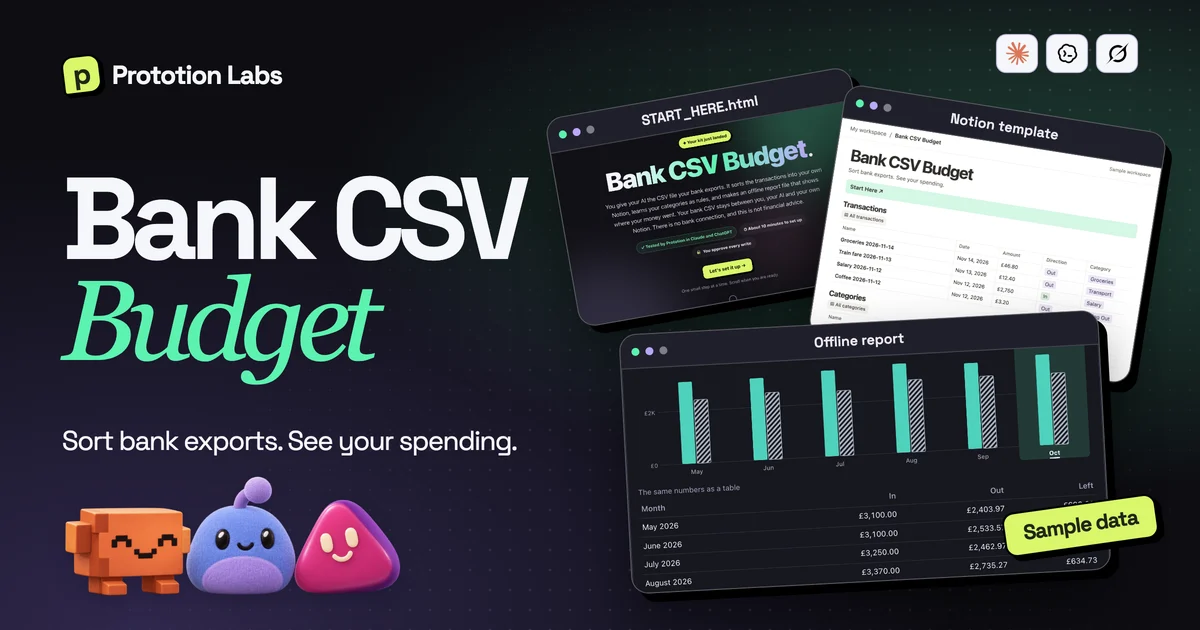
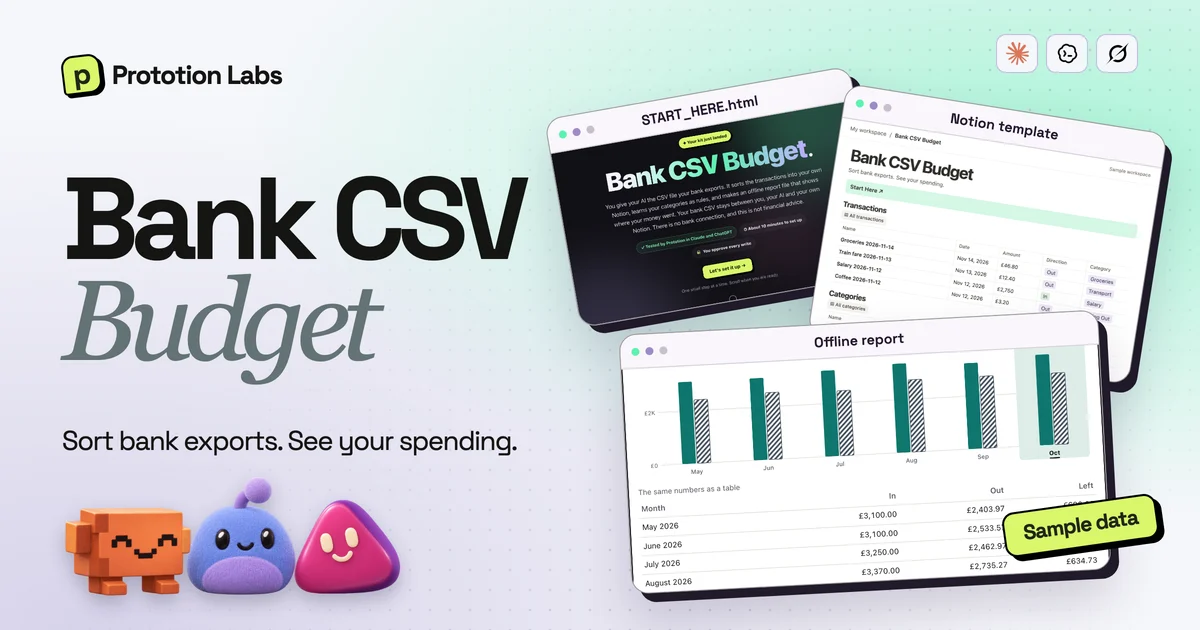 Bank CSV BudgetExport your bank CSV. Your AI sorts it into your own Notion and shows you where the money went.
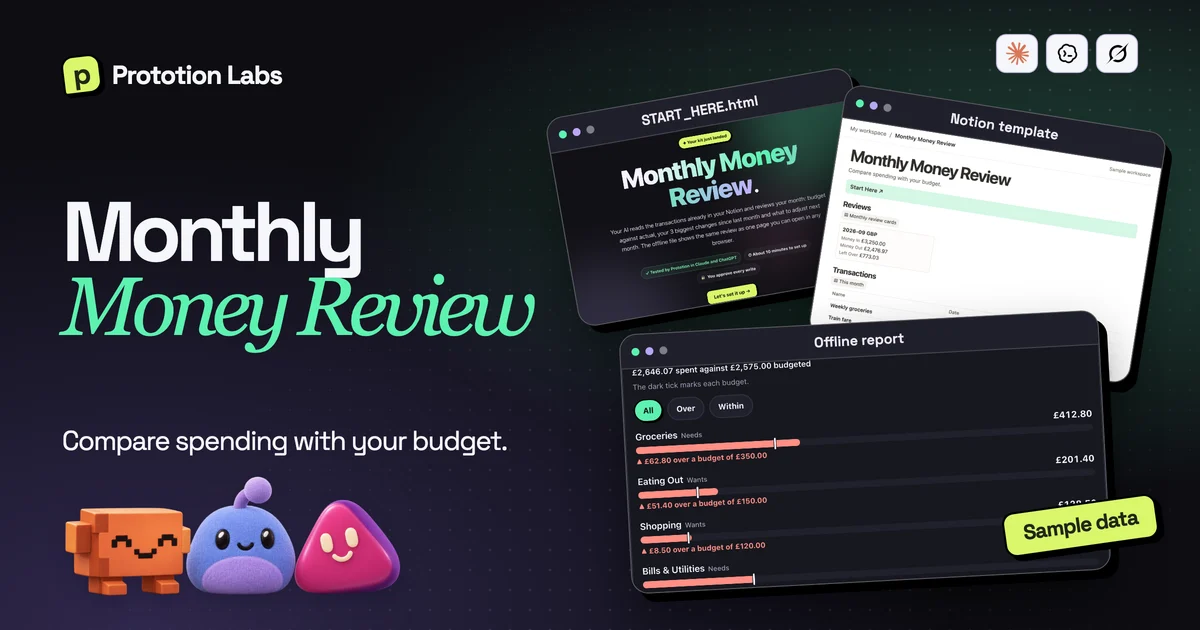
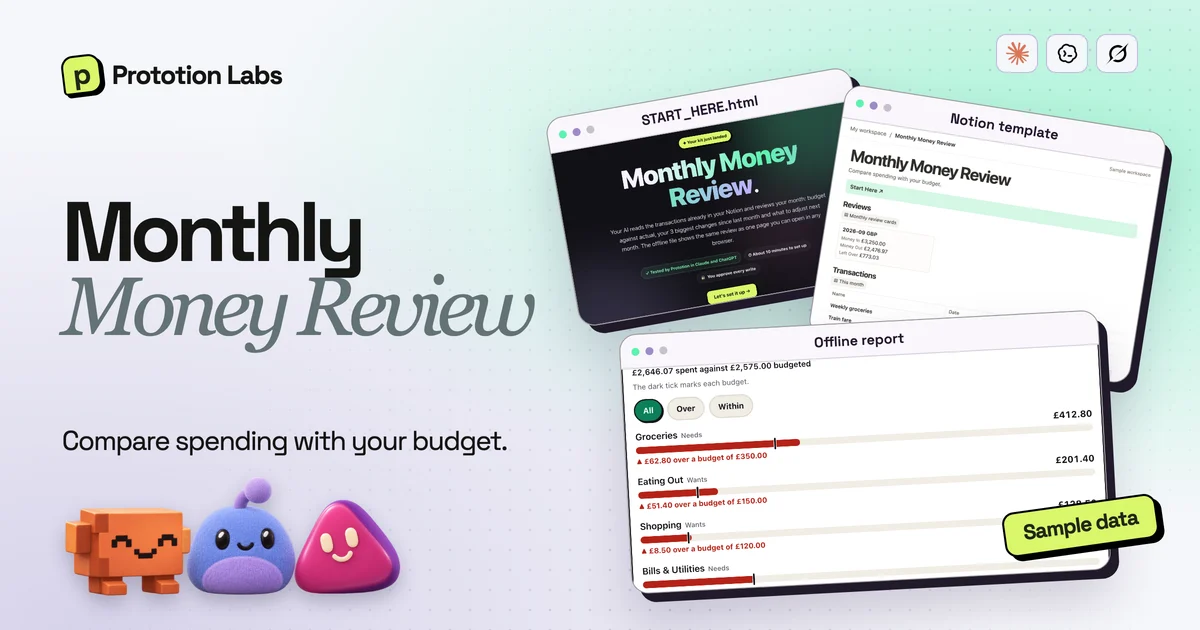 Monthly Money ReviewYour AI reviews your month: budget against actual, the 3 biggest changes, and what to adjust next.
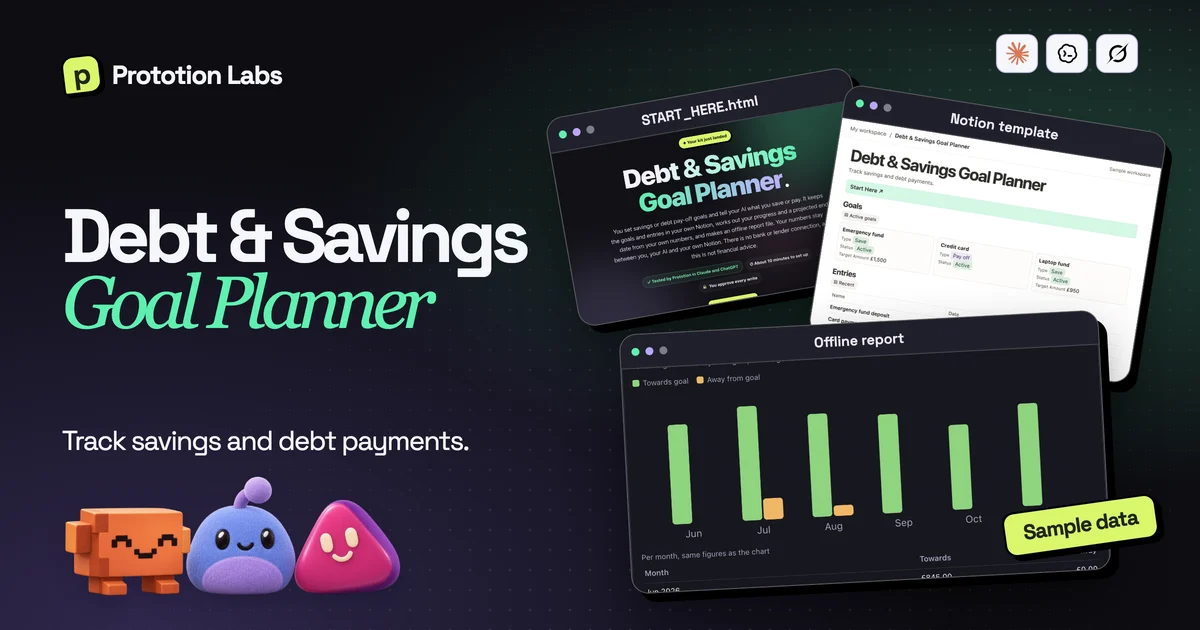
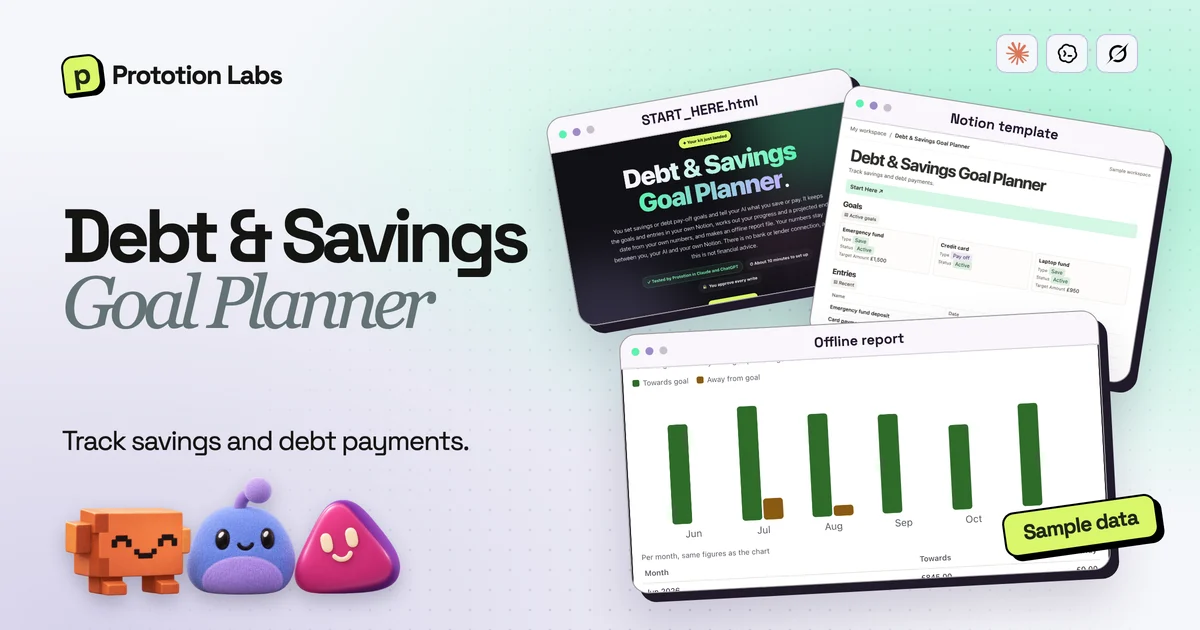 Debt & Savings Goal PlannerSet a savings or debt goal. Tell your AI what you put in. See your progress and an end date.
Every kit. One download.
All 16 workflow kits in one ZIP: study, money, planning and habits. Each one has its own Notion template, Claude Skill, ChatGPT files and offline report. $99 instead of $334 one by one.