AI money kits for Notion
Import a bank CSV, review your month against your budget, plan a debt or savings goal, and review your trading journal. Your AI shows every number before it saves anything.
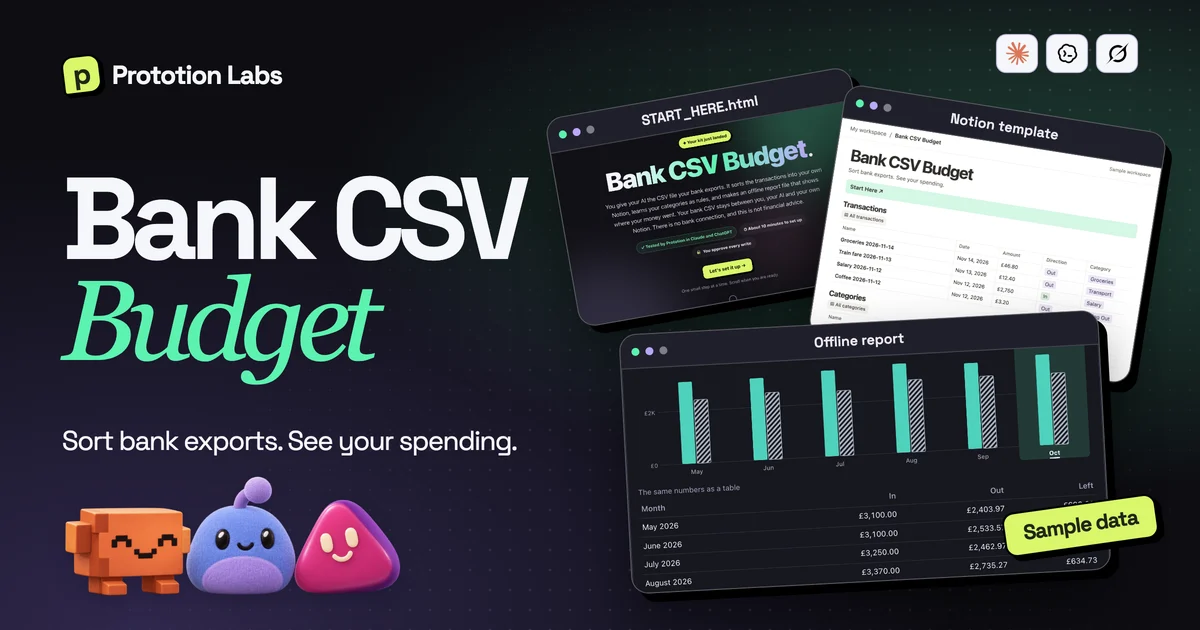
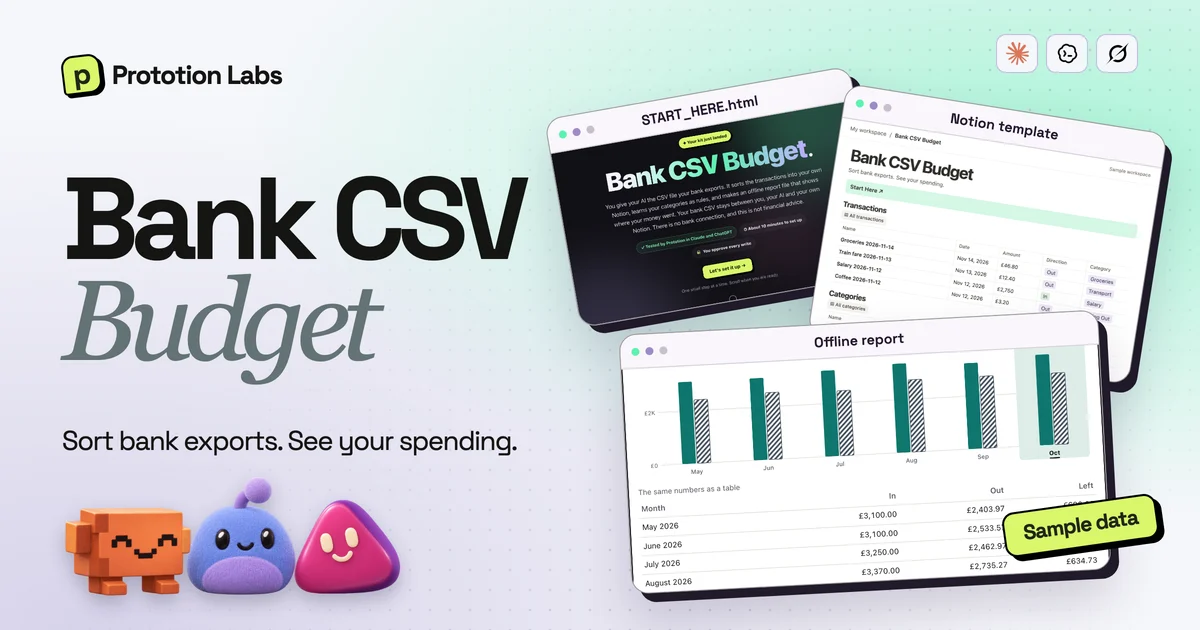 Bank CSV BudgetExport your bank CSV. Your AI sorts it into your own Notion and shows you where the money went.
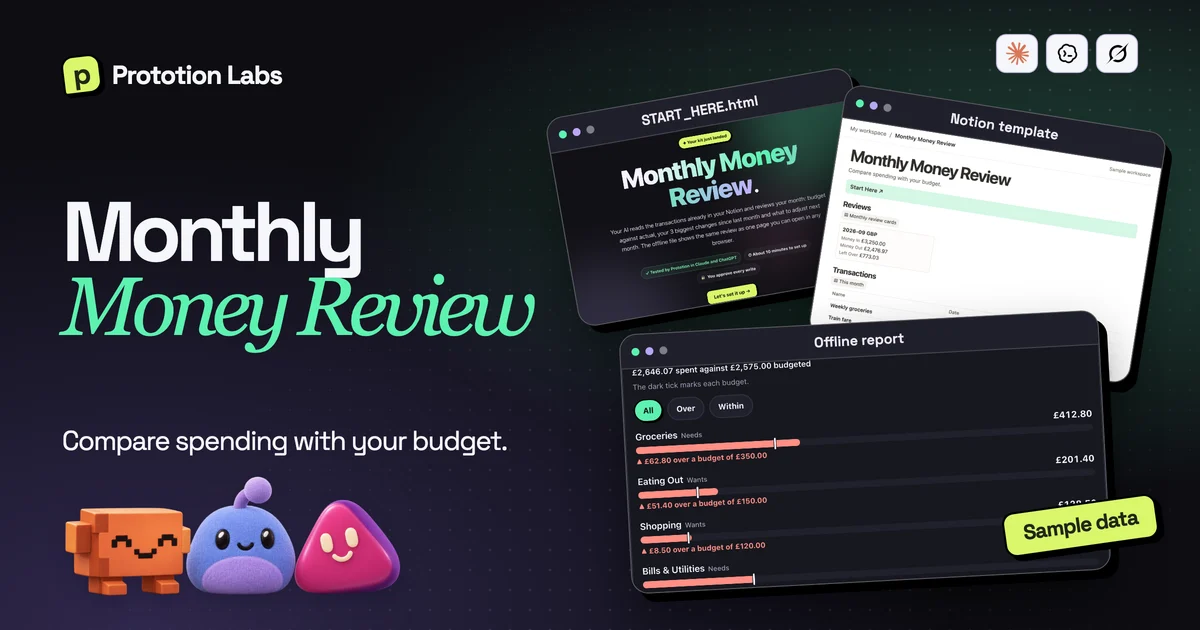
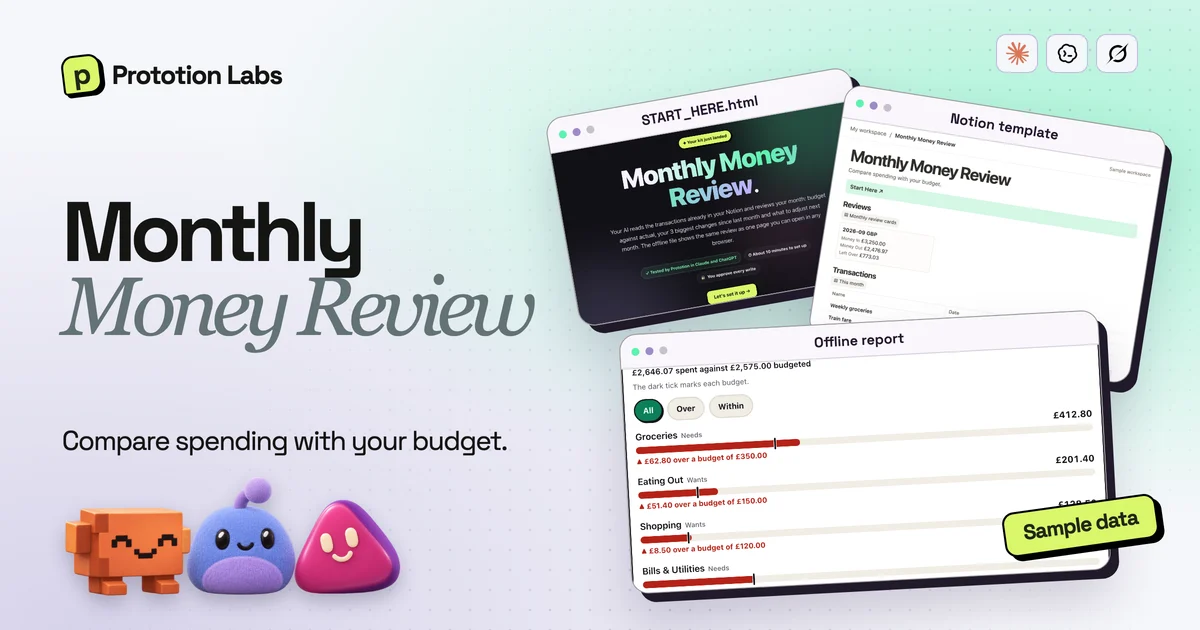 Monthly Money ReviewYour AI reviews your month: budget against actual, the 3 biggest changes, and what to adjust next.
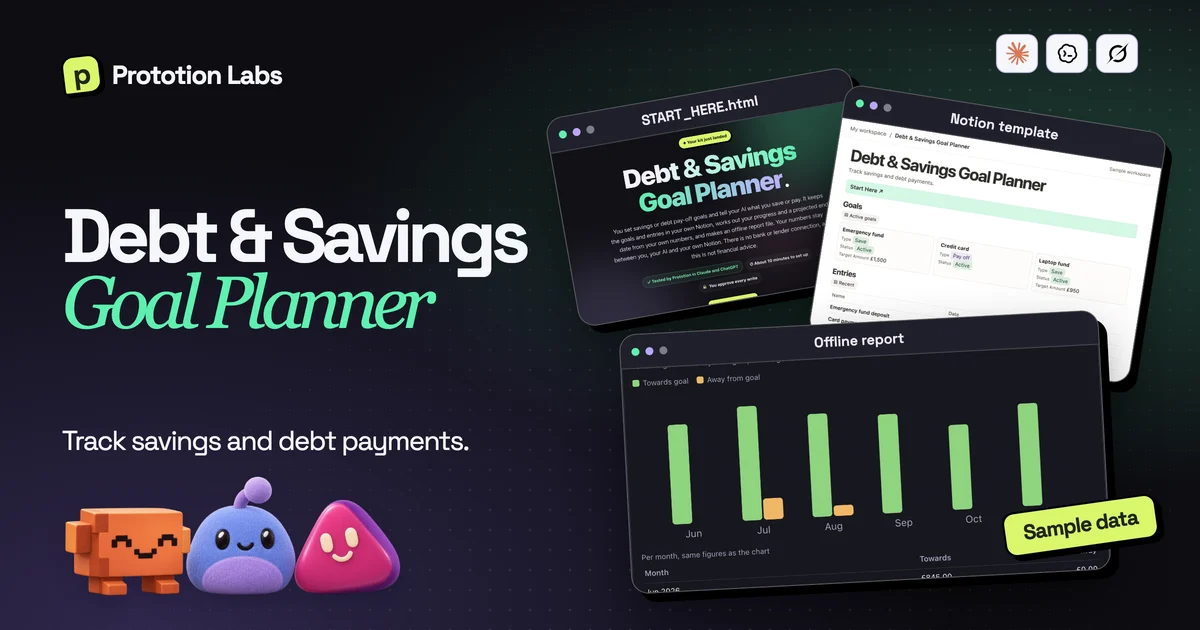
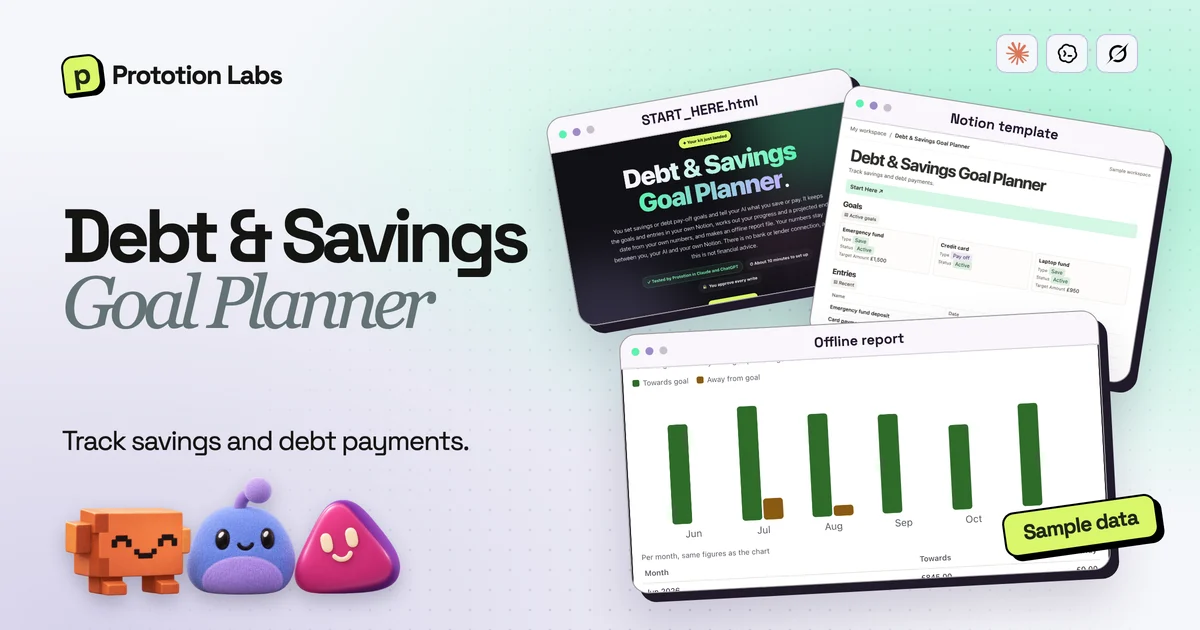 Debt & Savings Goal PlannerSet a savings or debt goal. Tell your AI what you put in. See your progress and an end date.
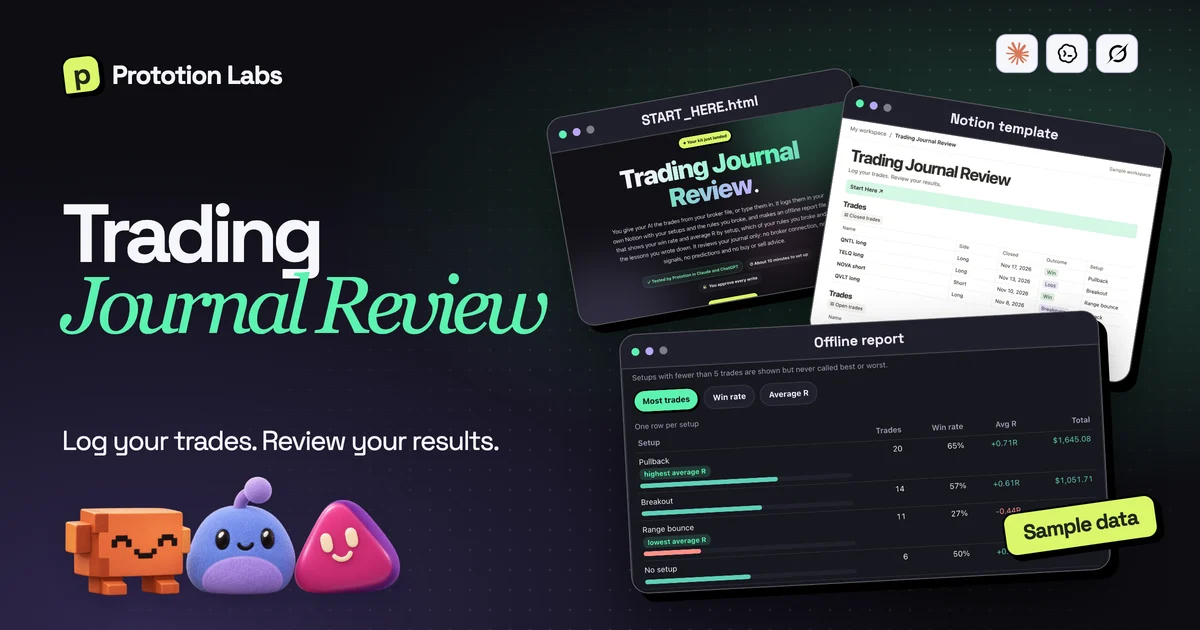
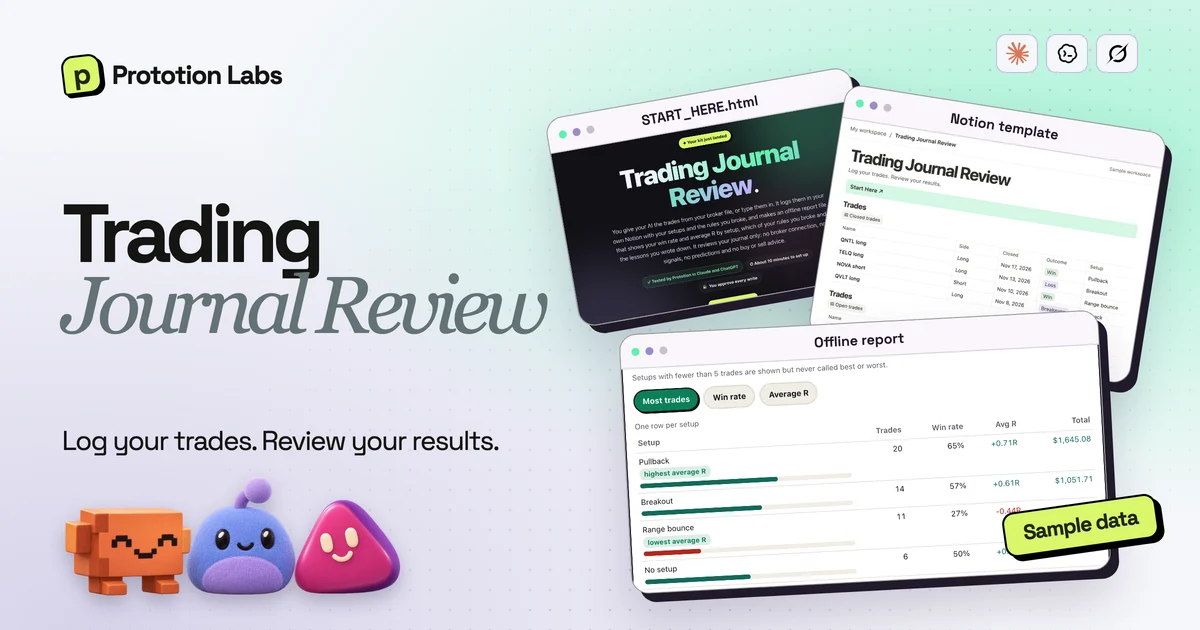 Trading Journal ReviewGive your AI your trades. It logs them in your own Notion and shows you what your own record says.
Three steps. Then it is yours.
You need a Notion account and Claude or ChatGPT. After setup, you just talk to the AI you already use.
- 01
Duplicate the Notion template
Each kit starts as a Notion page you copy into your own workspace. Your data stays there.
- 02
Give your AI the kit
Upload the Claude Skill, or paste the ChatGPT project files. The kit teaches your AI one job, step by step.
- 03
Talk, approve, get a report
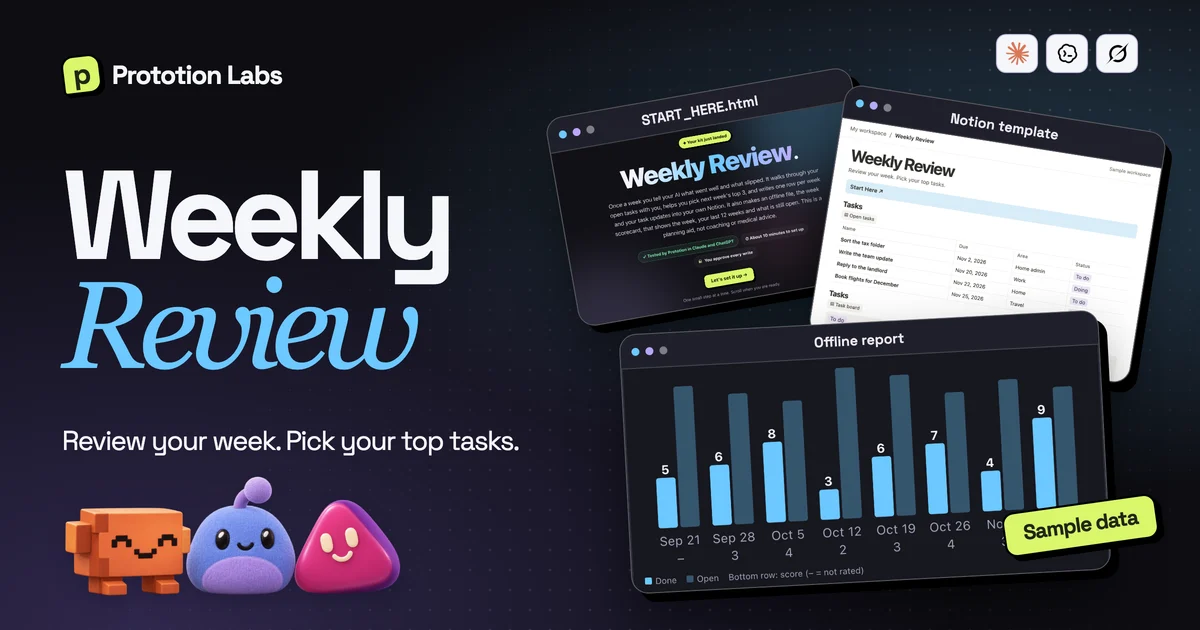
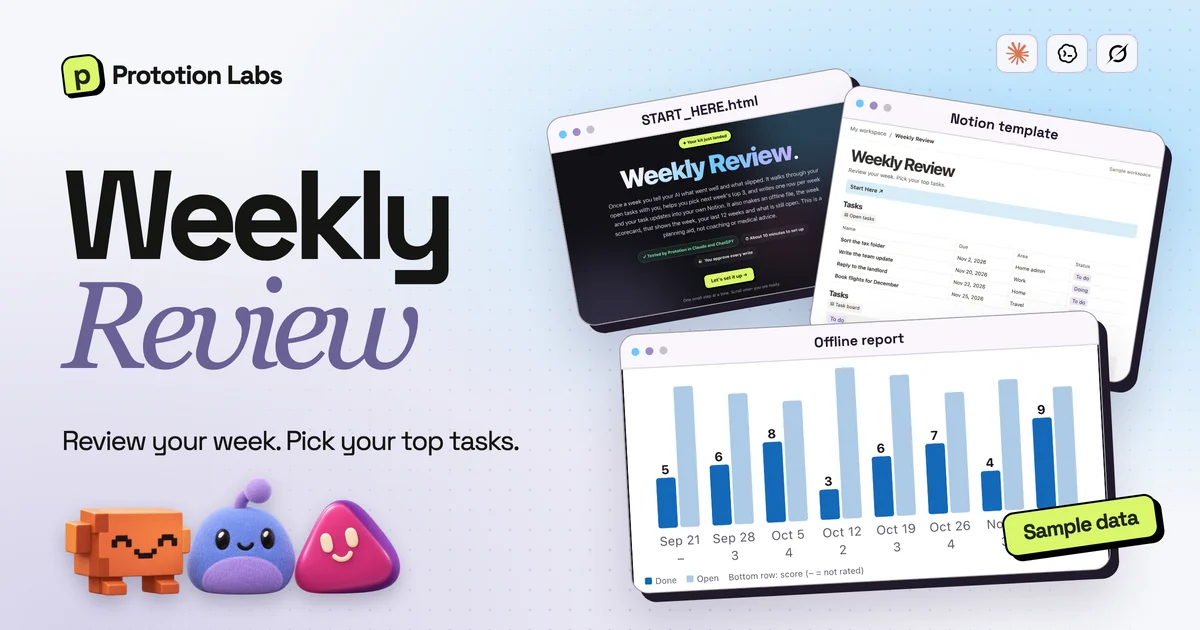
Tell your AI what happened. It shows a table first and saves to Notion only after your yes. Ask for a report and you get one offline HTML file.
Every kit. One download.
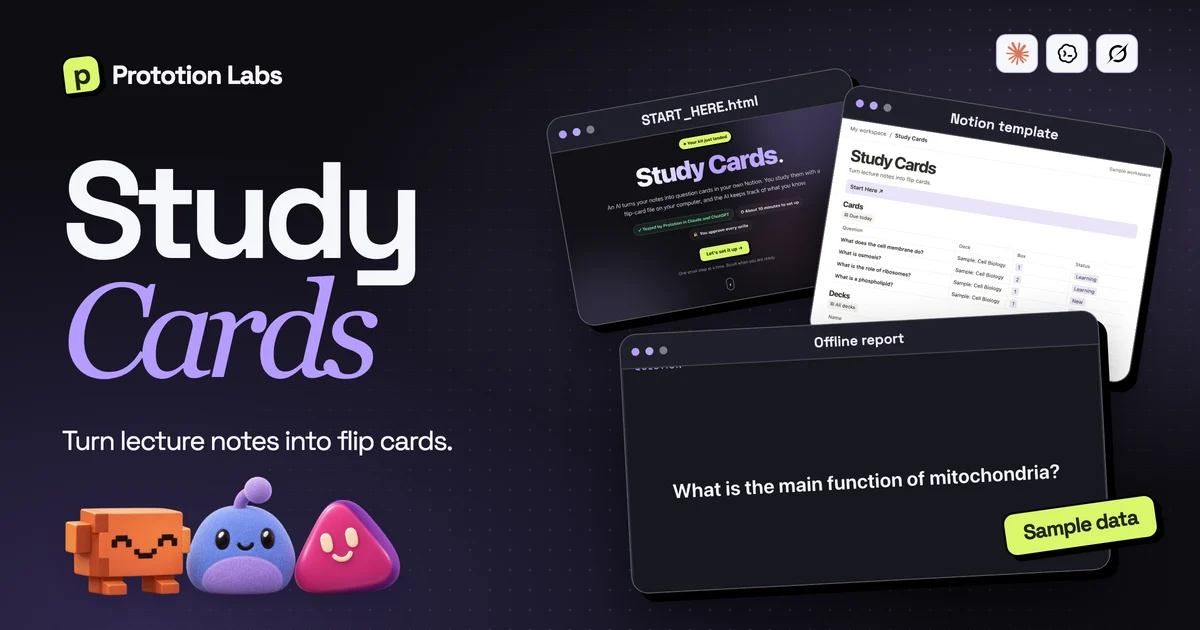
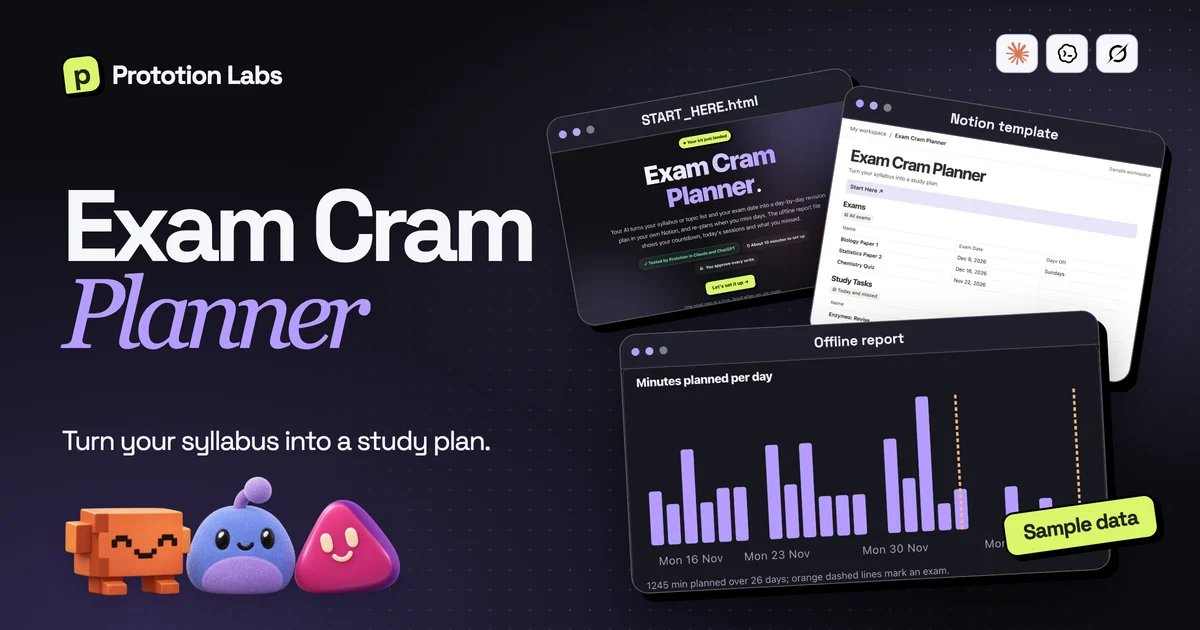
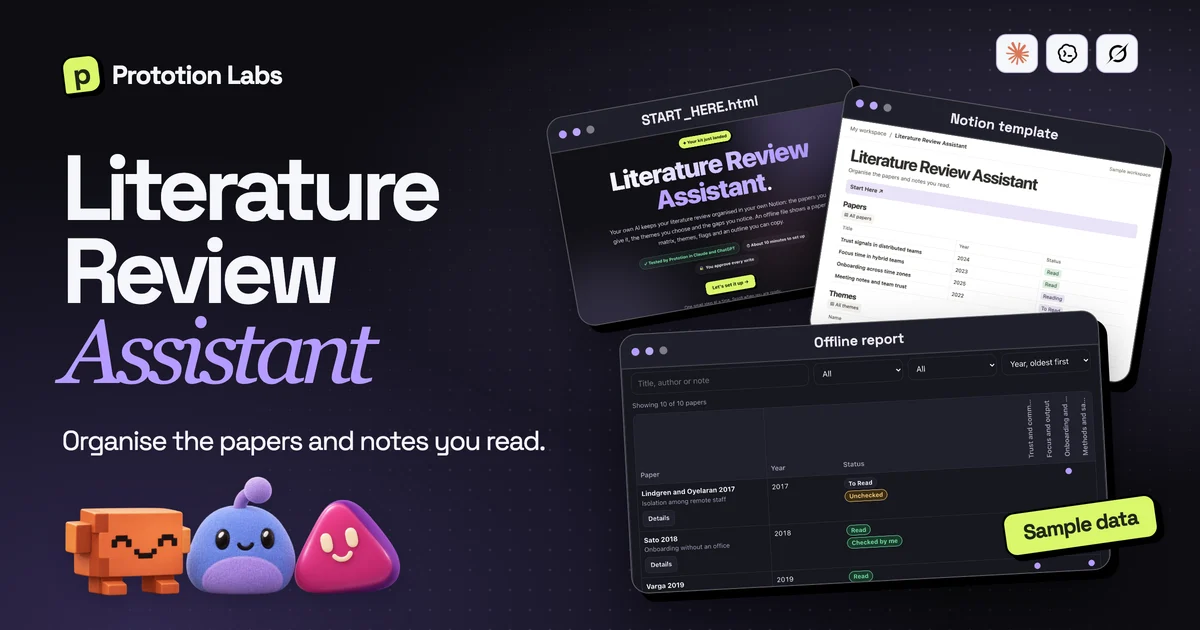
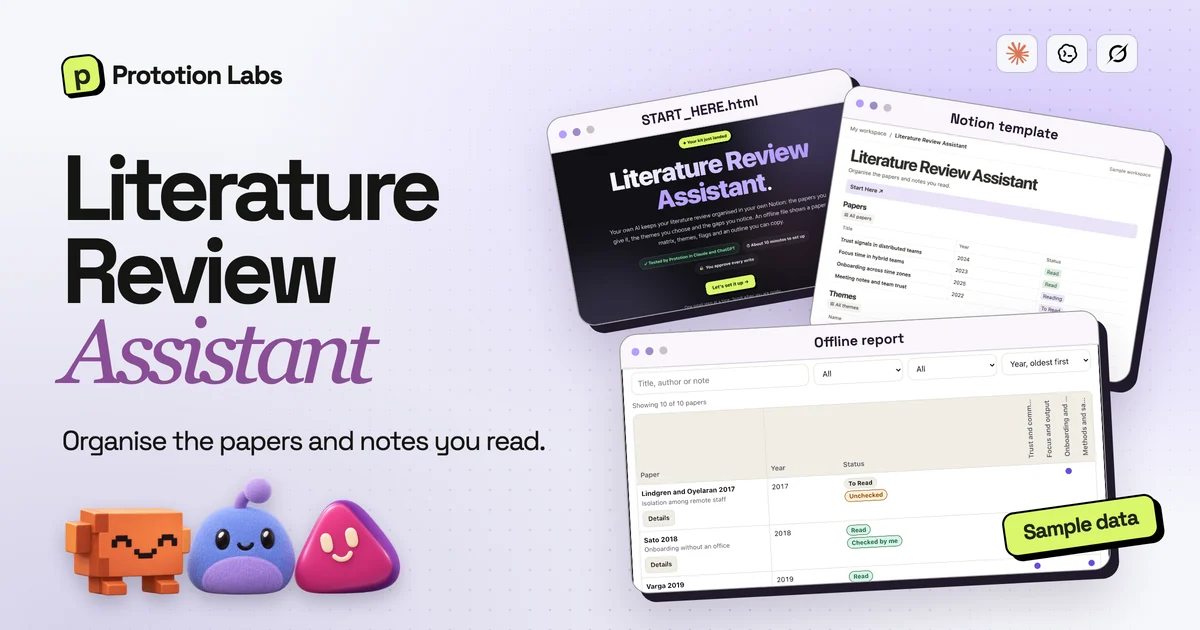
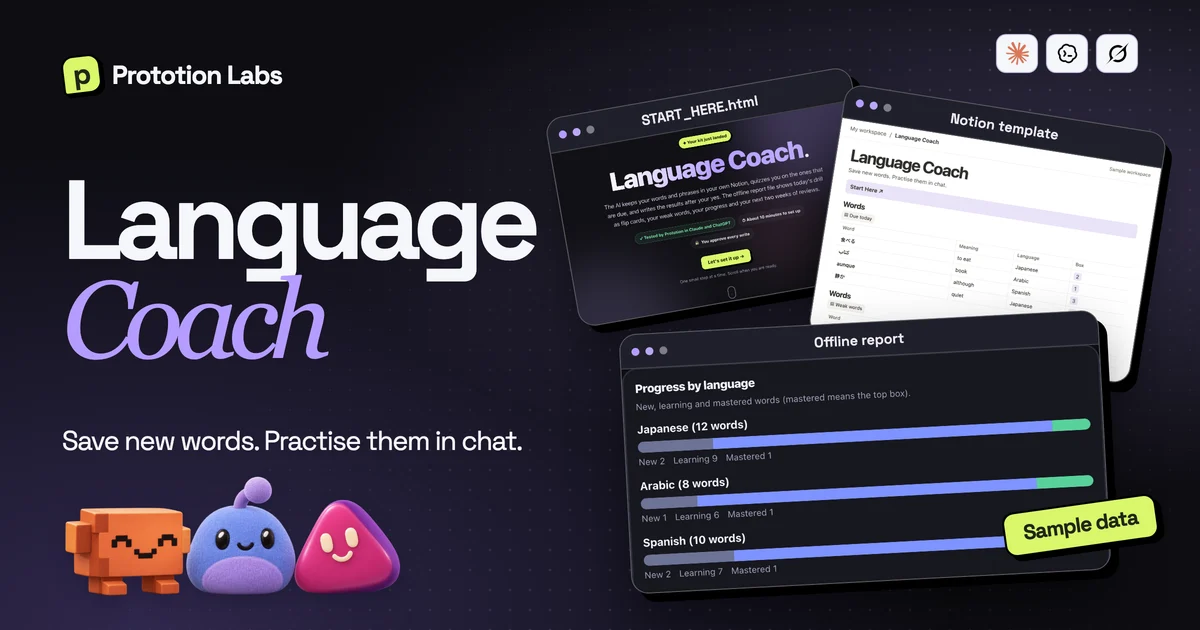
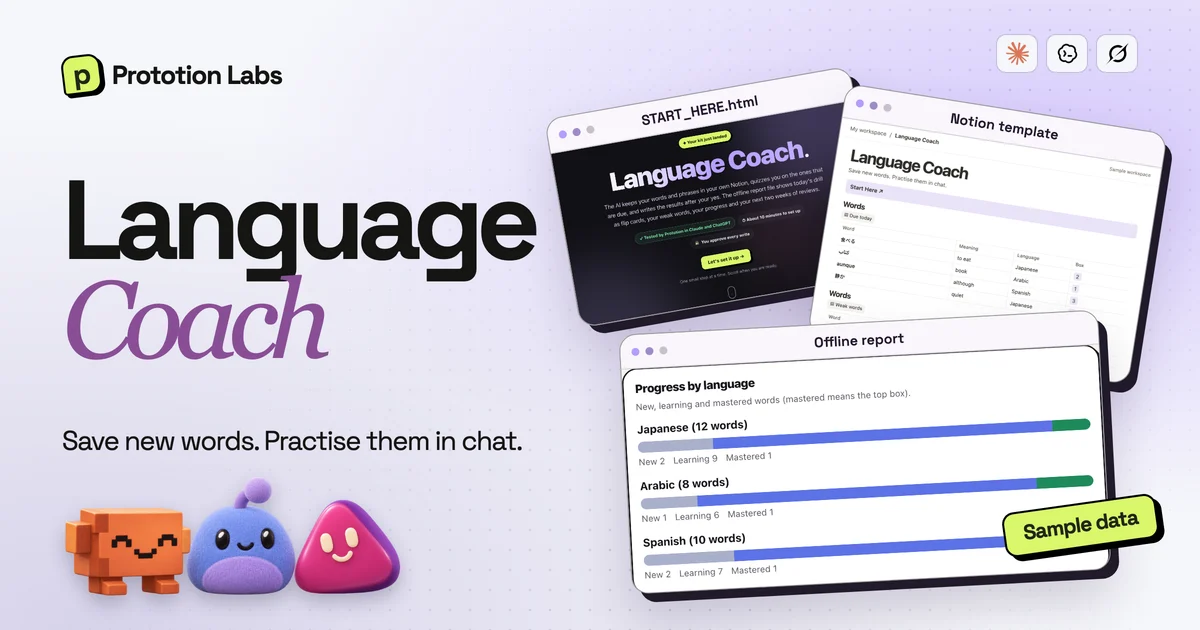
All 16 workflow kits in one ZIP: study, money, planning and habits. Each one has its own Notion template, Claude Skill, ChatGPT files and offline report. $99 instead of $334 one by one.
A few things to know.
What is a workflow kit?
A Notion template plus the files that teach your AI one job: a Claude Skill, ChatGPT project files, a setup guide and an offline HTML report. You use it in your own Notion and your own AI account. It is not a separate app.
Which AI apps does it work with?
Claude and ChatGPT. Prototion has tested every kit in both. Each kit also has early setup notes for Claude Duet, OpenAI dot and Grok Bot, which are not yet tested by Prototion.
Which plans do I need?
A Notion account. For Claude, any plan, including Free, with code execution, file creation and the Notion connector turned on. For ChatGPT, any plan that has Projects, with the Notion app connected. AI and Notion plans are not included.
Does the AI change my Notion without asking?
No. It shows a table of what it will write and waits for your yes. It reads the rows back after writing and never deletes anything.
Where does my data go?
To the AI you choose, under that AI's own terms, and to your own Notion. Not to Prototion. The report file is offline: it loads nothing from the internet and sends nothing anywhere.
How do I get the kit after paying?
Checkout is through Stripe. After payment you go straight to your download page. The private link works for seven days, and the ZIP you download is yours to keep. No account is needed.