Workout Log
Tell your AI what you lifted. It keeps your log in your own Notion and adds up your weeks.
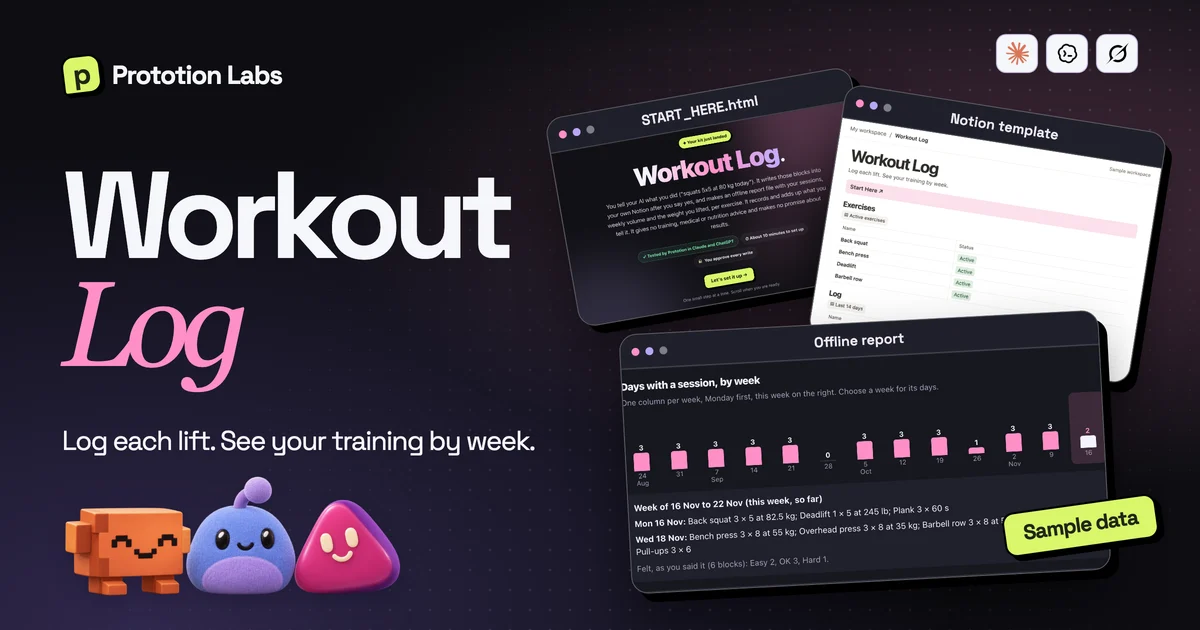
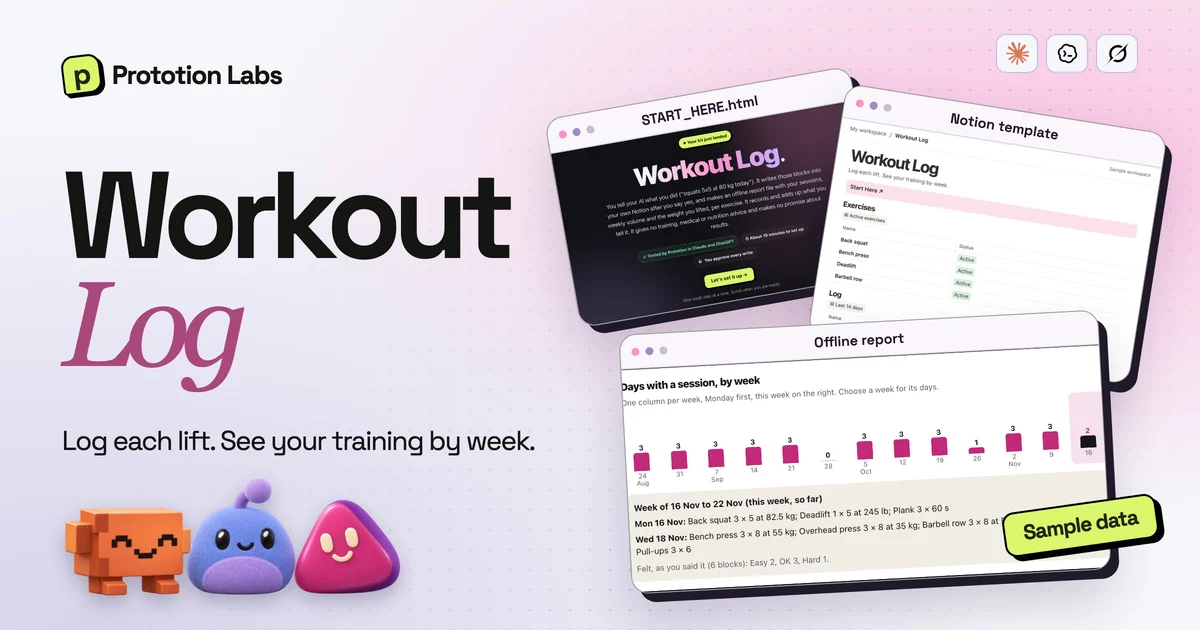
Type "squats 3x5 at 82.5 kg today" to Claude or ChatGPT. It shows you the blocks it read, you say yes, and it saves them to Notion. Ask for a report and you get one HTML file: the days you trained each week, the weekly volume and heaviest weight for each exercise, and your routine beside what you last logged.
Tested by Prototion in Claude and ChatGPT
- Notion template
- Claude Skill
- ChatGPT project files
- Offline HTML report
- Setup guide
What it is, and what it is not
Workout Log records and summarises what you did. It does not tell you what to do. It does not design a programme, pick weights, sets or reps, or suggest what to lift next. It gives no medical, injury, rehab or nutrition advice and makes no promise about results.
What you will actually see.
Screens from the kit's sample report and template layout, with invented sample data.
Built for one job. Done the same way every time.
- 01
You approve before anything is saved
Your AI shows one table of the blocks it read from your message, with each date written out in words and each row marked ADD, SKIP, CHECK or NEW. Nothing goes into Notion until you say yes. Drop a row by number or change a number first.
- 02
Logging twice does not double up
A block is identified by exercise, date, sets, reps, weight, unit and seconds. If it is already in Notion it is marked SKIP, however you worded it ("squat", "back squat", "my squats"). The same day with different numbers is marked CHECK, so a typo does not become a second entry.
- 03
kg and lb, never mixed up
Every weight keeps the unit you gave. The AI asks "kg or lb?" instead of guessing, and never converts. If you log one exercise in both units, the report shows each unit on its own, with a switch, and never adds them together.
- 04
A weekly report you can read at a glance
Ask for "report". You get one HTML file: days with a session in each of the last 13 weeks, sets and exercises this week, a table of your exercises, a weekly volume chart and a heaviest-weight chart per exercise, and the blocks behind them. The page does the arithmetic from your rows, so the AI cannot get a total wrong.
- 05
Your own routine, recorded as you wrote it
If you follow a routine, tell the AI and it records it exactly: sessions, order, sets, reps and weights as you gave them. The report shows your plan next to the last block you logged, with no "ahead" or "behind" wording.
- 06
Your log lives in your Notion
You duplicate one page into your own Notion: Exercises, Routine and Log. Sort, filter and fix any row yourself. Pause an exercise instead of deleting it and its history stays.
- 07
A report you can open offline
The report loads nothing from the internet, changes nothing in Notion and works in light and dark.
- 08
Use the AI you already have
The workflow is the product, and it is the same on each AI. You use your own plan.
From download to your first report.
- 01
Copy the Notion template
Duplicate the Workout Log page into your own Notion and check it with the checklist.
- 02
Set up your AI
Follow the Claude steps or the ChatGPT steps. Connect your Notion, and keep write actions on approval where you can.
- 03
Log a workout
Tell your AI what you did, with a unit for every weight. Check the table and say yes. If you follow a routine, tell it and it records the routine as you give it.
- 04
Ask for the report
Say "report" for the HTML file.
One ZIP, ready to go.
One ZIP, Workout Log Kit v1.0, with these files:
START_HERE.html: open this first. Setup in three steps, how logging a workout works, and the honest limits.Notion/TEMPLATE_LINK.md: the link to the Workout Log template, which you duplicate into your Notion.DUPLICATION_CHECKLIST.md: check your copy is right.
Claude/CLAUDE_SETUP.mdFIRST_CHAT_MESSAGE.mdworkout-log-operator.zip: the skill you upload to Claude.
ChatGPT/QUICK_START.mdPROJECT_INSTRUCTIONS.md: you paste this into a ChatGPT project.WORKOUT_LOG_CONTEXT.mdandreport.html: the two files you add to the project.FIRST_CHAT_MESSAGE.md
Agents/: early setup notes, not yet tested by Prototion (Claude Duet, OpenAI dot, Grok Bot).Report/report.html: the report template.sample/workout-log-report.html: a sample report with invented exercises and dates, which you can open now.
Support/TROUBLESHOOTING.md: fixes for common problems.
Accounts you probably have.
- A Notion account. A free one is fine for the template itself.
- Claude or ChatGPT.
- Claude: any plan, including Free. You need code execution and file creation turned on, and the Notion connector.
- ChatGPT: any plan that has Projects. The Free plan allows 5 project files and the kit uses 2. You need the Notion app connected.
- A web browser, to open the report.
- Claude Duet, OpenAI dot and Grok Bot need paid plans, and some need a waitlist or a certain country. They are early notes only, not yet tested by Prototion.
Privacy
- Nothing is connected to a phone, watch or gym app. The AI knows only what you tell it in chat.
- What you tell it goes to the AI you choose, under that AI's own terms, and to your own Notion. It does not go to Prototion.
- The report file is offline: it loads nothing from the internet and sends nothing anywhere.
- The kit does not record heart rate, body measurements, injuries or conditions as data. If you add a note in your own words, it is copied exactly and left alone.
What it cannot do.
- It knows only what you tell it in chat. It cannot see what you did and it sends no reminders. The AI works only while you chat with it.
- It does not coach. It never designs or changes a programme, a weight or a diet, and it gives no medical, injury, rehab or nutrition advice. Ask a qualified professional.
- A day you did not log looks like a rest day. The report is only as complete as your log, and covers the last 13 weeks.
- kg and lb are never converted or added together.
- It never deletes a row. If one is wrong, delete that row yourself in Notion.
- Claude can save the report file for you. Other AIs may only print its code, and then you save it yourself.
- This is a record of what you did, not a promise about results.
Who it is not for.
- You want a programme, a plan to follow, or advice on what to lift or eat. It records and reports.
- You want reminders or nudges. It has none.
- You want it to read workouts from a watch or an app. It works from what you tell it.
- You do not want to use Claude or ChatGPT, or Notion.
Workout Log: FAQ
Has Prototion tested this?
Tested by Prototion in Claude and ChatGPT. The Claude Duet, OpenAI dot and Grok Bot notes are early and not yet tested by Prototion.
Which plans do I need?
Claude: any plan, including Free. You must be able to turn on code execution and file creation and connect Notion. ChatGPT: any plan that has Projects. The Free plan allows 5 project files and the kit uses 2. You also need a Notion account. Claude Duet, OpenAI dot and Grok Bot need paid plans, and some need a waitlist or a certain country.
Will it give me a programme or tell me what to lift?
No. It records and summarises what you did and what you planned yourself. It never designs or changes a programme, a weight, sets or reps, or a diet, and it will not say whether a workout was enough. Ask a qualified coach or professional for that.
Is this medical or injury advice?
No. It gives no medical, injury, pain, rehab or nutrition advice. If you add a note such as "left shoulder felt tight", it is copied exactly as you wrote it and left alone.
Does it connect to my phone, watch or gym app?
No. You tell your AI what you did, in chat. Nothing is read from any device and nothing updates by itself.
Where does what I tell it go?
To the AI you choose, under that AI's own terms, and to your own Notion once you approve. Not to Prototion. The report file is offline: it loads nothing from the internet and sends nothing anywhere.
Does the AI save things without asking?
It asks first. It shows a table of every block and waits for your yes. A new exercise, a paused exercise or a CHECK row is not covered until you answer it. In Claude you can also set the Notion write tools to "Needs approval", so it asks twice.
What do SKIP, CHECK and NEW mean?
SKIP: that exact block is already in Notion, so it is not written again. CHECK: the same exercise and day is already there with different numbers; it is written only if you say it is an extra block. NEW: an exercise not in your list yet, created only with your yes. "(old)" marks a date more than 31 days back, which needs its own yes.
How does it handle kg and lb?
Every weight is stored in the unit you gave, and the AI asks if you leave the unit out. It never converts. One log can hold both. The report adds up volume and heaviest weight per unit, side by side with a switch, and never sums kg and lb into one number.
How is volume counted?
Sets times reps times weight, added up per exercise per week, within one unit. Bodyweight exercises count total reps and timed exercises count total seconds. The report page does the arithmetic from your rows.
Can I record my own routine?
Yes. Tell the AI each session and exercise with your own sets, reps and weights and it records them in order. It does not make a routine for you or fill in numbers you did not give.
What if I missed a day?
A day you did not log has no row and looks like a rest day in the report. If you trained and forgot to say so, tell your AI the date and it adds the block.
Can it delete or change my rows?
It never deletes a row. If one is wrong, delete or fix that row yourself in Notion. It never changes the numbers or date of an existing log row.
Why only 13 weeks?
The report looks at the last 13 weeks, Monday first. Older rows stay in Notion.
What if my AI cannot save the report?
Some AIs only print the report as code. Save it as a plain-text file named `workout-log-report.html` and open it in your browser.
Will it remind me to train?
No. The AI works only while you chat with it. There are no reminders or alerts.
Workout Log. Yours in your Notion.
Workout Log Kit by Prototion Labs. For Notion. This is not made by or endorsed by Notion, Anthropic or OpenAI.
Pairs well with.
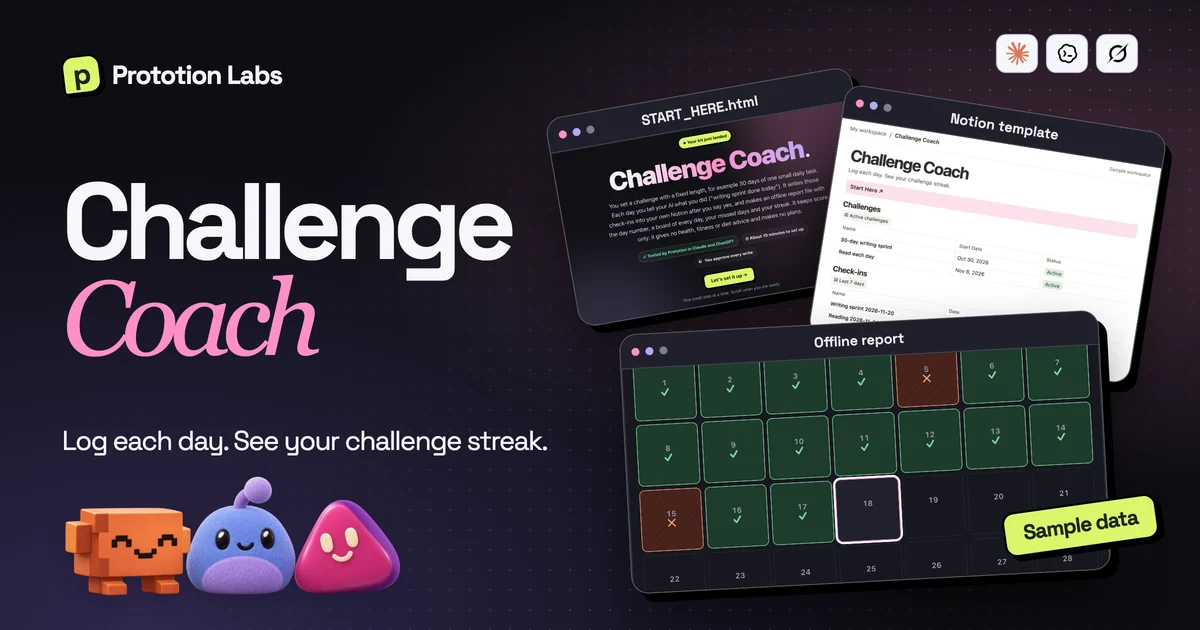
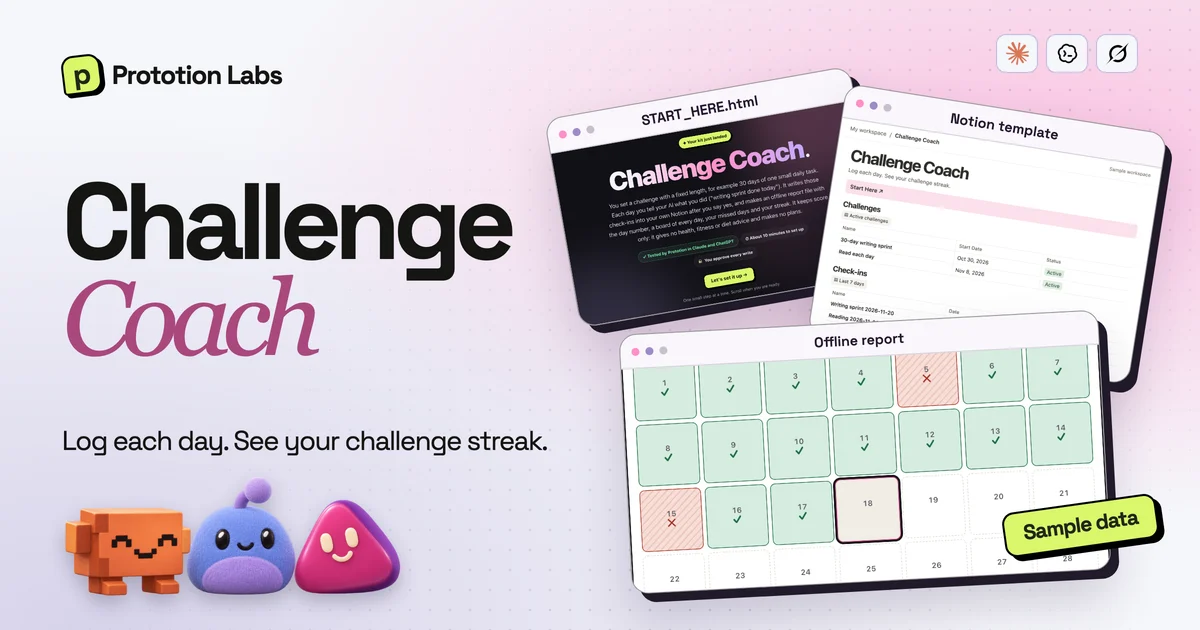 Challenge CoachTell your AI what you did today. It keeps score of your fixed-length challenge in your own Notion and shows your day number, missed days and streak.
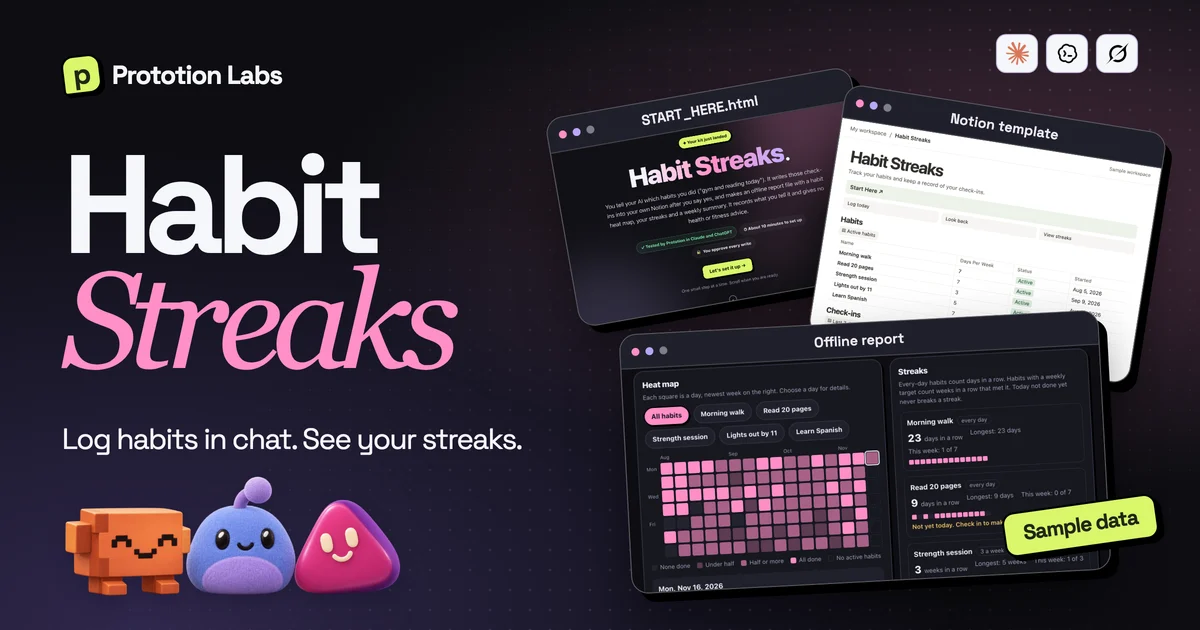
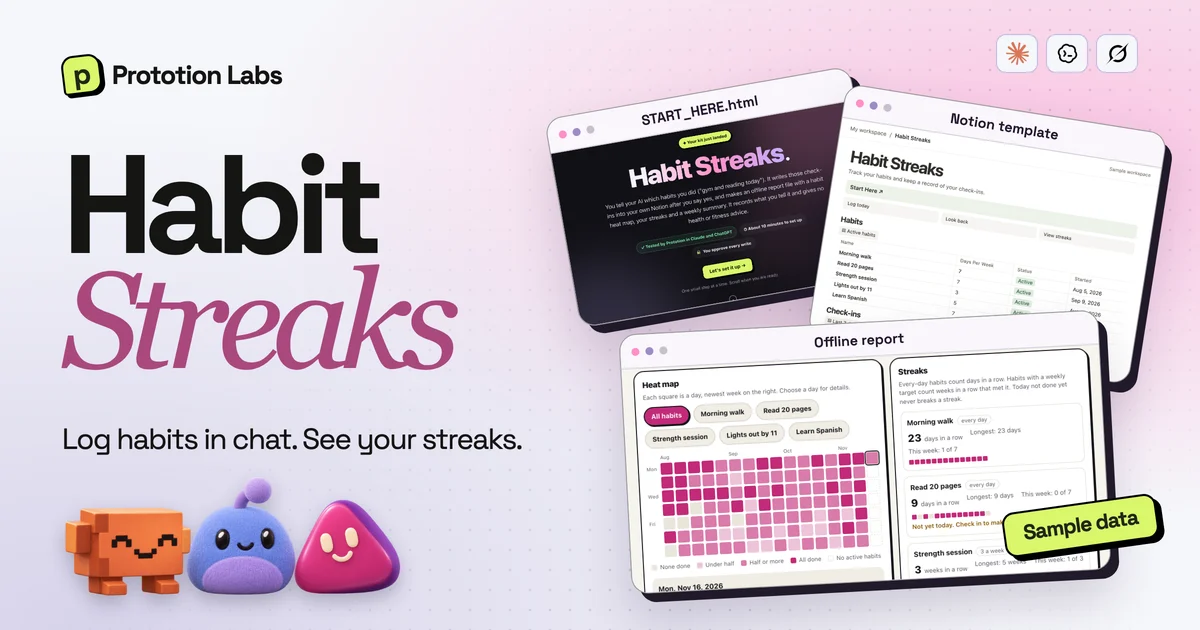 Habit StreaksTell your AI what you did today. It keeps your check-ins in your own Notion and shows your streaks on a heat map.
 Journal & MoodGet a daily prompt, write your answer in a chat, and keep it in your own Notion with a mood you choose.
Every kit. One download.
All 16 workflow kits in one ZIP: study, money, planning and habits. Each one has its own Notion template, Claude Skill, ChatGPT files and offline report. $99 instead of $334 one by one.