Language Coach
Paste the words you are learning. Your AI keeps them in your own Notion, quizzes you on the ones due today, and shows your progress.
Give Claude or ChatGPT a list of words or phrases in any language, in any script. It shows you each one with a meaning, and adds them to Notion after your yes. Then say "practice": it quizzes you in the chat, one word at a time, and schedules each word to come back after 1, 3, 7, 14 or 30 days. Ask for a report and get one HTML file with today's flip-card drill, your weak words and your progress.
Tested by Prototion in Claude and ChatGPT
- Notion template
- Claude Skill
- ChatGPT project files
- Offline HTML report
- Setup guide
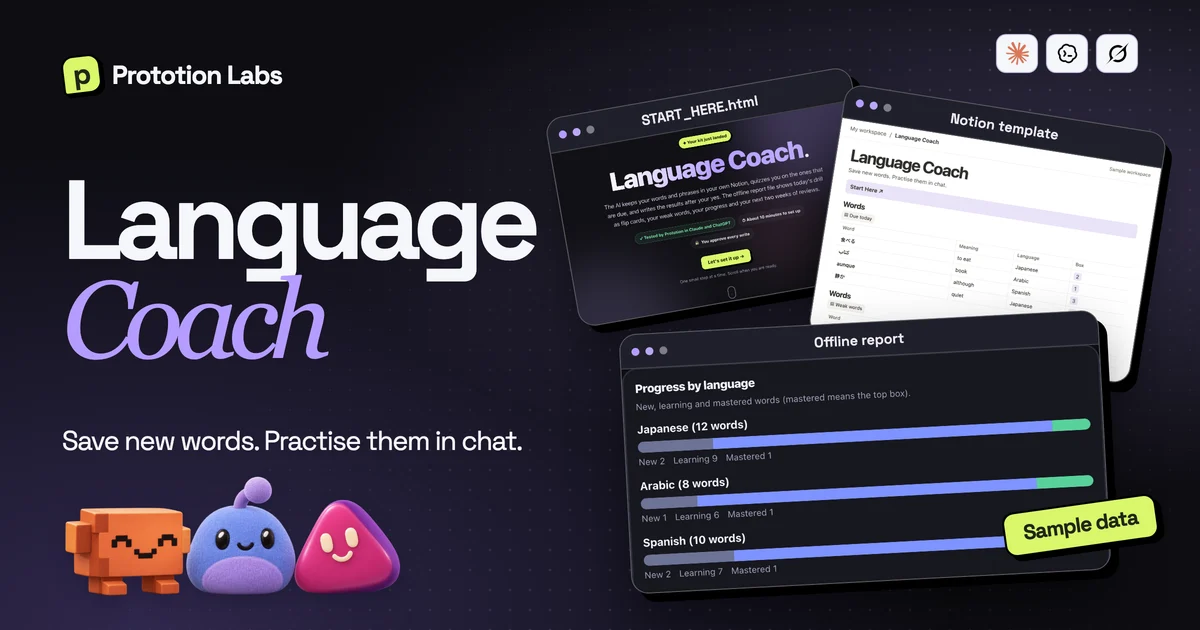
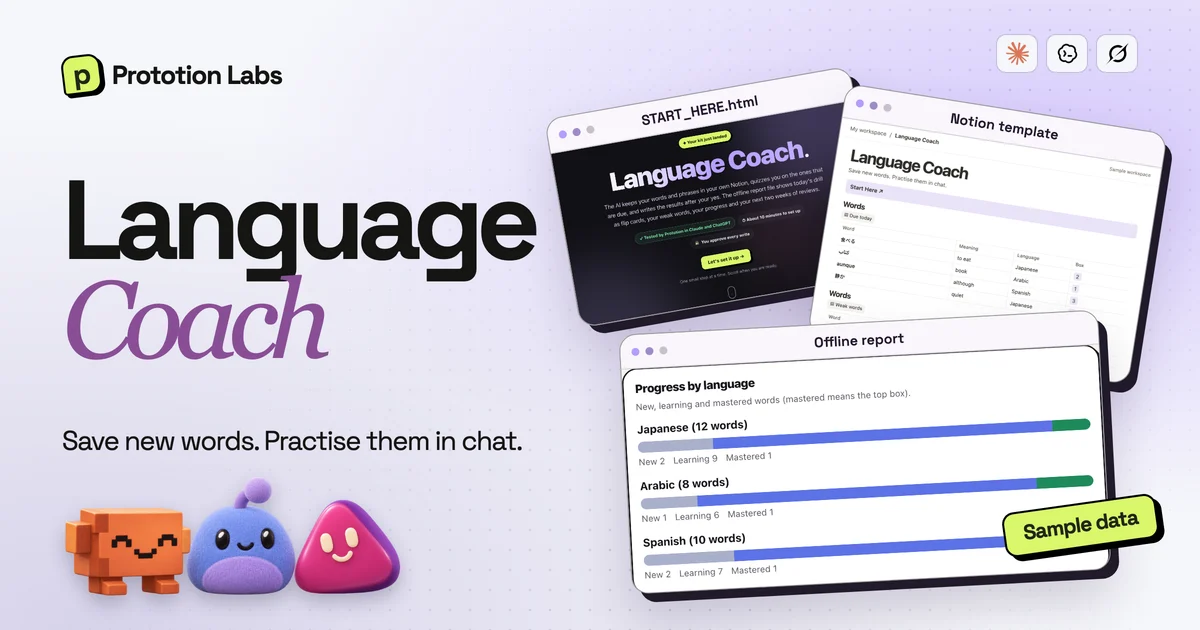
What you will actually see.
Screens from the kit's sample report and template layout, with invented sample data.
Built for one job. Done the same way every time.
- 01
You approve before anything is saved
Your AI first shows a table of the words it would add, with the meaning, a reading if the script needs one, and who wrote the meaning: you or the AI. Nothing goes into Notion until you say yes. You can change a row by number or drop it.
- 02
It marks what it wrote
An AI can get a translation wrong. Every meaning the AI wrote is tagged AI, in Notion and in the report ("AI-written: check it"), and a list in the report gathers them. When you have checked a word in a dictionary or with a teacher, tell your AI and it marks the word Checked. It never marks one Checked on its own.
- 03
A quiz that remembers
"Practice" quizzes you on the words due today, one at a time, in the chat. Show the word and give the meaning, or the other way round. At the end it shows the results and the next review dates, and writes them after your yes. A word you miss comes back the next day. A word you get right waits longer each time.
- 04
Any language, any script
Japanese, Arabic, Hebrew, Spanish: words are kept as you wrote them. The report shows each word in its own direction, so right-to-left text reads correctly.
- 05
No duplicates
A word already in your list is skipped. A word that looks like another form of one you have, or a different word with the same meaning, is marked CHECK and saved only if you say it is new.
- 06
A report you can open offline
Ask for "report". Your AI makes one HTML file: today's drill as flip cards, weak words, progress by language, practice in the last 14 days, and the reviews coming up. It loads nothing from the internet and changes nothing in Notion.
- 07
Use the AI you already have
The workflow is the product, and it is the same on each AI. You use your own plan.
From download to your first report.
- 01
Copy the Notion template
Duplicate the Language Coach page into your own Notion and check it with the checklist.
- 02
Set up your AI
Follow the Claude steps or the ChatGPT steps. Connect your Notion, and keep write actions on approval where you can.
- 03
Add words
Say which language and paste words or phrases (25 at a time). Check the table and say yes.
- 04
Practise
Say "practice". Answer in the chat, check the results table, say yes.
- 05
Ask for the report
whenever you want the drill cards and your progress.
One ZIP, ready to go.
One ZIP, Language Coach Kit v1.0, with these files:
START_HERE.html: open this first. Setup in three steps, how a practice session works, and the honest limits.Notion/TEMPLATE_LINK.md: the link to the Language Coach template, which you duplicate into your Notion.DUPLICATION_CHECKLIST.md: check your copy is right.
Claude/CLAUDE_SETUP.mdFIRST_CHAT_MESSAGE.mdlanguage-coach-operator.zip: the skill you upload to Claude.
ChatGPT/QUICK_START.mdPROJECT_INSTRUCTIONS.md: you paste this into a ChatGPT project.LANGUAGE_COACH_CONTEXT.mdandreport.html: the two files you add to the project.FIRST_CHAT_MESSAGE.md
Agents/: early setup notes, not yet tested by Prototion.Claude_Duet/DUET_SETUP.mdOpenAI_dot/DOT_BRIEF.md,LANGUAGE_COACH_CONTEXT.md,report.htmlGrok_Bot/BOT_SETUP.md,LANGUAGE_COACH_CONTEXT.md,report.html
Report/report.html: the report template.sample/language-coach-report.html: a sample report with invented words, which you can open now.
Support/TROUBLESHOOTING.md: fixes for common problems.
Accounts you probably have.
- A Notion account. A free one is fine for the template itself.
- Claude or ChatGPT.
- Claude: any plan, including Free. You need code execution and file creation turned on, and the Notion connector.
- ChatGPT: any plan that has Projects. The Free plan allows 5 project files and the kit uses 2. You need the Notion app connected.
- A web browser, to open the report. It needs a font for your language on your device.
- Claude Duet, OpenAI dot and Grok Bot need paid plans, and some need a waitlist or a certain country. They are early notes only, not yet tested by Prototion.
Privacy
- Your words and notes go to the AI you choose, under that AI's own terms, and to your own Notion. They do not go to Prototion.
- Do not paste other people's names, phone numbers or addresses. The AI leaves them out.
- The report file is offline: it loads nothing from the internet and sends nothing anywhere.
What it cannot do.
- It is not a certified tutor and not exam preparation. It keeps your word list and runs a quiz. It promises no level or test score.
- Translations, readings and example sentences written by the AI can be wrong, especially for rare words, slang and less common languages. Check the ones that matter in a dictionary or with a teacher.
- It cannot hear you, so it cannot judge your pronunciation. The readings it writes are guesses.
- Words come back on a fixed schedule: 1, 3, 7, 14, then 30 days. It does not adapt to you the way a spaced-repetition app does.
- The AI works only while you chat with it. There are no reminders.
- The report is a snapshot. It does not update itself, and the quiz happens in the chat, not in the report.
- Claude can save the report file for you. Other AIs may only print its code, and then you save it yourself.
Who it is not for.
- You want a teacher, grammar lessons or someone to correct your speaking.
- You are preparing for an exam and need a guaranteed syllabus or score.
- You want reminders or notifications. This has none.
- You want an app with audio, voice recognition or games.
- You do not want to use Claude or ChatGPT, or Notion.
Language Coach: FAQ
Has Prototion tested this?
Tested by Prototion in Claude and ChatGPT. The Claude Duet, OpenAI dot and Grok Bot notes are early and not yet tested by Prototion.
Is this a tutor?
No. It is not a certified tutor and not exam preparation. It keeps your word list, runs a quiz in the chat and schedules reviews. It promises no level and no test score.
Which plans do I need?
Claude: any plan, including Free. You must be able to turn on code execution and file creation and connect Notion. ChatGPT: any plan that has Projects. The Free plan allows 5 project files and the kit uses 2. You also need a Notion account. Claude Duet, OpenAI dot and Grok Bot need paid plans, and some need a waitlist or a certain country.
Are the AI's translations right?
Not always. They can be wrong, especially for rare words, slang and less common languages. The AI tags each meaning it wrote as AI, and the report lists them under "Check these against a dictionary or teacher". Tell your AI when you have checked one and it marks it Checked.
Can it check my pronunciation?
No. It works with text only. The readings (romanisation) it writes are guesses.
Which languages work?
Any language you can type. Words are saved as you write them, in their own script. The report shows each word in its own direction, so Arabic and Hebrew read right to left. Reading the report needs a font for that script on your device.
Does the AI save things without asking?
It asks first. It shows a table of the words, then a table of the quiz results, and waits for your yes each time. In Claude you can also set the Notion write tools to "Needs approval", so it asks twice.
How does the schedule work?
A new word is due at once. Get it right and it moves up one box and comes back after 1, 3, 7, 14, then 30 days. Get it wrong and it goes back to box 1 and comes back the next day. This fixed ladder is not an adaptive algorithm.
What are SKIP and CHECK?
SKIP means the word is already in your list. CHECK means it looks like another form of a word you have, or a different word with the same meaning. It is saved only if you say it is new.
Can it delete or change my words?
It never deletes a word or a session. It never changes a word's spelling. It changes a meaning, reading or example only when you ask for that word. If you want something deleted, do it in Notion yourself.
Do I take the quiz in the report?
No. The quiz happens in the chat, where your AI checks your answers and writes the results after your yes. The report shows today's drill as flip cards for self-testing, plus your weak words, progress and upcoming reviews. It changes nothing in Notion.
Will it remind me to practise?
No. The AI works only while you chat with it. The report shows how many words are due when you open it.
My report shows empty squares instead of Arabic, Hebrew or Japanese.
The report uses the fonts on your device. Open it in a current browser on a device that has a font for that script.
What if my AI cannot save the report?
Some AIs only print the report as code. Save it as a plain-text file named `language-coach-report.html` and open it in your browser.
Where do my words go?
To the AI you choose, under that AI's own terms, and to your own Notion once you approve. Not to Prototion. The report file is offline: it loads nothing from the internet and sends nothing anywhere.
Language Coach. Yours in your Notion.
Language Coach Kit by Prototion Labs. For Notion. This is not made by or endorsed by Notion, Anthropic or OpenAI.
Pairs well with.
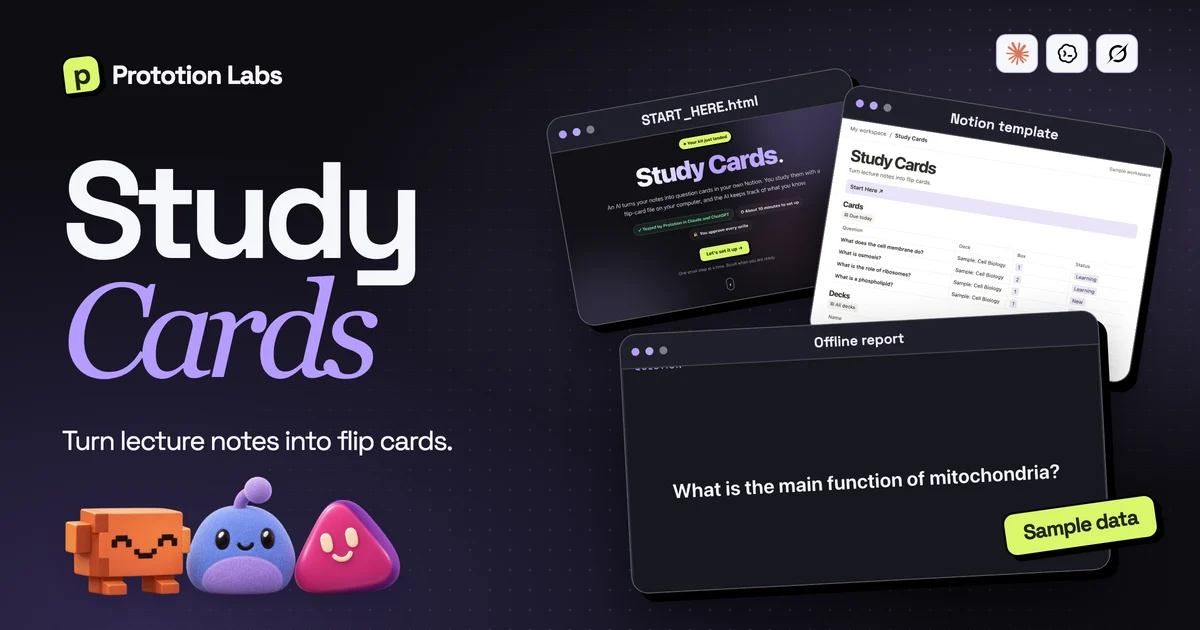
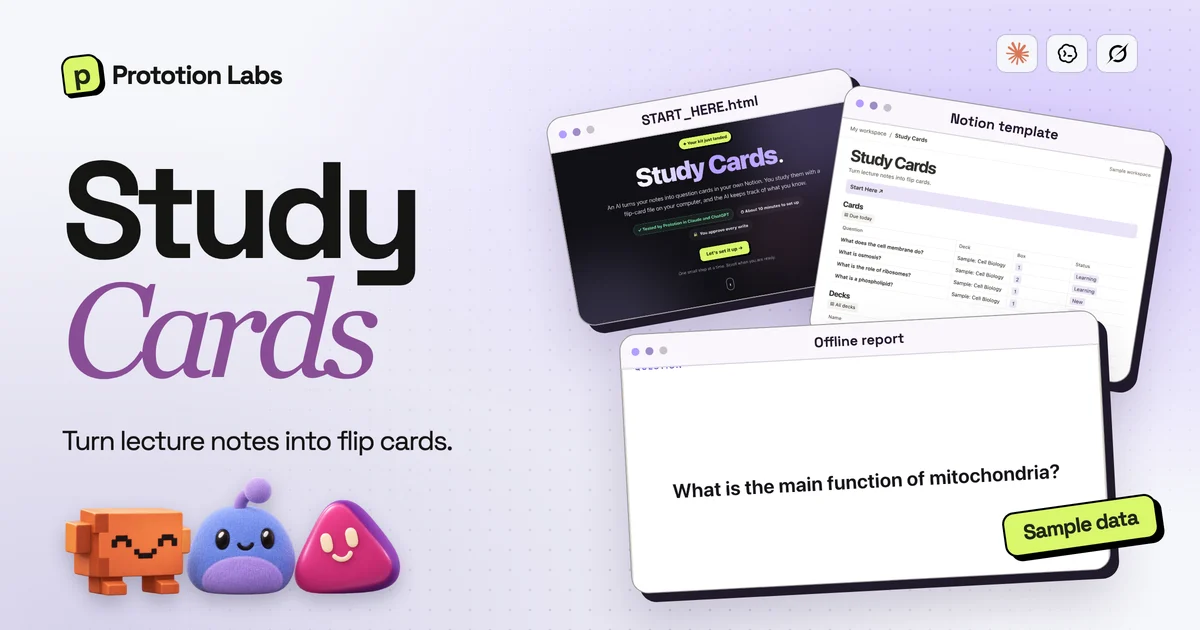 Study CardsTurn your lecture notes into question cards in your own Notion.
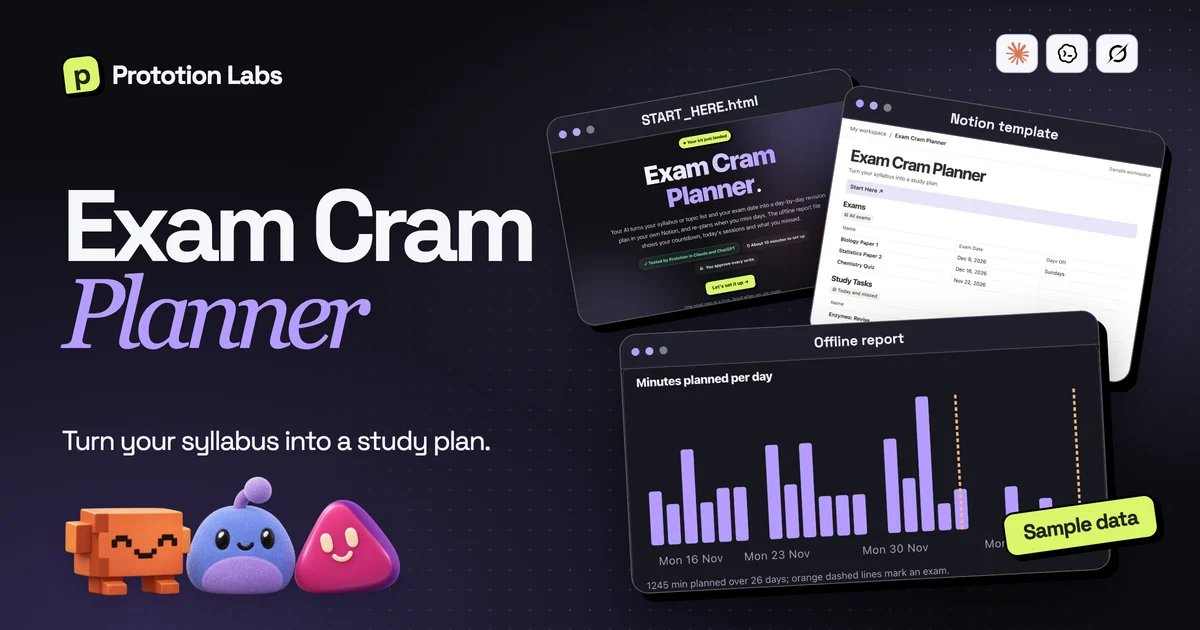
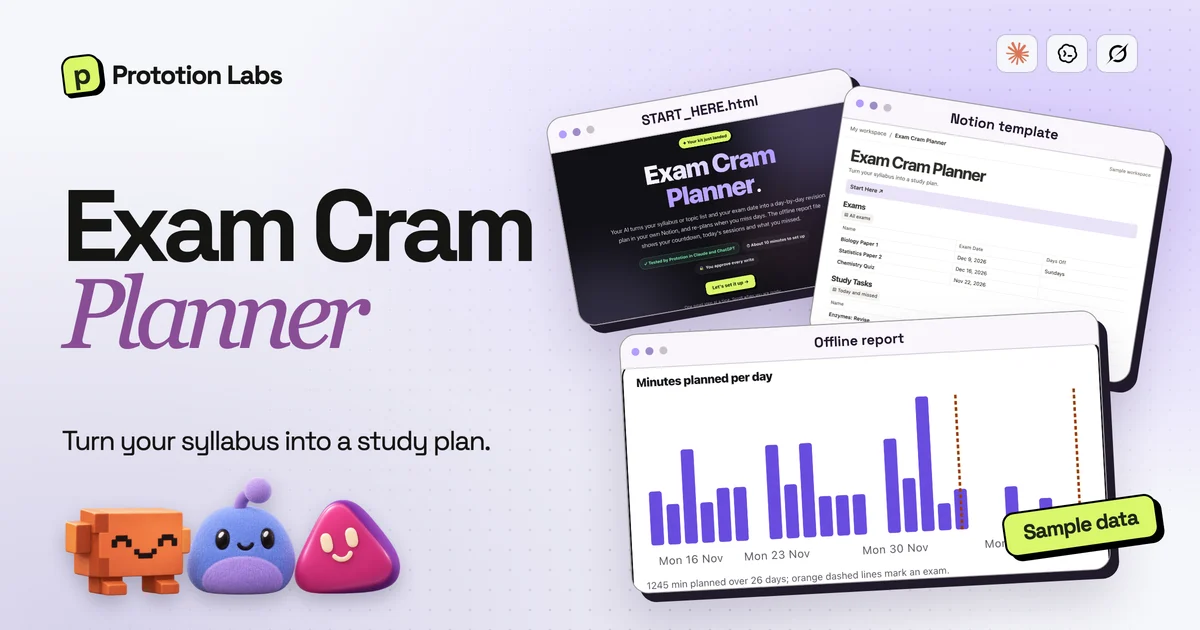 Exam Cram PlannerPaste your syllabus and exam date. Your AI builds a day-by-day revision plan in your own Notion.
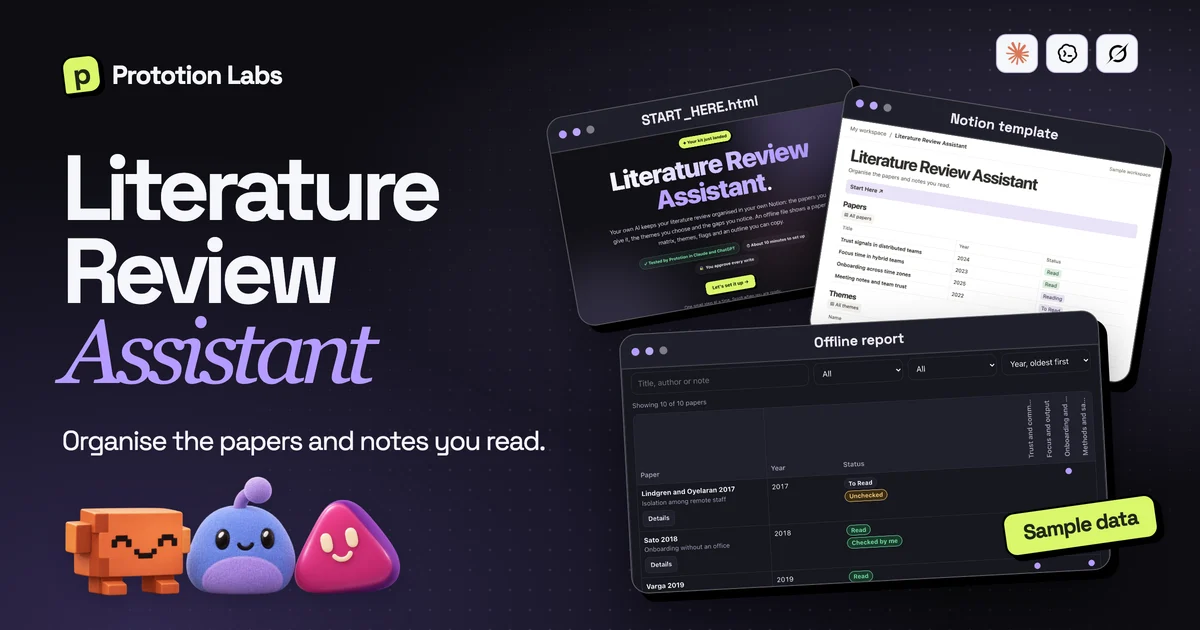
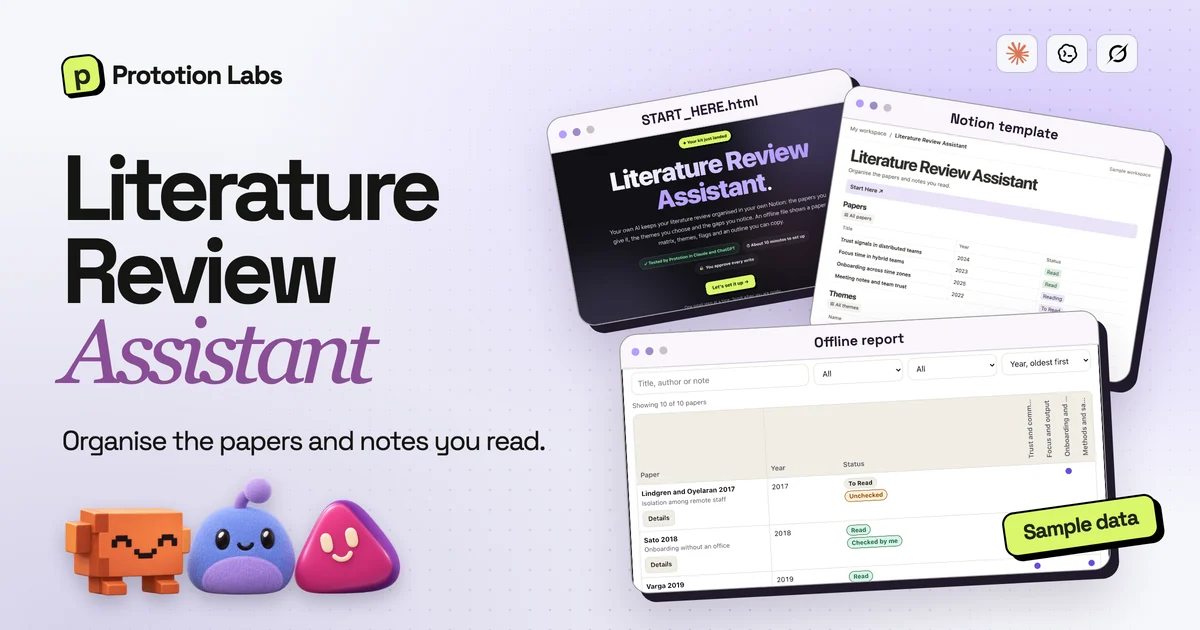 Literature Review AssistantGive your AI the papers you have read. It organises them in your own Notion and never invents one.
Every kit. One download.
All 16 workflow kits in one ZIP: study, money, planning and habits. Each one has its own Notion template, Claude Skill, ChatGPT files and offline report. $99 instead of $334 one by one.