Second Brain Inbox Sorter
Say "sort". Your AI proposes where each note, link and idea goes, and files them in your own Notion after your yes.
Dump things into your Notion Inbox, or paste them into the chat. Claude or ChatGPT proposes a bucket for each one (Projects, Areas, Resources or Archive), with the words that led it there. What it cannot explain stays in Inbox with one question for you. You approve, it files the notes and saves one row for the day. Then say "summary" and get one HTML file: what you sorted, where it went and what is still waiting on you.
Tested by Prototion in Claude and ChatGPT
- Notion template
- Claude Skill
- ChatGPT project files
- Offline HTML report
- Setup guide

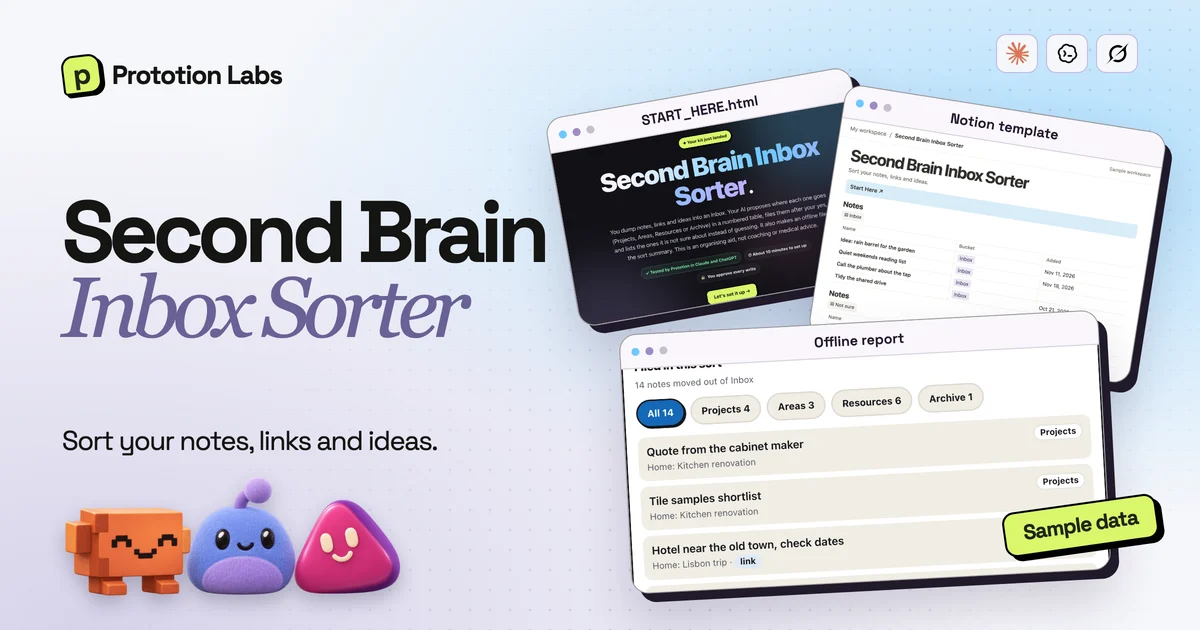
What you will actually see.
Screens from the kit's sample report and template layout, with invented sample data.
Built for one job. Done the same way every time.
- 01
You approve before anything is filed
Your AI shows numbered tables: what it will file, what it is not sure about, possible duplicates and the day's row. Nothing goes into Notion until you say yes. Change a row by number or drop it. A yes covers only the tables shown.
- 02
It says why, or it asks
Each proposal comes with a short basis from the words in the note. If it cannot give one, the note is "not sure": it stays in Inbox with a question, instead of a guess.
- 03
Your own Homes, spelled the same way
It reads the project and area names you already use and reuses them exactly. A name it has not seen is marked NEW, so one project does not end up with three spellings.
- 04
Pasted notes are checked for repeats
A pasted note with the same link or name as one you have is skipped. One that looks like the same thing in other words is marked CHECK and saved only if you say it is new.
- 05
Small batches
A sort handles up to 40 notes at a time, pasted ones first, then the oldest in your Inbox. The rest stay put and are counted, so a big backlog never turns into one giant, unreviewable table.
- 06
Nothing is deleted
Notes are never removed. To clear something out of the way it moves to Archive, after your yes. The Note column is yours: the AI does not write in it.
- 07
A summary you can open offline
Ask for "summary". Your AI makes one HTML file: what was filed in a sort and where, the not-sure list with a reply helper you can copy back to your AI, and your totals per bucket. It loads nothing from the internet and changes nothing in Notion.
- 08
Use the AI you already have
The workflow is the product, and it is the same on each AI. You use your own plan.
From download to your first report.
- 01
Copy the Notion template
Duplicate the Second Brain Inbox Sorter page into your own Notion and check it with the checklist.
- 02
Set up your AI
Follow the Claude steps or the ChatGPT steps. Connect your Notion, and keep write actions on approval where you can.
- 03
Say "sort", approve
Paste new notes with it if you like. Check the numbered tables, change any row by number, answer the not-sure ones, and say yes.
- 04
Say "summary" any time
You get the HTML file, and nothing is written to Notion.
One ZIP, ready to go.
One ZIP, Second Brain Inbox Sorter Kit v1.0, with these files:
START_HERE.html: open this first. Setup in three steps, how a sort works, and the honest limits.Notion/TEMPLATE_LINK.md: the link to the Second Brain Inbox Sorter template, which you duplicate into your Notion.DUPLICATION_CHECKLIST.md: check your copy is right.
Claude/CLAUDE_SETUP.mdFIRST_CHAT_MESSAGE.mdinbox-sorter-operator.zip: the skill you upload to Claude.
ChatGPT/QUICK_START.mdPROJECT_INSTRUCTIONS.md: you paste this into a ChatGPT project.INBOX_SORTER_CONTEXT.mdandreport.html: the two files you add to the project.FIRST_CHAT_MESSAGE.md
Agents/: early setup notes, not yet tested by Prototion.Claude_Duet/DUET_SETUP.mdOpenAI_dot/DOT_BRIEF.md,INBOX_SORTER_CONTEXT.md,report.htmlGrok_Bot/BOT_SETUP.md,INBOX_SORTER_CONTEXT.md,report.html
Report/report.html: the report template.sample/inbox-sort-summary.html: a sample summary with invented notes, which you can open now.
Support/TROUBLESHOOTING.md: fixes for common problems.
Accounts you probably have.
- A Notion account. A free one is fine for the template itself.
- Claude or ChatGPT.
- Claude: any plan, including Free. You need code execution and file creation turned on, and the Notion connector.
- ChatGPT: any plan that has Projects. The Free plan allows 5 project files and the kit uses 2. You need the Notion app connected.
- A web browser, to open the summary.
- Claude Duet, OpenAI dot and Grok Bot need paid plans, and some need a waitlist or a certain country. They are early notes only, not yet tested by Prototion.
Privacy
- Your notes go to the AI you choose, under that AI's own terms, and to your own Notion. They do not go to Prototion.
- The AI is told never to write passwords, card numbers or keys. If a pasted note holds one, it is left out of the tables, Notion and the summary file.
- The report file is offline: it loads nothing from the internet and sends nothing anywhere.
- The kit does not read your calendar, email or files.
What it cannot do.
- It sees only what is in your Notion Notes and Sorts and what you paste. It does not read your email or other apps, does not open your links unless you ask, and does nothing by itself: you say "sort".
- A bucket is a proposal from the words in the note, not a judgement of what matters. You decide, and "not sure" is a normal answer.
- The counts are only as complete as your Notes. Things you never dumped there are missing.
- A Sorts row is a snapshot from the day of the sort. It does not change when you edit notes later.
- The AI works only while you chat with it. There are no reminders or alerts.
- Claude can save the summary file for you. Other AIs may only print its code, and then you save it yourself.
- This is an organising aid. It is not coaching, and it is not medical, mental-health, financial or life advice.
Who it is not for.
- You want an inbox that sorts itself in the background. It has no automation: you say "sort".
- You want a coach to decide what matters. It files what you give it and asks when unsure.
- You want hundreds of notes filed without looking at them. You approve the tables first, every time.
- You do not want to use Claude or ChatGPT, or Notion.
Second Brain Inbox Sorter: FAQ
Has Prototion tested this?
Tested by Prototion in Claude and ChatGPT. The Claude Duet, OpenAI dot and Grok Bot notes are early and not yet tested by Prototion.
Which plans do I need?
Claude: any plan, including Free. You must be able to turn on code execution and file creation and connect Notion. ChatGPT: any plan that has Projects. The Free plan allows 5 project files and the kit uses 2. You also need a Notion account. Claude Duet, OpenAI dot and Grok Bot need paid plans, and some need a waitlist or a certain country.
Does it read my email or other apps?
No. It works from your Notion Notes and Sorts databases and what you paste into the chat.
Where does my data go?
To the AI you choose, under that AI's own terms, and to your own Notion once you approve. Not to Prototion. The summary file is offline: it loads nothing from the internet and sends nothing anywhere.
Does the AI file things without asking?
It asks first. It shows numbered tables for what it will file, what it is not sure about, possible duplicates and the day's row, and waits for your yes. A yes covers only the tables shown. In Claude you can also set the Notion write tools to "Needs approval", so it asks twice.
What are the four buckets?
Projects (something with an outcome and an end), Areas (an ongoing responsibility with no end date), Resources (reference material to keep) and Archive (finished, paused or unwanted). It proposes one only when it can say why from your words.
What does "not sure" mean?
The AI could not give a reason for any bucket. The note stays in Inbox with one question in the Unsure column. You can answer by number in the chat, or from the summary file's reply helper.
What are SKIP and CHECK?
SKIP means a pasted note has the same link or name as one you already have, so it is not added again. CHECK means it looks like the same thing in other words, and it is added only if you say it is new.
Will it delete or rewrite my notes?
No. It never deletes a note and never changes a note's name or your Note column. To clear something out of the way it moves it to Archive, after your yes.
What is a Home?
The project, area or topic a note belongs to, in plain words, such as "Kitchen renovation". It is free text, not a fixed list. The AI reuses the exact spelling you already use and marks a new one NEW.
I have hundreds of notes in my Inbox. Will it work?
A sort takes at most 40 notes, pasted ones first and then the oldest in your Inbox. The rest stay in Inbox and are counted. Run "sort" again for the next batch.
Does it open my links?
Not unless you ask. A bare link is proposed as Resources with the basis "link, not opened", or kept as not sure.
What if my AI cannot save the summary file?
Some AIs only print the report as code. Save it as a plain-text file named `inbox-sort-summary.html` and open it in your browser. If that also fails, ask for a table in chat.
Will it remind me to sort?
No. The AI works only while you chat with it. Say "sort" when you are ready.
Is this coaching or advice?
No. It is an organising aid. It is not coaching, and it is not medical, mental-health, financial or life advice.
Second Brain Inbox Sorter. Yours in your Notion.
Second Brain Inbox Sorter Kit by Prototion Labs. For Notion. This is not made by or endorsed by Notion, Anthropic or OpenAI.
Pairs well with.

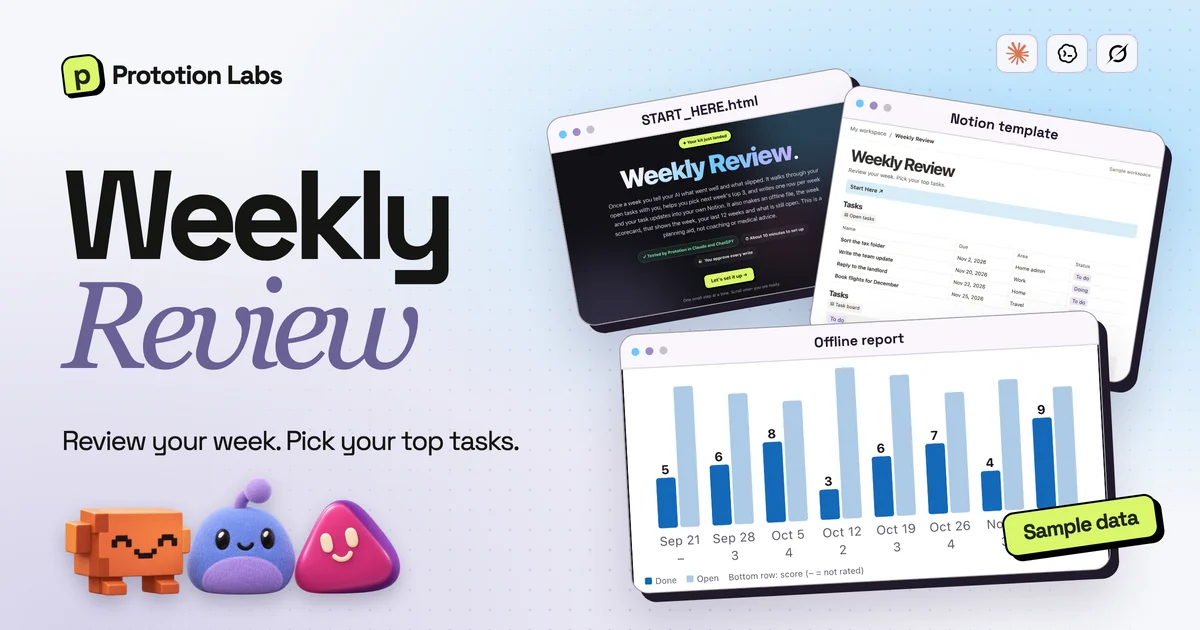 Weekly ReviewSay "review". Your AI walks you through your week, plans your top 3, and writes it into your own Notion after your yes.
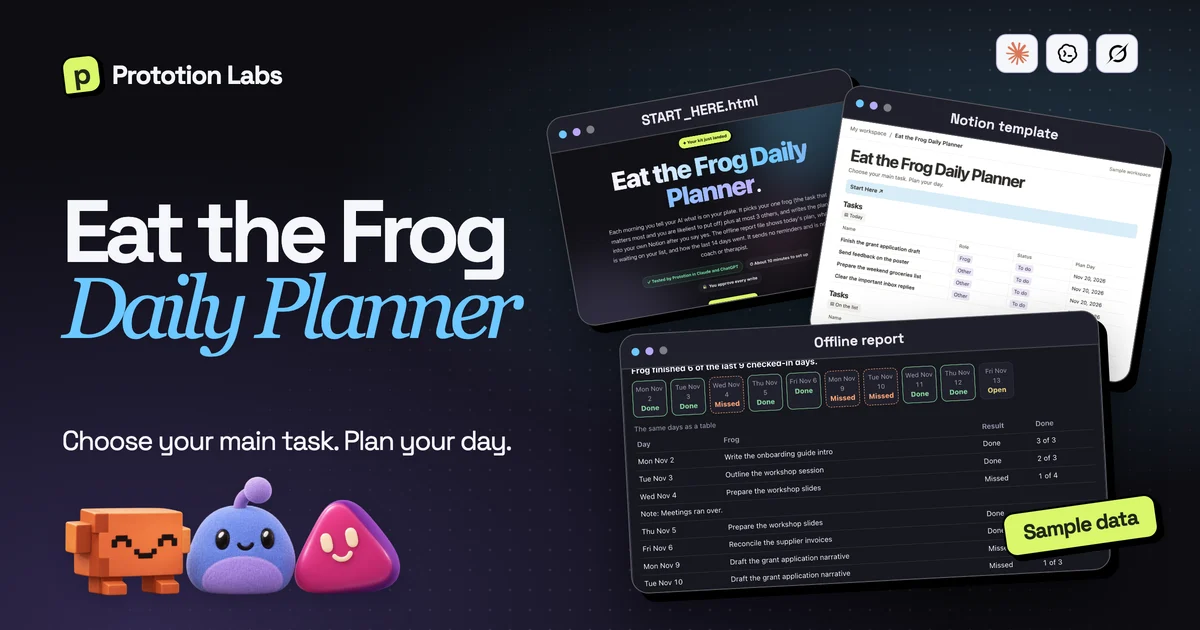
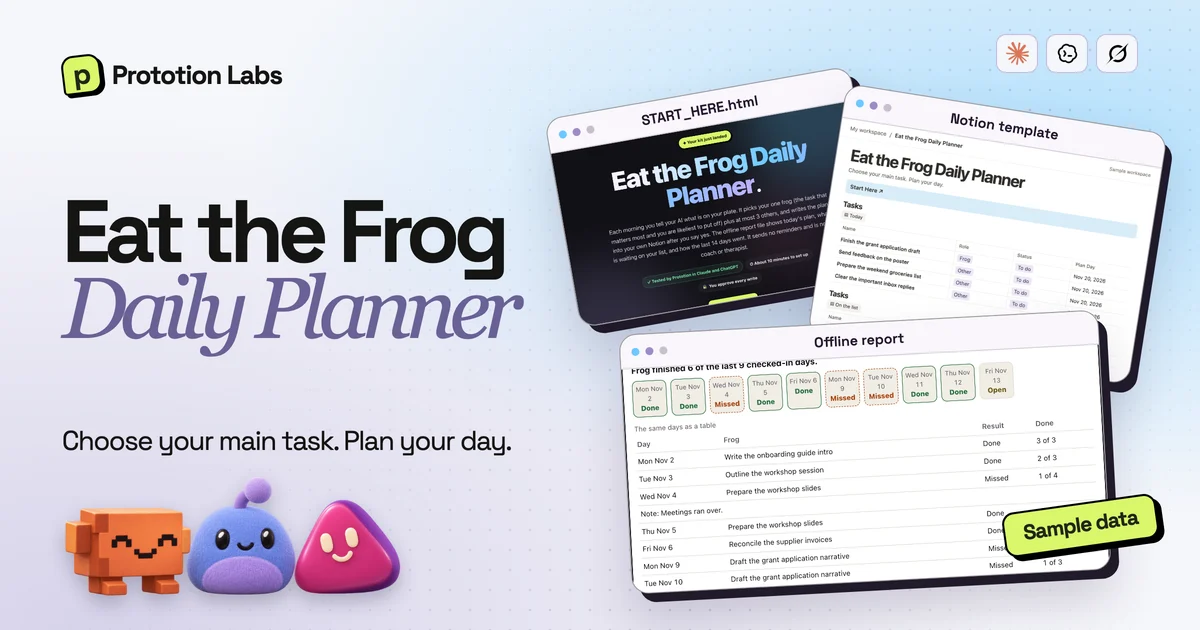 Eat the Frog Daily PlannerTell your AI what is on your plate. It picks your one frog and plans the day in your own Notion.

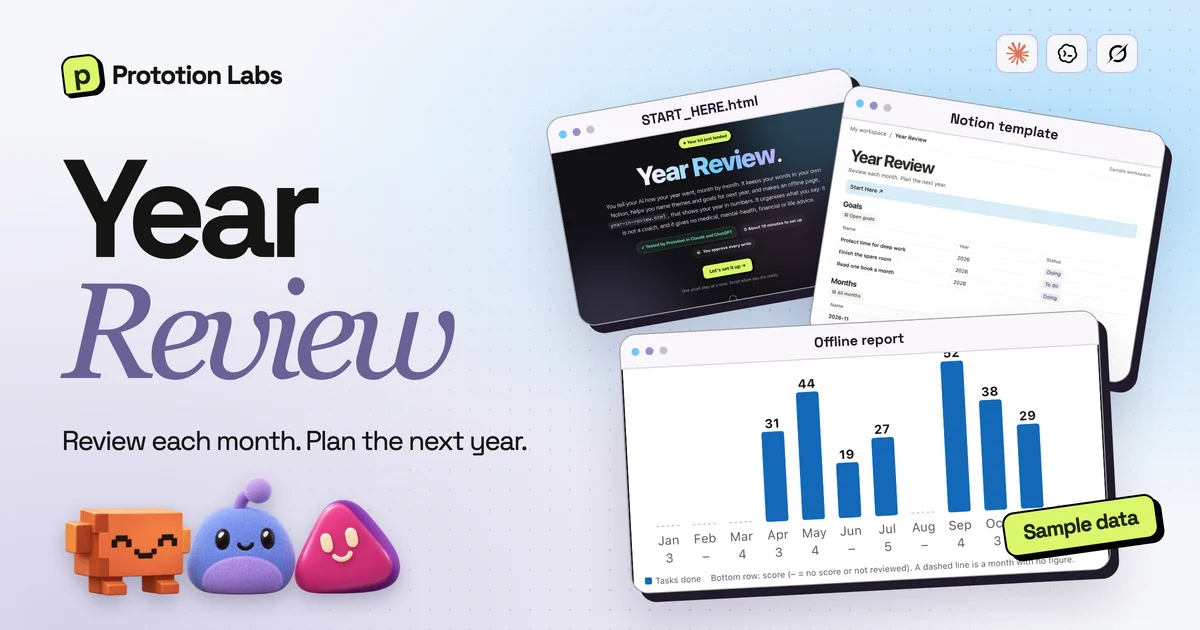 Year ReviewLook back on your year month by month, plan the next one, and get your year in numbers on one page.
Every kit. One download.
All 16 workflow kits in one ZIP: study, money, planning and habits. Each one has its own Notion template, Claude Skill, ChatGPT files and offline report. $99 instead of $334 one by one.