Monthly Money Review
Your AI reviews your month: budget against actual, the 3 biggest changes, and what to adjust next.
Give Claude or ChatGPT the link to your Notion. It reads the month's transactions and shows what you spent against each budget, the 3 categories that moved most since last month, and a suggested budget for next month. You approve, it saves the review and any budget changes to Notion, and you get one HTML report file.
Tested by Prototion in Claude and ChatGPT
- Notion template
- Claude Skill
- ChatGPT project files
- Offline HTML report
- Setup guide
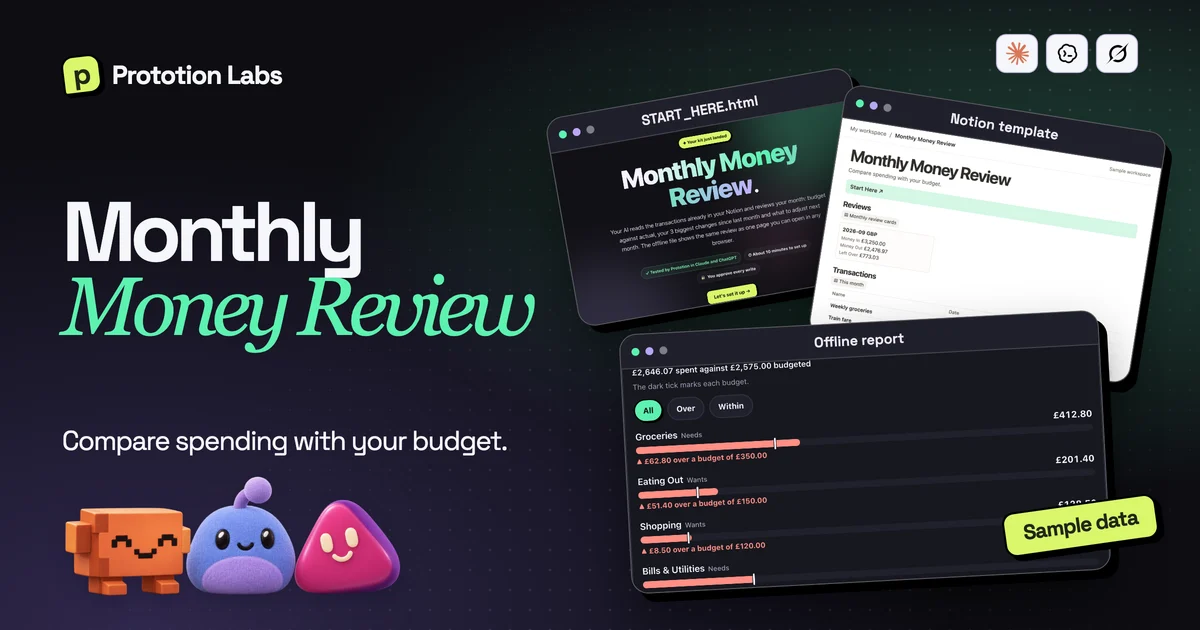
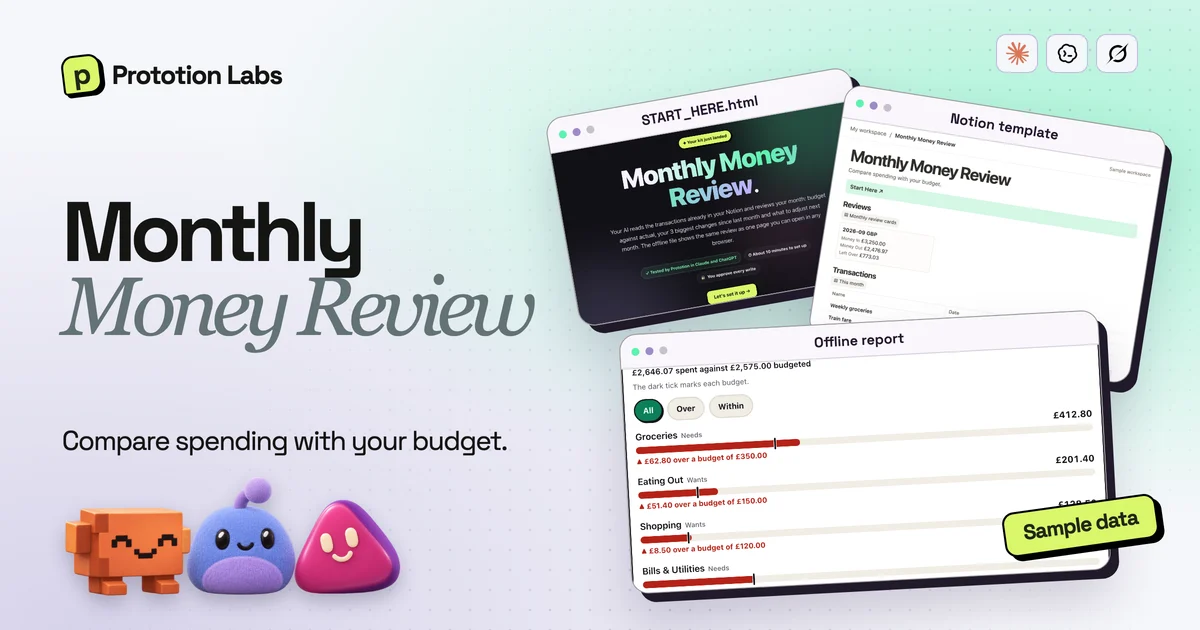
What you will actually see.
Screens from the kit's sample report and template layout, with invented sample data.
Built for one job. Done the same way every time.
- 01
Budget against actual, with the rule shown
Each Needs, Wants and Savings category is shown against its Monthly Budget: how much over, or how much left. Savings is treated as a plan, so it is "above plan" or "below plan", never "over". Your AI says which rule it used for every number.
- 02
The 3 biggest changes since last month
Each category's amount this month minus last month's, ranked by size. Rows with no category are counted too, so they cannot hide. It reports the numbers and does not comment on your choices.
- 03
A suggested budget, which you can change
For next month it suggests the recent average, rounded up, for the Needs and Wants categories that moved the most, at most 3. That is what you spent, not what you should spend. Change a number or drop a row, then say yes.
- 04
You approve before anything is saved
It shows two tables: the review row, and the budget changes. Each needs its own yes. A yes to one never writes the other. It reads every row back after writing.
- 05
Your reviews stay in your Notion
One new database, Reviews, sits beside Transactions, Categories and Accounts: one row per month with the numbers, the top changes and the budget changes. You can add your own note to any row; your AI never edits it.
- 06
A report you can open offline
Ask for "review" and get one HTML file: money in, money out, what is left over, budget against actual, the top changes, the suggestions, and six months in and out. It loads nothing from the internet and changes nothing in Notion.
- 07
Works with the Bank CSV Budget template
It uses the same four databases and the same money rules as the Bank CSV Budget Kit, so one Notion can run both. If you do not have that kit, you can add transactions to Transactions yourself.
From download to your first report.
- 01
Copy the Notion template
Duplicate the Monthly Money Review page into your own Notion and check it with the checklist.
- 02
Set up your AI
Follow the Claude steps or the ChatGPT steps. Connect your Notion, and keep write actions on approval where you can.
- 03
Ask for a review
Say a month like 2026-10, or "review" for the latest finished month. Read the numbers and the report.
- 04
Approve what to save
Say yes to the review row, and separately yes to any budget changes you want.
One ZIP, ready to go.
One ZIP, Monthly Money Review Kit v1.0, with these files:
START_HERE.html: open this first. Setup in three steps, what a review looks like, and the honest limits.Notion/TEMPLATE_LINK.md: the link to the Monthly Money Review template, which you duplicate into your Notion.DUPLICATION_CHECKLIST.md: check your copy is right.
Claude/CLAUDE_SETUP.mdFIRST_CHAT_MESSAGE.mdmoney-review-operator.zip: the skill you upload to Claude.
ChatGPT/QUICK_START.mdPROJECT_INSTRUCTIONS.md: you paste this into a ChatGPT project.MONEY_REVIEW_CONTEXT.mdandreport.html: the two files you add to the project.FIRST_CHAT_MESSAGE.md
Agents/: early setup notes, not yet tested by Prototion (Claude Duet, OpenAI dot, Grok Bot).Report/report.html: the report template.sample/money-review-report.html: a sample report with invented numbers, which you can open now.
Support/TROUBLESHOOTING.md: fixes for common problems.
Accounts you probably have.
- A Notion account. A free one is fine for the template itself.
- Claude or ChatGPT.
- Claude: any plan, including Free. You need code execution and file creation turned on, and the Notion connector.
- ChatGPT: any plan that has Projects. The Free plan allows 5 project files and the kit uses 2. You need the Notion app connected.
- Transactions already in your Notion, from the Bank CSV Budget Kit or added by you. This kit does not import bank files.
- A web browser, to open the report.
Privacy
- There is no bank connection. Your AI sees only what is in your Notion.
- Long numbers (6 digits or more) are masked, like ••1234, before anything is saved to Notion, the report or the chat. Name your accounts in your own words; the kit never asks for an account or card number.
- Your transactions go to the AI you choose, under that AI's own terms, and stay in your own Notion. They do not go to Prototion.
- The report file is offline: it loads nothing from the internet and sends nothing anywhere.
What it cannot do.
- It sees only the transactions in your Notion. It cannot connect to your bank, and it does not update itself.
- The review is only as complete as those transactions. Rows with no category, cash and accounts that are not in Notion are missing or unplaced.
- Notion keeps no history of old budgets, so earlier months are shown against today's budgets.
- A suggested budget is the recent average, not advice about what to spend.
- One report is one currency. Accounts in other currencies get their own review.
- The AI works only while you chat with it. There are no reminders or alerts.
- Claude can save the report file for you. Other AIs may only print its code, and then you save it yourself.
- This is a record of your spending. It is not financial, tax or debt advice.
Who it is not for.
- You want a live link to your bank, or a review that arrives by itself.
- You want an app that nudges you about overspending. It has no reminders.
- You want advice on what to do with your money. This only shows you what happened.
- You have no transactions in Notion and do not want to add them.
- You do not want to use Claude or ChatGPT, or Notion.
Monthly Money Review: FAQ
Has Prototion tested this?
Tested by Prototion in Claude and ChatGPT. The Claude Duet, OpenAI dot and Grok Bot notes are early and not yet tested by Prototion.
Which plans do I need?
Claude: any plan, including Free. You must be able to turn on code execution and file creation and connect Notion. ChatGPT: any plan that has Projects. The Free plan allows 5 project files and the kit uses 2. You also need a Notion account. Claude Duet, OpenAI dot and Grok Bot need paid plans, and some need a waitlist or a certain country.
Does it connect to my bank?
No. It reads the transactions already in your Notion. Nothing is read from your bank and nothing updates by itself.
How do my transactions get into Notion?
You add them yourself, or use the Bank CSV Budget Kit, which imports a CSV your bank exports into the same four databases. This kit does not import files.
Where does my data go?
To the AI you choose, under that AI's own terms, and back to your own Notion once you approve. Not to Prototion. The report file is offline: it loads nothing from the internet and sends nothing anywhere.
What about my account and card numbers?
Name your accounts in your own words ("Everyday current account"). Any run of 6 or more digits is masked, like ••1234, before it is saved to Notion, the report or the chat.
Does the AI save things without asking?
No. It shows the review row and the budget changes as two tables. Each needs its own yes, and a yes to one writes only that one. In Claude you can also set the Notion write tools to "Needs approval", so it asks twice.
How are the 3 biggest changes worked out?
For each category, this month's amount minus last month's. They are ranked by size, ignoring up or down, and the first 3 that changed are shown. Rows with no category are counted as their own line, "No category". It states the numbers and does not judge them.
How is the suggested budget worked out?
For Needs and Wants categories: the average of this month and up to 2 months before it, rounded up to a whole number. A category is suggested only if that differs from its budget by at least 10 or 10 percent, and at most 3 are shown. It is what you spent, not advice on what to spend. You can change any number.
Why is Savings never "over"?
A savings amount is a plan, not a limit, so it is shown as above, below or on plan.
Can it delete or change my transactions?
It never deletes anything. It does not change the date, amount, direction or bank text of a transaction. The only things it writes are Reviews rows, Monthly Budget on a category you approved, and, if you ask, the Category of rows that have none.
Why do old months use today's budgets?
Notion keeps one Monthly Budget per category and no history. Earlier months are shown against the budget as it is now.
Can I review the current month?
Yes, if you name it. Your AI tells you the month is not finished. "Review" on its own means the latest finished month.
What if my AI cannot save the report?
Some AIs only print the report as code. Save it as a plain-text file named `money-review-report.html` and open it in your browser.
Will it remind me or warn me when I overspend?
No. The AI works only while you chat with it. The report shows which budgets are over when you open it.
Is this financial advice?
No. It is a record of where your money went. It gives no investment, tax or debt advice.
Monthly Money Review. Yours in your Notion.
Monthly Money Review Kit by Prototion Labs. For Notion. This is not made by or endorsed by Notion, Anthropic or OpenAI.
Pairs well with.
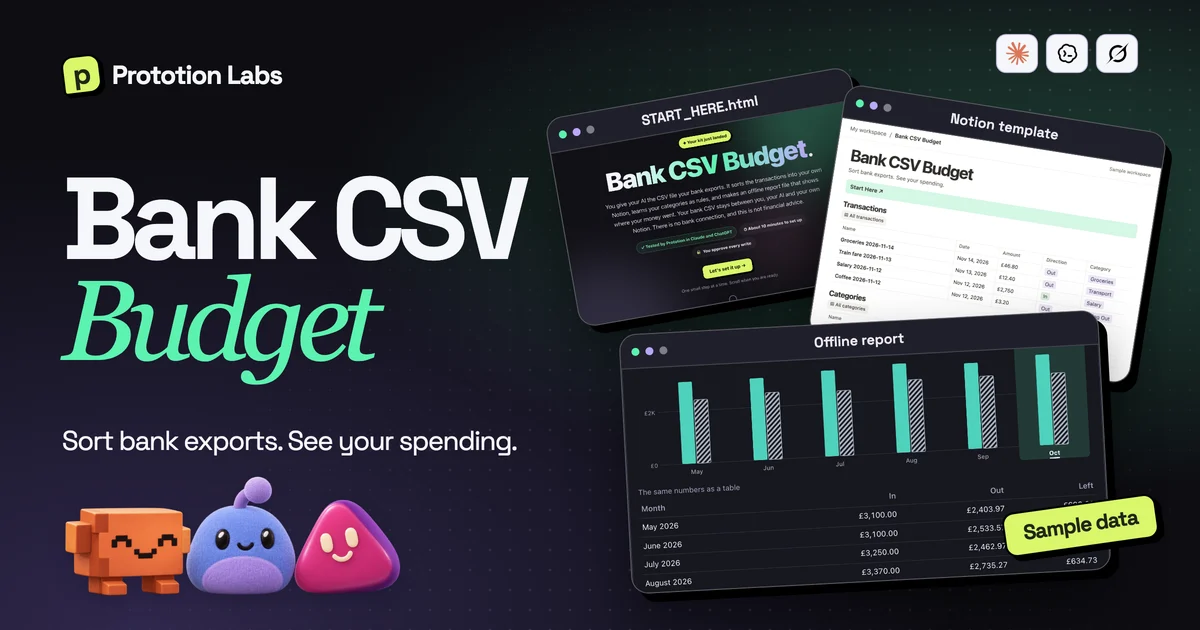
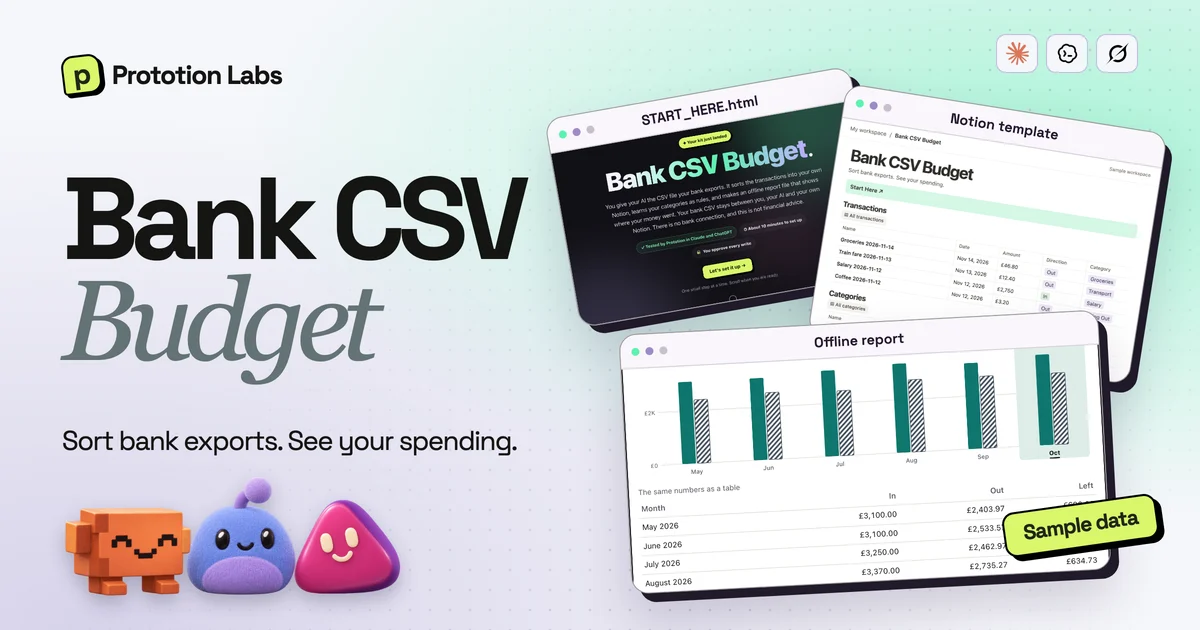 Bank CSV BudgetExport your bank CSV. Your AI sorts it into your own Notion and shows you where the money went.
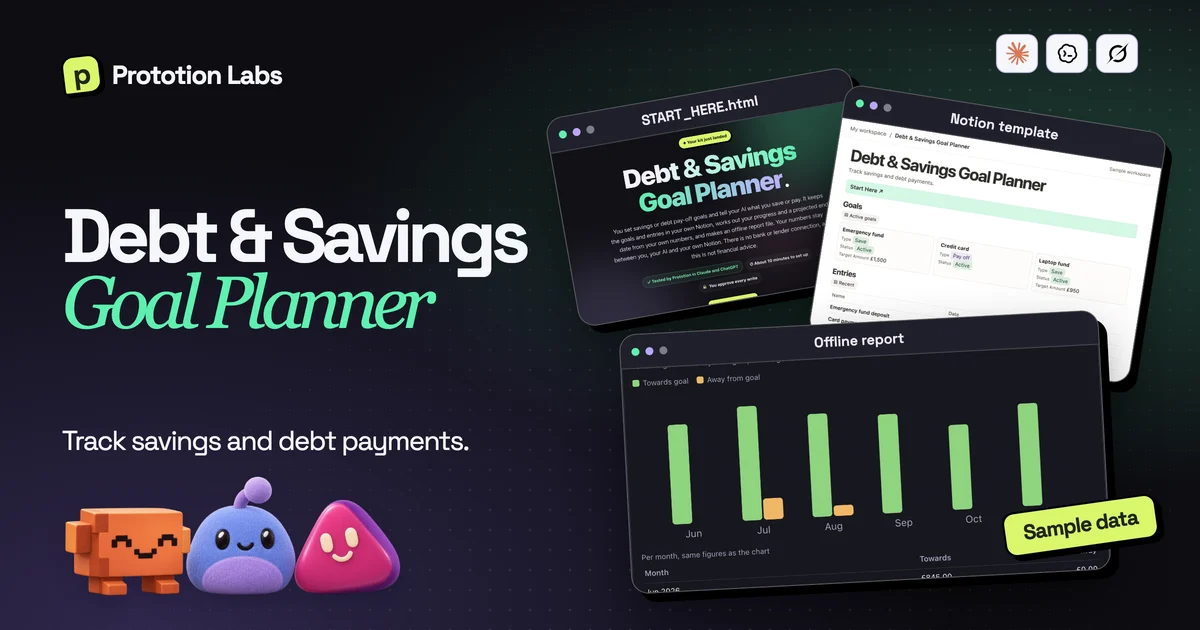
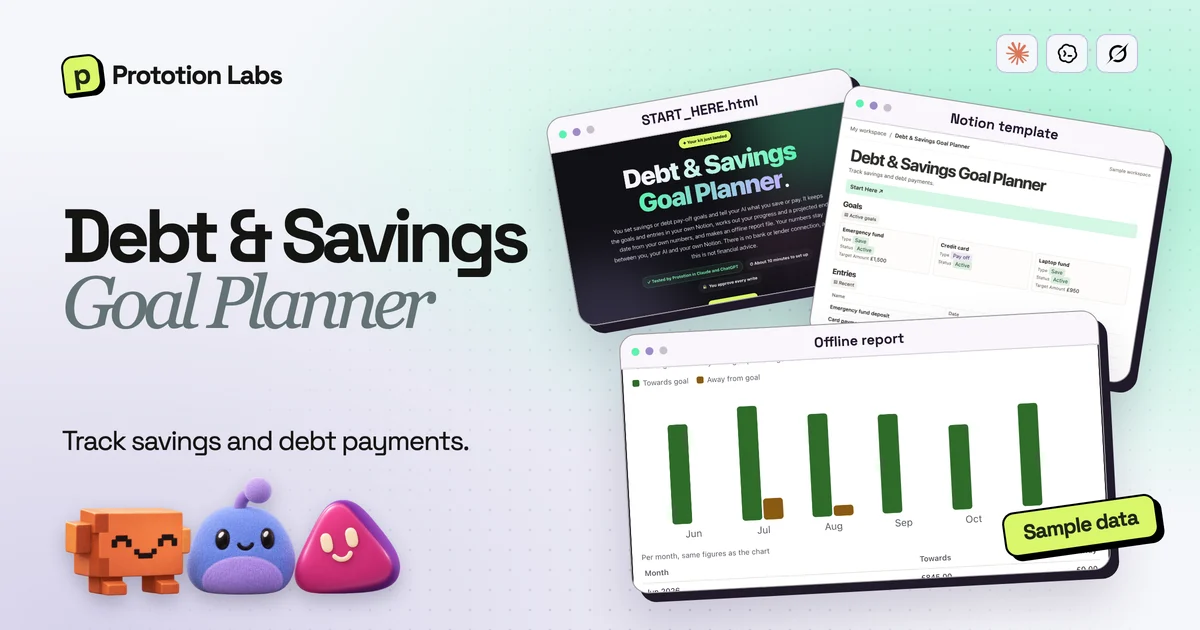 Debt & Savings Goal PlannerSet a savings or debt goal. Tell your AI what you put in. See your progress and an end date.

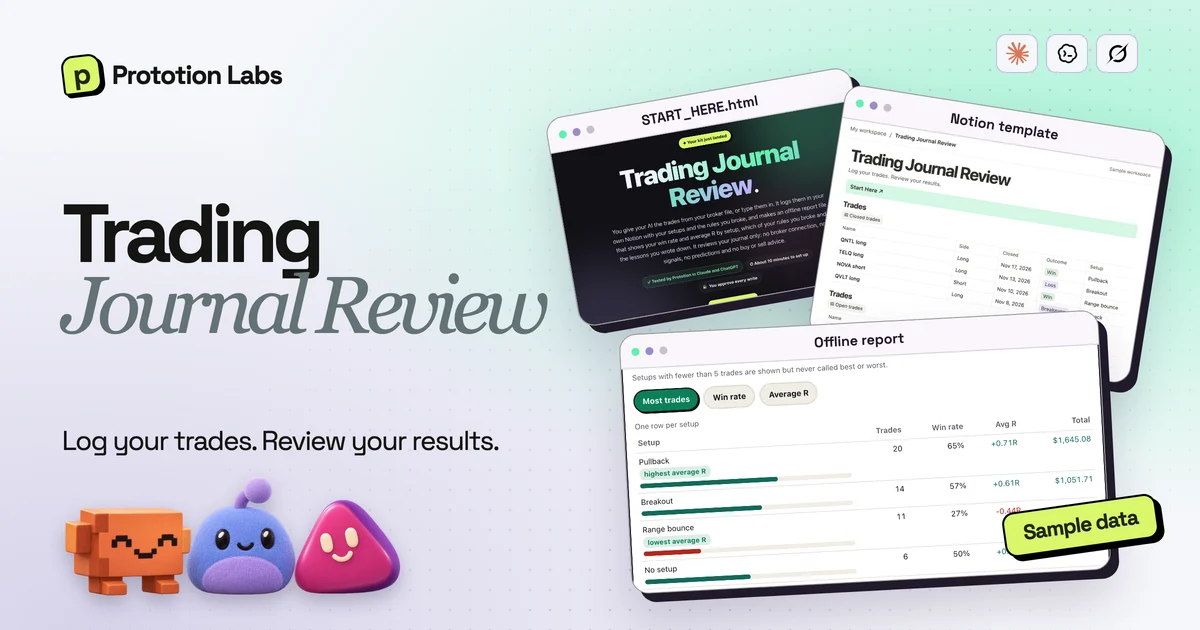 Trading Journal ReviewGive your AI your trades. It logs them in your own Notion and shows you what your own record says.
Every kit. One download.
All 16 workflow kits in one ZIP: study, money, planning and habits. Each one has its own Notion template, Claude Skill, ChatGPT files and offline report. $99 instead of $334 one by one.