Literature Review Assistant
Give your AI the papers you have read. It organises them in your own Notion and never invents one.
Paste or attach the papers you have read, with your own notes. Your AI shows you every row exactly as you gave it, saves them to Notion after your yes, groups them under the themes you name, and keeps the gaps and contradictions you notice. Then you ask for a report and get one HTML file: a paper matrix, your themes, your flags and an outline you can copy. It outlines your notes. It does not write your essay.
Tested by Prototion in Claude and ChatGPT
- Notion template
- Claude Skill
- ChatGPT project files
- Offline HTML report
- Setup guide
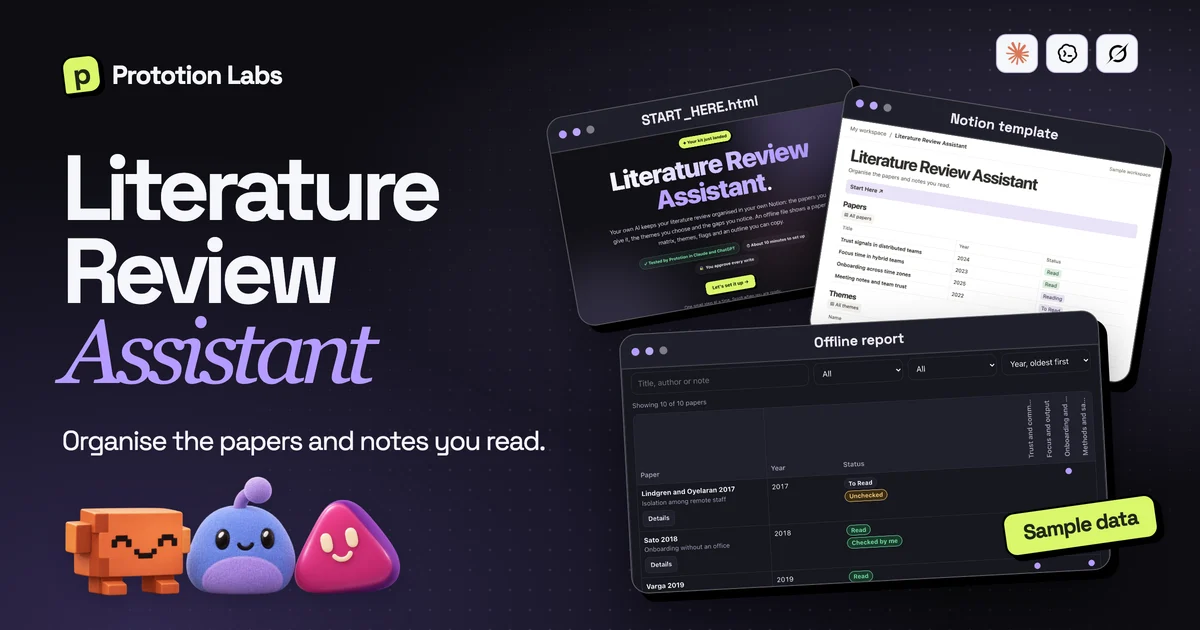
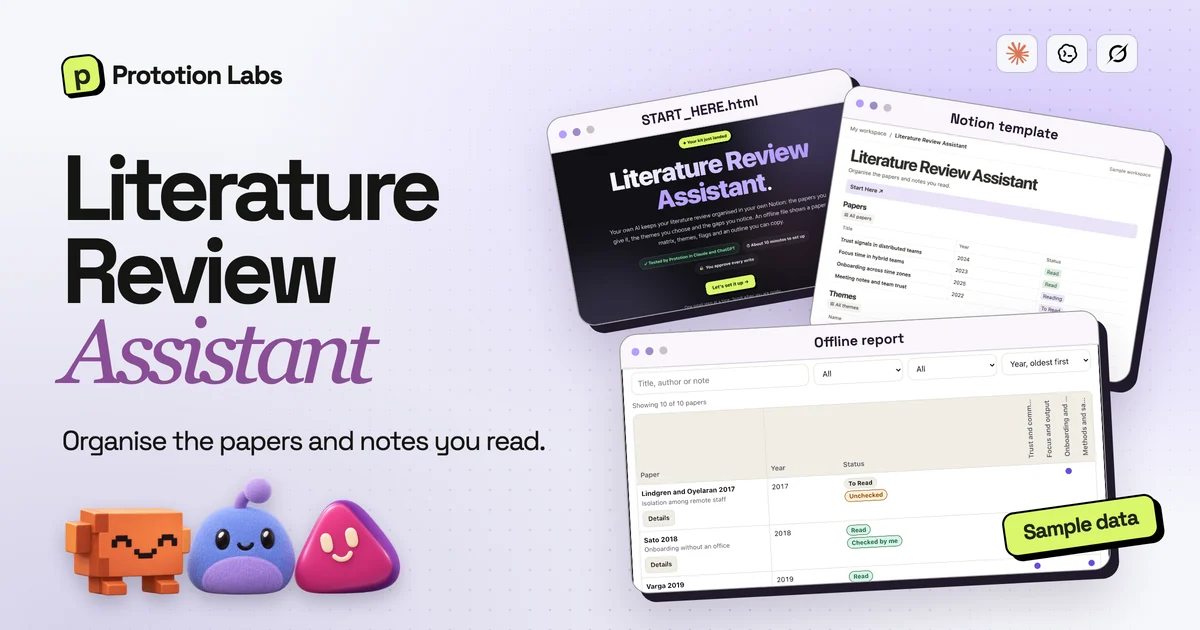
What you will actually see.
Screens from the kit's sample report and template layout, with invented sample data.
Built for one job. Done the same way every time.
- 01
Nothing is made up
Your AI uses only what you pasted and what is already in your Notion. It does not look papers up, guess a missing year or author, fix a title or complete a DOI. When something is not there, it says "not in your notes" and leaves the field empty.
- 02
You approve before anything is saved
It first shows one table of the papers exactly as you gave them, with a short Cite As label for each (for example "Okafor 2021"), what is missing, and anything that looks wrong. Nothing goes into Notion until you say yes. You can change a field by number ("4 was 2019") or drop a row.
- 03
Every paper starts Unchecked
Each paper is saved as Unchecked. It becomes Checked by me only when you tell the AI that you compared its details with the paper itself. The AI never marks its own work as checked, and the report shows how many papers are still Unchecked.
- 04
Your themes, your flags
You name the themes. A gap or contradiction is written only when you tell your AI about it, in your words. It may ask "do these two notes disagree?" with both notes side by side, but it never says what is missing from the literature and never suggests papers to read.
- 05
Summaries come from your notes only
A theme summary is 2 to 4 sentences built from your own notes, with the paper named next to every claim, and only when you ask. If your notes are thin, it says so instead of padding.
- 06
One offline file
Ask for "report". You get one HTML file with a paper matrix (search, filters, sort), a card for each theme, your gaps and contradictions, and a numbered outline you can copy as plain text. It loads nothing from the internet and changes nothing in Notion.
- 07
Use the AI you already have
The workflow is the product, and it is the same on each AI. You use your own plan.
From download to your first report.
- 01
Copy the Notion template
Duplicate the Literature Review Assistant page into your own Notion and check it with the checklist.
- 02
Set up your AI
Follow the Claude steps or the ChatGPT steps. Connect your Notion, and keep write actions on approval where you can.
- 03
Send your papers, approve the table
Paste or attach title, authors, year, DOI or link and your own notes, up to 40 papers a round. Check the table and say yes.
- 04
Name your themes, then ask for the report
Say which papers belong under which theme, add the gaps you see, and say "report" for the HTML file and the outline.
One ZIP, ready to go.
One ZIP, Literature Review Assistant Kit v1.0, with these files:
START_HERE.html: open this first. Setup in three steps, how a round works, and the honest limits.Notion/TEMPLATE_LINK.md: the link to the Literature Review Assistant template, which you duplicate into your Notion.DUPLICATION_CHECKLIST.md: check your copy is right.
Claude/CLAUDE_SETUP.mdFIRST_CHAT_MESSAGE.mdlit-review-operator.zip: the skill you upload to Claude.
ChatGPT/QUICK_START.mdPROJECT_INSTRUCTIONS.md: you paste this into a ChatGPT project.LIT_REVIEW_CONTEXT.mdandreport.html: the two files you add to the project.FIRST_CHAT_MESSAGE.md
Agents/: early setup notes, not yet tested by Prototion.Claude_Duet/DUET_SETUP.mdOpenAI_dot/DOT_BRIEF.md,LIT_REVIEW_CONTEXT.md,report.htmlGrok_Bot/BOT_SETUP.md,LIT_REVIEW_CONTEXT.md,report.html
Report/report.html: the report template.sample/lit-review-report.html: a sample report with invented papers and authors, which you can open now.
Support/TROUBLESHOOTING.md: fixes for common problems.
Accounts you probably have.
- A Notion account. A free one is fine for the template itself.
- Claude or ChatGPT.
- Claude: any plan, including Free. You need code execution and file creation turned on, and the Notion connector.
- ChatGPT: any plan that has Projects. The Free plan allows 5 project files and the kit uses 2. You need the Notion app connected.
- A web browser, to open the report.
- Your reading notes, typed or pasted. The kit works from what you give it.
- Claude Duet, OpenAI dot and Grok Bot need paid plans, and some need a waitlist or a certain country. They are early notes only, not yet tested by Prototion.
Privacy
- Your notes go to the AI you choose, under that AI's own terms, and to your own Notion. They do not go to Prototion.
- The report file is offline: it loads nothing from the internet and sends nothing anywhere.
- The kit never asks for a password or a library login.
What it cannot do.
- It cannot look papers up, check a DOI or confirm that a citation is real. It only knows what you gave it.
- Every paper stays Unchecked until you check its details against the paper and tell the AI.
- It is not a ghost-writer. It outlines and summarises your notes; it does not write your essay, introduction or abstract.
- Summaries and the outline are only as good as your notes. A paper with no notes appears with its details only.
- It does not format citations or connect to a reference manager or a library.
- The AI works only while you chat with it. There are no reminders and nothing updates by itself.
- Claude can save the report file for you. Other AIs may only print its code, and then you save it yourself.
Who it is not for.
- You want an AI to find papers for you or tell you what the literature is missing.
- You want it to write the review. This organises what you have read.
- You want a reference manager with citation styles and PDFs.
- You do not want to use Claude or ChatGPT, or Notion.
Literature Review Assistant: FAQ
Has Prototion tested this?
Tested by Prototion in Claude and ChatGPT. The Claude Duet, OpenAI dot and Grok Bot notes are early and not yet tested by Prototion.
Which plans do I need?
Claude: any plan, including Free. You must be able to turn on code execution and file creation and connect Notion. ChatGPT: any plan that has Projects. The Free plan allows 5 project files and the kit uses 2. You also need a Notion account. Claude Duet, OpenAI dot and Grok Bot need paid plans, and some need a waitlist or a certain country.
Will it make up papers or quotes?
It is built not to. The workflow tells your AI to use only what you pasted and what is in your Notion, to leave a missing field empty and to say "not in your notes" instead of filling a gap. A quote in an outline is only text copied from your own notes. Read each row before you say yes: an AI can still make a mistake, and that is why every paper starts Unchecked.
Does it look papers up or check my DOIs?
No. It has no access to journals, libraries or reference managers and does not search the web for papers. It cannot tell you whether a citation is real. Check each paper's title, authors, year and source against the paper before you cite it.
What do Unchecked and Checked by me mean?
Unchecked means the details are exactly what you gave the AI and nobody has compared them with the paper. Checked by me is set only when you tell the AI that you checked that paper. The AI never sets it on its own.
Will it write my literature review?
No. It outlines and summarises your own notes. If you ask for the essay, an introduction or an abstract, it says so and offers to reorder the outline, add a theme or tighten a summary.
Can it tell me what is missing from the literature?
No. A gap is something you tell it is missing. It can point at plain facts in your data as a question, for example "this theme has one paper" or "these papers have no theme", and you decide.
Does the AI save things without asking?
It asks first. It shows a table of the rows it would write and waits for your yes. Themes, flags, summaries and order are each their own yes. In Claude you can also set the Notion write tools to "Needs approval", so it asks twice.
What are SKIP and CHECK?
SKIP means the paper is already in Notion (same DOI, or same title and year), so it is not written again. CHECK means it may be the same paper in other words, for example a subtitle, a preprint or a different year. It is saved only if you say it is a different paper.
Can it delete or change my papers?
It never deletes a paper, theme or flag. It does not change the title, authors, year, source, Cite As or notes of a row already in Notion. If a row is wrong, fix it in Notion yourself.
Where do my notes go?
To the AI you choose, under that AI's own terms, and to your own Notion once you approve. Not to Prototion. The report file is offline: it loads nothing from the internet and sends nothing anywhere.
How many papers can I add at once?
Up to 40 per round. The AI takes the first 40 and says so; send the rest in the next message. The report handles up to 200 papers, 20 themes and 60 flags.
What if my AI cannot save the report file?
Some AIs only print the report as code. Save it as a plain-text file named `lit-review-report.html` and open it in your browser. If that is not possible, the AI gives you the outline as a list in chat.
Does it format citations or work with Zotero or other reference managers?
No. It makes a short Cite As label such as "Okafor 2021" for lists. It does not format citation styles or connect to a reference manager.
Will it remind me to read?
No. The AI works only while you chat with it. The Status of each paper is whatever you told it or set in Notion.
Literature Review Assistant. Yours in your Notion.
Literature Review Assistant Kit by Prototion Labs. For Notion. This is not made by or endorsed by Notion, Anthropic or OpenAI.
Pairs well with.
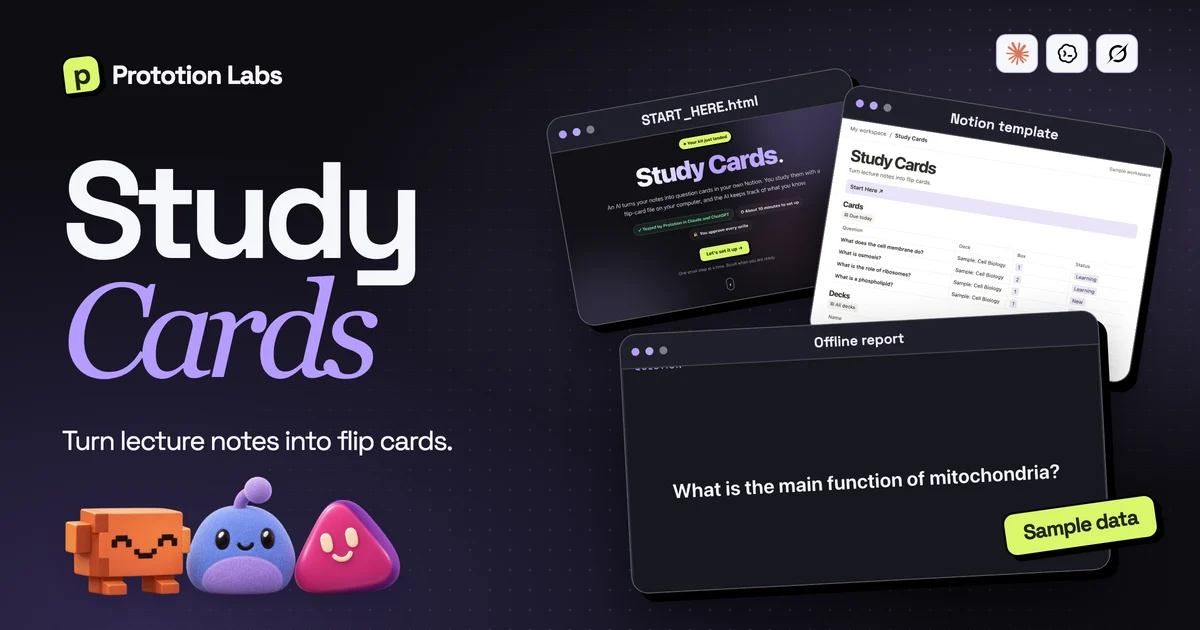
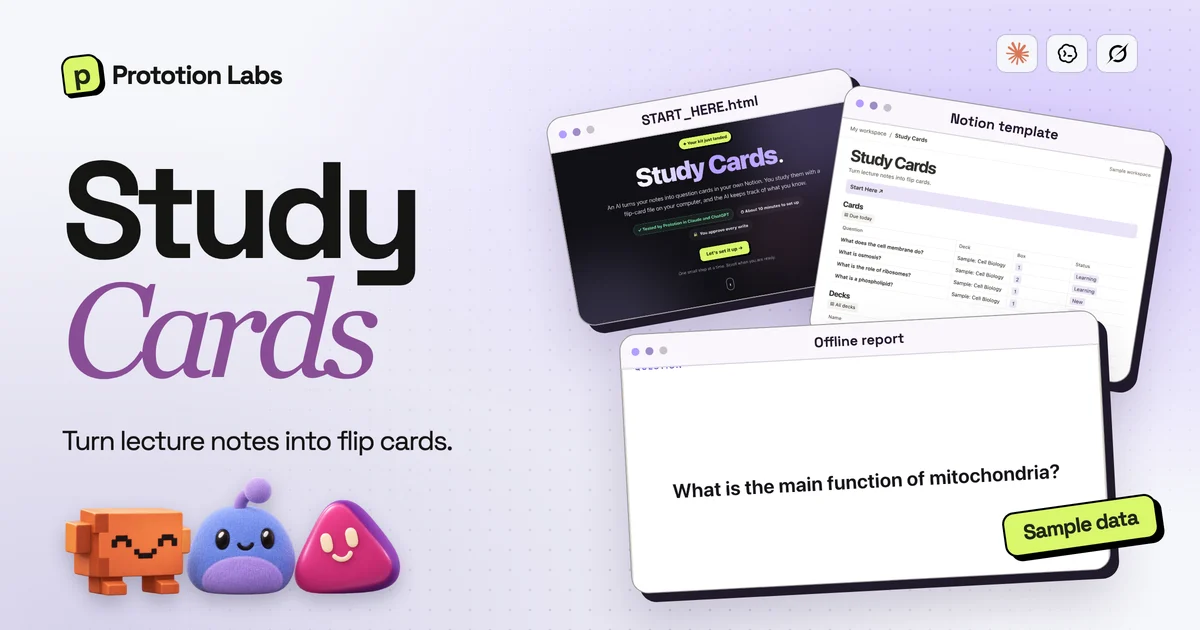 Study CardsTurn your lecture notes into question cards in your own Notion.
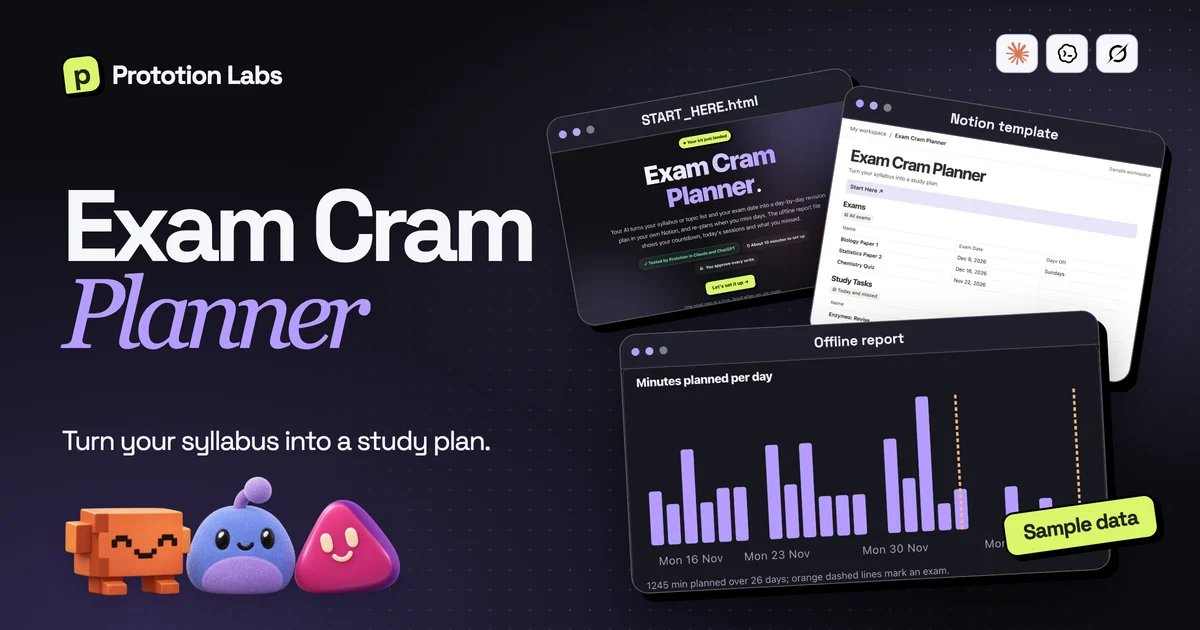
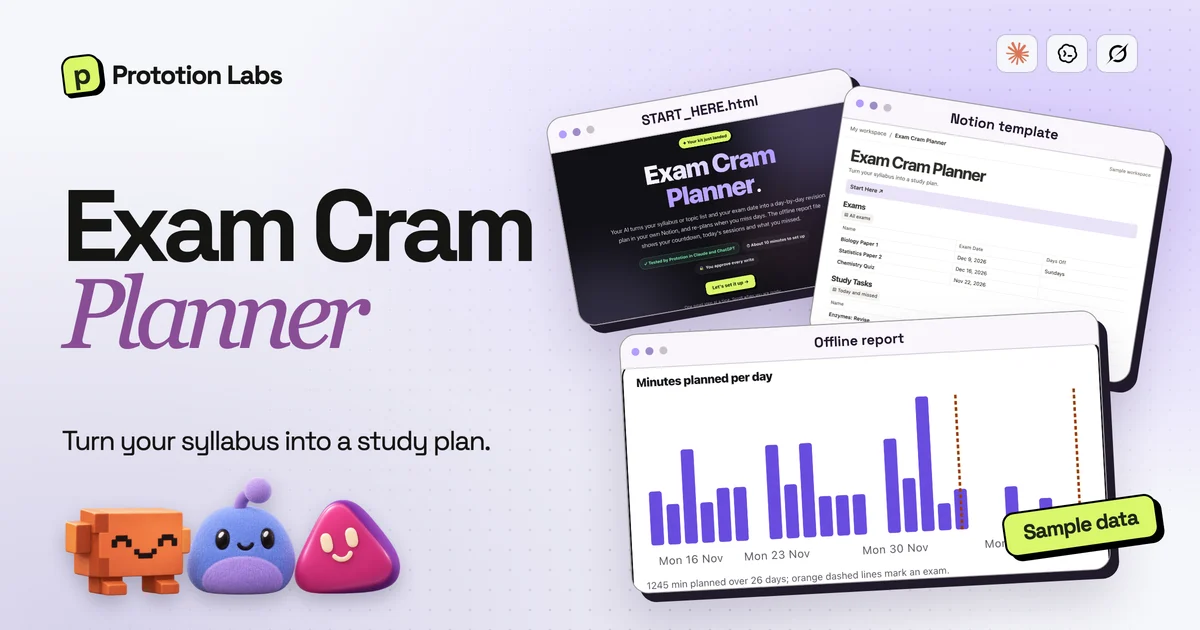 Exam Cram PlannerPaste your syllabus and exam date. Your AI builds a day-by-day revision plan in your own Notion.
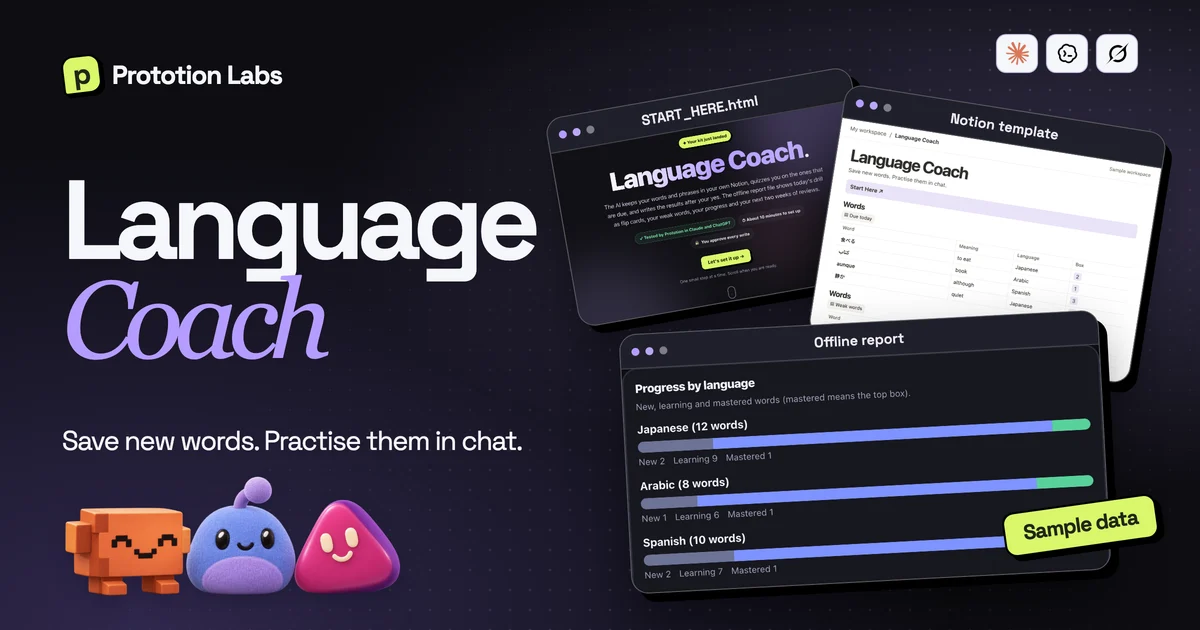
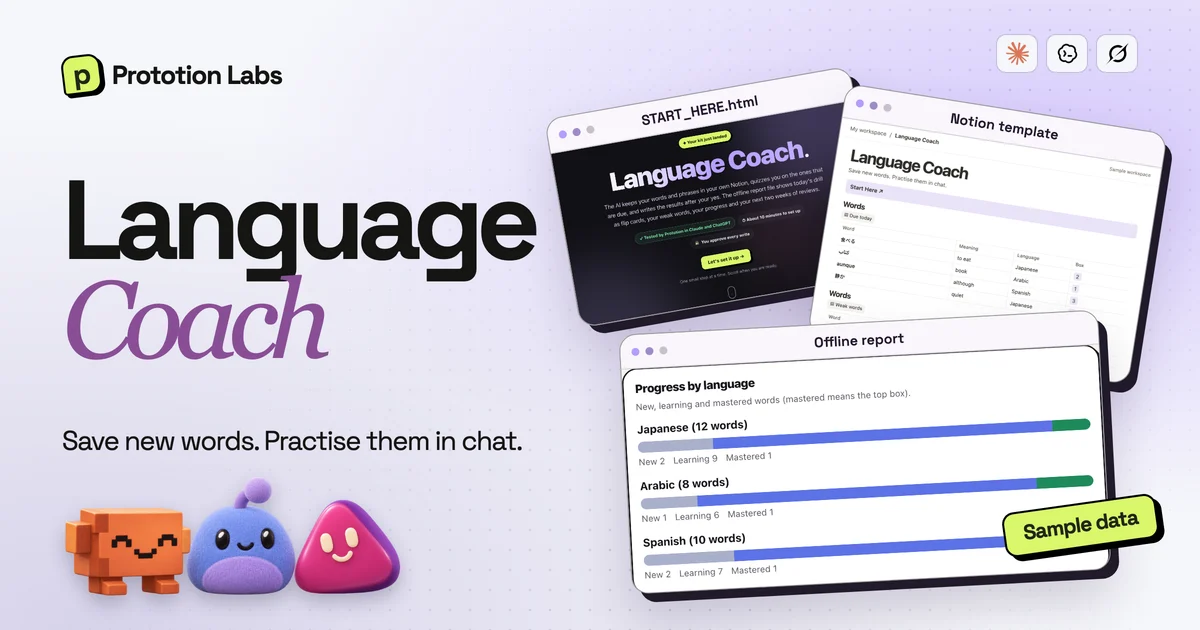 Language CoachPaste the words you are learning. Your AI keeps them in your own Notion, quizzes you on the ones due today, and shows your progress.
Every kit. One download.
All 16 workflow kits in one ZIP: study, money, planning and habits. Each one has its own Notion template, Claude Skill, ChatGPT files and offline report. $99 instead of $334 one by one.